© 2021 TytoCare All rights reserved. 25 of 75
TytoHome General Operation User Guide
First Time Setup
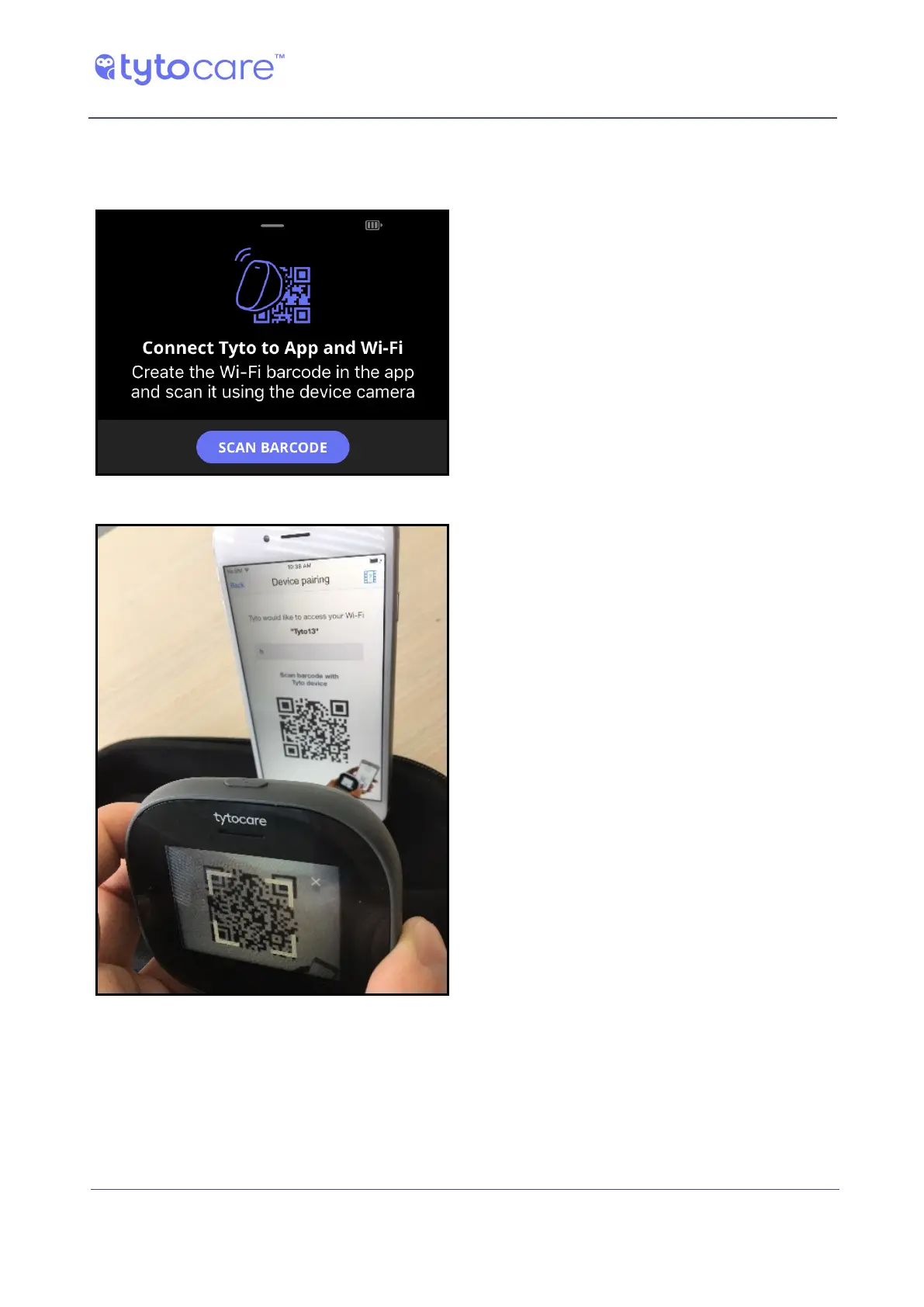
2. Use the Device camera to read the QR code from the mobile device screen. Follow the four
steps labeled A-D as shown below:
a. Tap SCAN BARCODE on Device. The Device
camera is activated.
b. Position the cross-hairs over the QR code
displayed in the App. When it is identified,
wait until the pairing process is finished.



 To Next Page