© 2021 TytoCare All rights reserved. 30 of 75
TytoHome General Operation User Guide
First Time Setup
Note: If an error occurs, make sure the hotspot password is correct, and retry
the pairing process. If the error persists, see Section - Frequently Asked Questions
and Troubleshooting Tips.
Device Pairing Indications
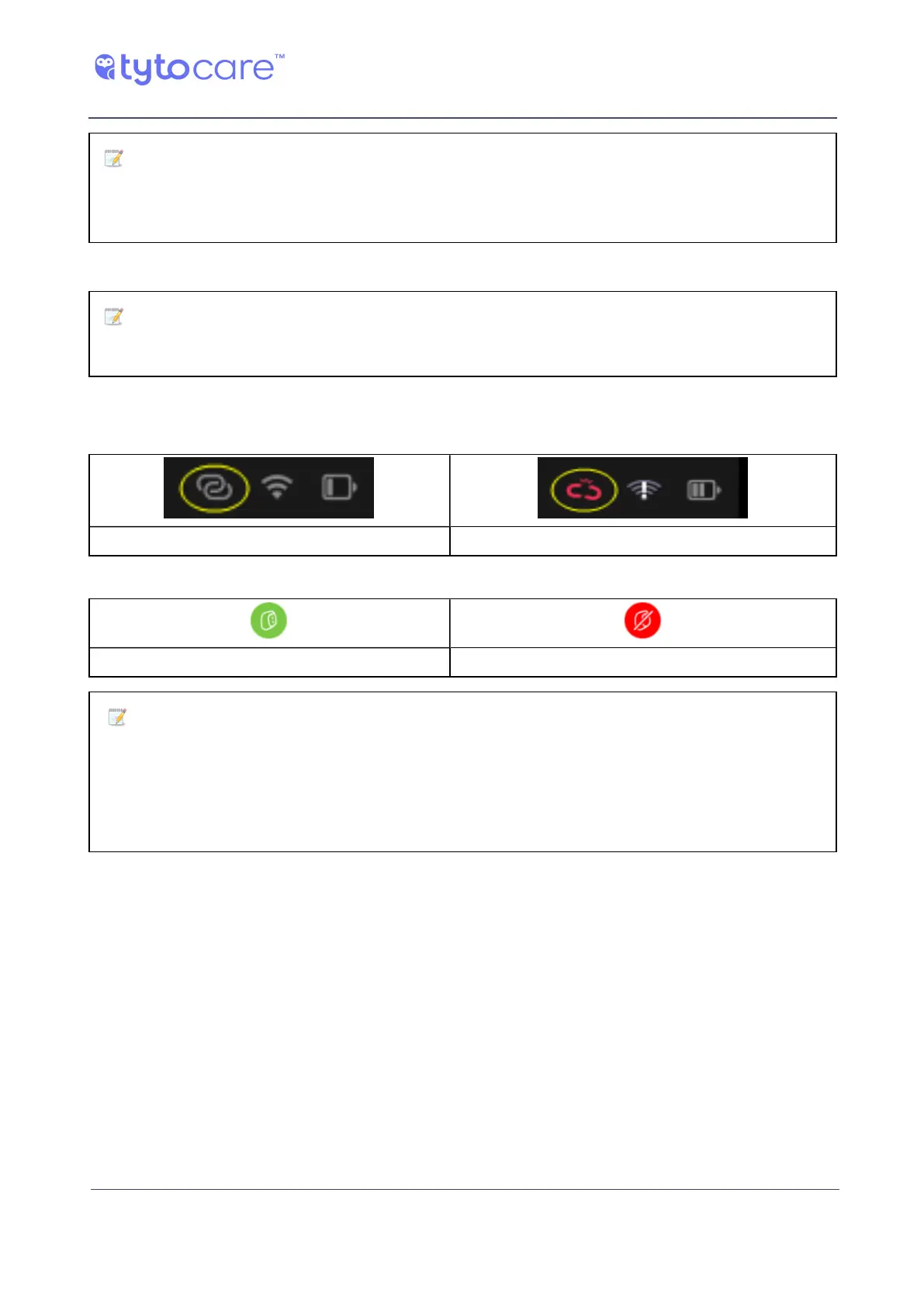
Note: The connectivity status of the Device to the TytoCare App is indicated in
the upper right corner of the Device screen as well as on the TytoApp.
Device connected to the App
Indications on the Device:
Device connected to the App Device not connected to the App
Indications on the TytoApp:
Device is paired Device is disconnected
Note: Following connection, the Tyto Device checks online if a software update is
available. If a new version is available, you are asked to download and install the new version.
Follow the instructions on the Device screen. The version upgrade process may take several
minutes, depending on network speed. It is recommended to charge the Device during the
upgrade.



 To Next Page