© 2021 TytoCare All rights reserved. 65 of 75
TytoHome General Operation User Guide
Troubleshooting
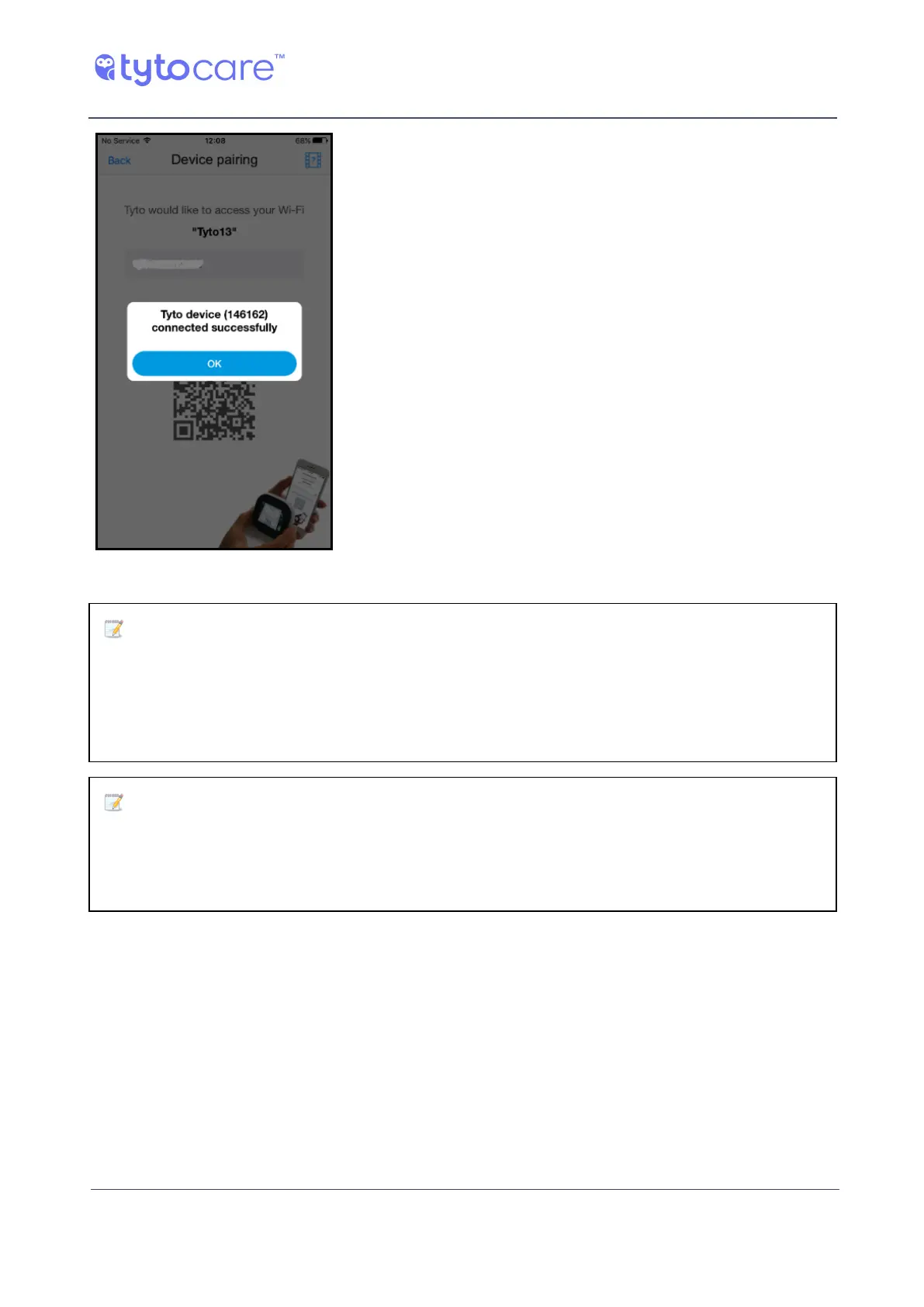
8. A success message appears. Tap OK to continue.
Note: You can start online visits using only the video call, without having the
Tyto Device connected and also without being connected to a Wi-Fi network by
using 4G/LTE cellular connection. Note that in such cases, where the Tyto Device
is not connected, and you’re connected to a Wi-Fi network, you won't be able to
use the Tyto Device.
Note: If the pairing is not successful, after few scanning trials, and after
restarting the Device and App, you can always use your smartphone’s hotspot. A
hotspot is essentially a Wi-Fi network provided by a smartphone, which can be
used by the Tyto Device.
Using a hotspot may also be helpful in cases where the clinician experiences poor video or sound
quality during the online visit, or when using your home or clinic Wi-Fi network.



 To Next Page