ULEAD VIDEOSTUDIO USER GUIDE
106
Backdrop dialog box to select whether to use a solid or gradient
color and to set the transparency of the text backdrop.
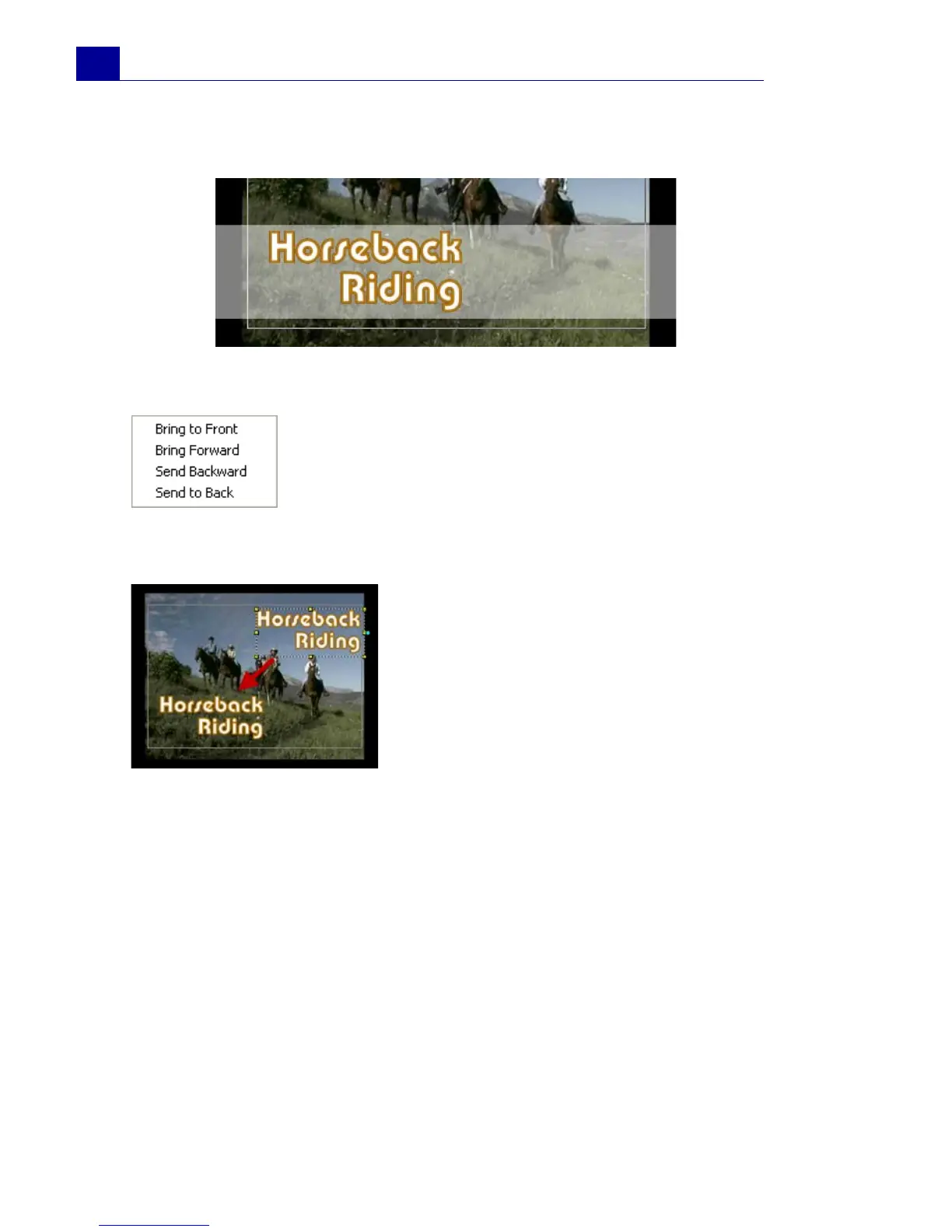
To rearrange the stacking order for multiple titles:
To reposition a text in a multiple-title clip:
The Title Step Options Panel
The Title Step Options Panel allows you to modify text properties
such as font, size, and color.
In the Preview Window, click the text box you
want to rearrange. After selecting, right-click it
then on the menu that opens, select how you
want to restack the text.
Drag the text box to the new position.



 To Next Page