ULEAD VIDEOSTUDIO USER GUIDE
119
Fading-in/out
Tips:
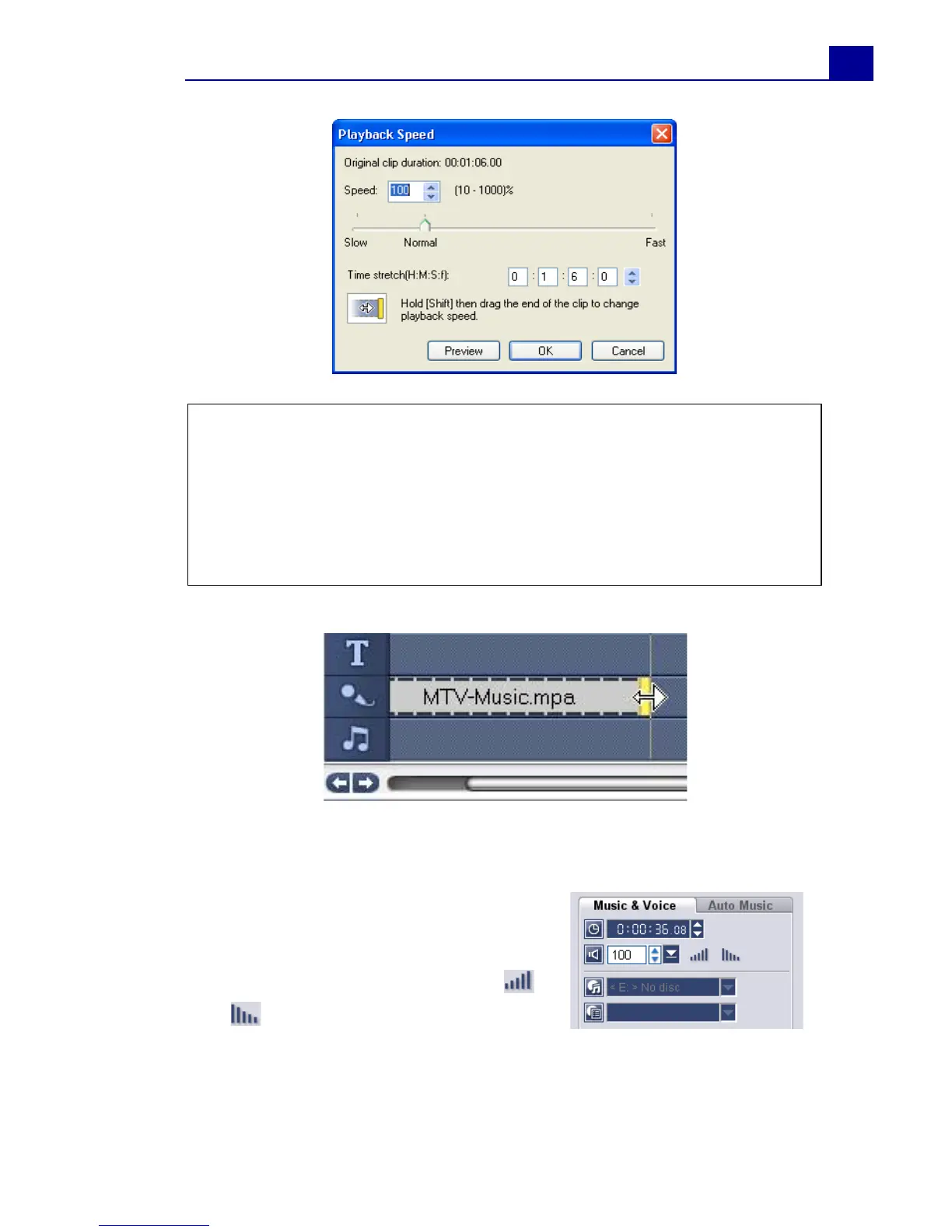
• You can specify how long the clip will play in Time stretch
duration. The speed of the clip will automatically adjust to the
specified duration. This feature will not trim the clip when you
specify a shorter time.
• You can stretch the time of an audio clip in the Timeline by holding
[Shift] then dragging the yellow handles on the selected clip.
Background music that starts and
ends gradually is commonly used to
create smooth transitions. For each
of your music clips, you can click
and to fade-in and fade-out the
volume at the start and end of the
clip.



 To Next Page