ULEAD VIDEOSTUDIO USER GUIDE
159
• Capture audio: Select to capture the audio when capturing
from an analog device.
• Capture to Library: Select to put the captured video into the
Library.
• Force to use preview mode: Select to improve captured
video quality when capturing in SVCD or DVD format. This is
only available if your analog capture card supports this
feature.
• Capture frame rate: Select what frame rate to use when
capturing the video. The higher the frame rate, the smoother
the video will be.
• Display Source Volume Panel when capturing: Select to
open the Source Volume Panel when capturing analog videos.
You can use this panel to adjust the sound volume of the
analog source during capture.
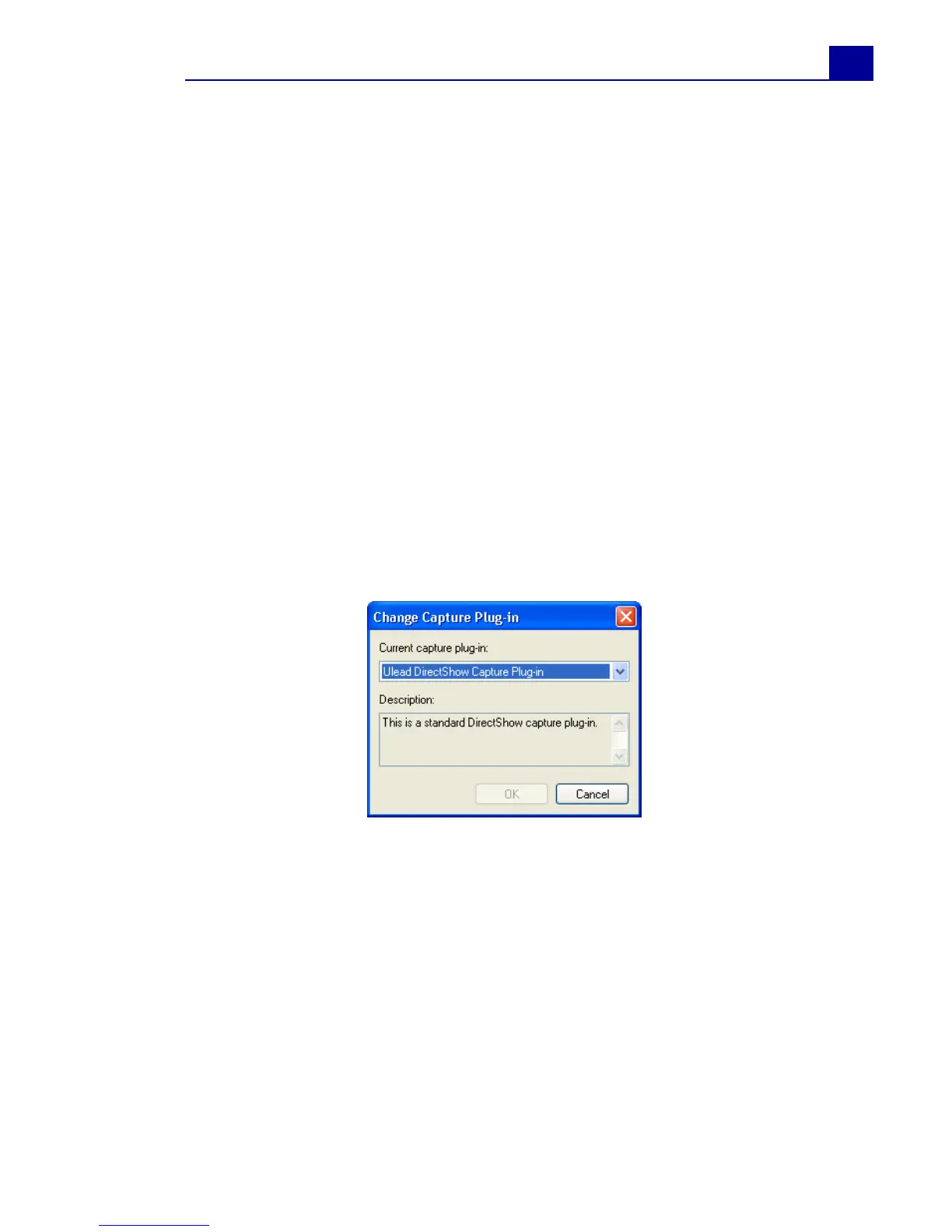
Change Capture Plug-in
• Current capture plug-in: Allows you to choose a capture
plug-in for the driver that comes with the capture device
installed on your computer. Capture plug-ins are programs
that come with Ulead VideoStudio. They allow VideoStudio to
communicate with your video camera.
• Description: Displays a brief description of the selected
capture plug-in.



 To Next Page