ULEAD VIDEOSTUDIO USER GUIDE
8
VideoStudio uses the information in the video project file to
combine all the elements in your movie into a video file. This
process is called rendering.
Installing and running VideoStudio
To install VideoStudio:
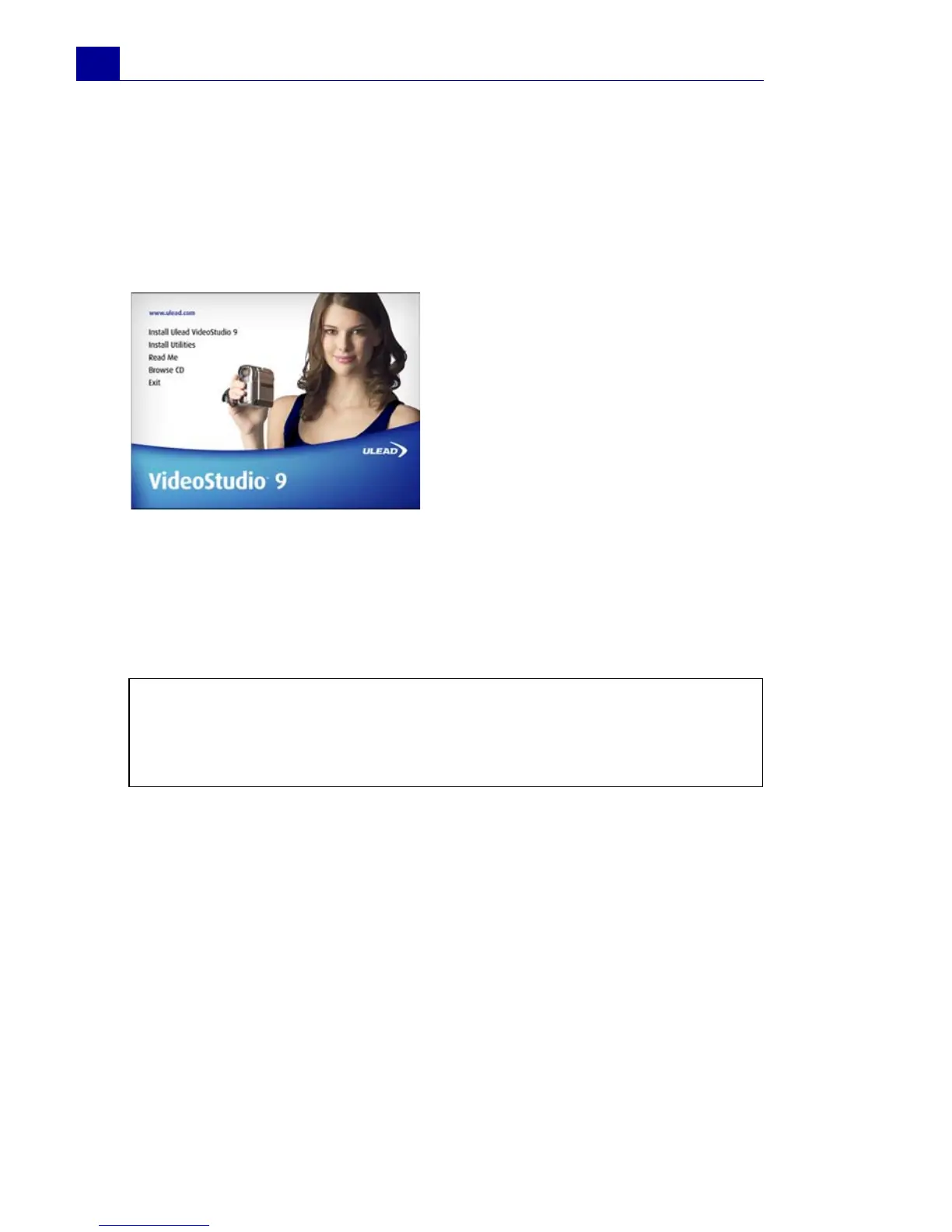
1. Insert the VideoStudio CD into your CD-ROM drive.
2. When the Setup screen appears, follow the instructions to install
VideoStudio onto your computer.
3. In addition to VideoStudio, these programs and drivers will be
automatically installed:
To run VideoStudio:
• Double-click the VideoStudio icon on your Windows desktop.
OR,
• Select the VideoStudio icon from the VideoStudio program
group on the Windows Start menu.
The VideoStudio CD has an auto-
run feature that automatically
starts up the installation.
Back up your projects and media
files first before installing the new
version of VideoStudio.
Note: If the Setup screen does not appear after loading the CD, then
you can manually start it by double-clicking the My Computer icon on
your desktop, then double-clicking the icon for the CD-ROM drive.
When the CD-ROM window opens, double-click the Setup icon.
•QuickTime
• SmartSound
• Windows Media Format
•DirectX
• Sony MicroMV
•Indeo



 To Next Page