ULEAD VIDEOSTUDIO USER GUIDE
138
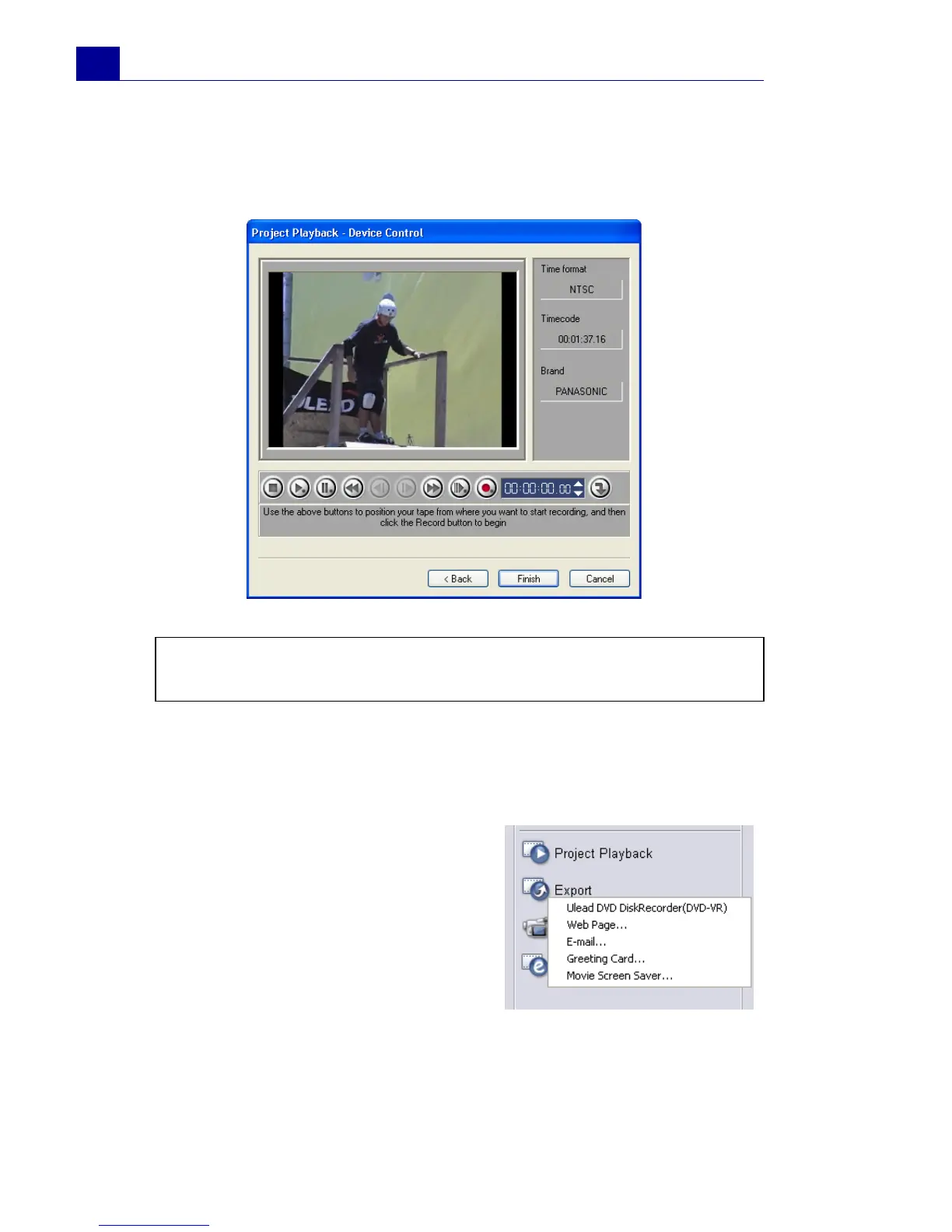
4. In the Project Playback - Device Control dialog box, use the
Navigation Panel to go to the section of the DV tape where to
start recording your project.
5. Click Record. When recording is complete, click Finish.
Exporting your movie
VideoStudio provides you with a
number of ways to export and share
your movie, which will be discussed in
the following sections. The Export
button is only enabled after you
create a final video file of your project
or you select a video file that is in the
Library. You cannot export project
files.
Tip: Click Transmit to device unit for preview to preview your
project on the DV camcorder’s LCD monitor.



 To Next Page