ULEAD VIDEOSTUDIO USER GUIDE
172
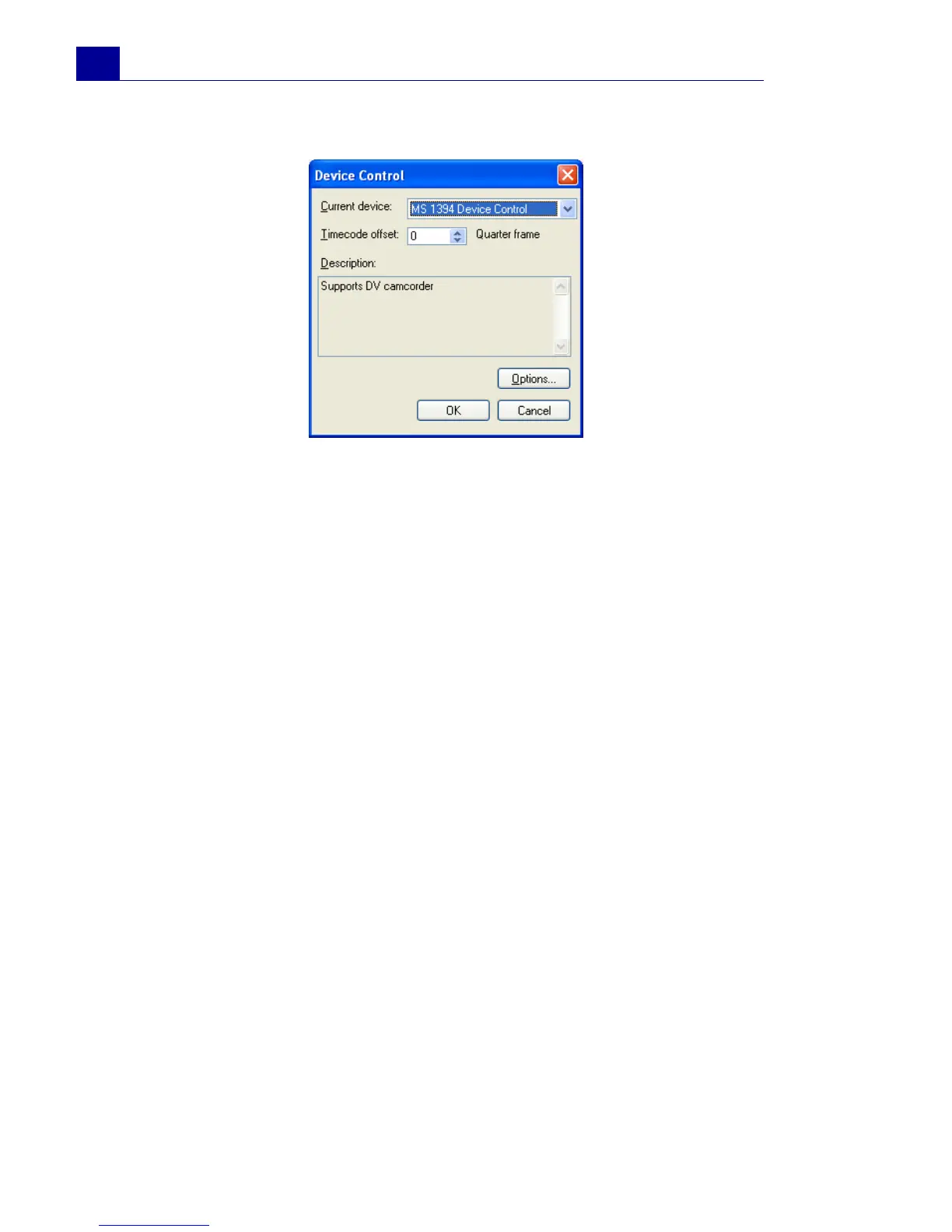
Select Device Control
• Current device: Select the appropriate capture driver from
the drop-down list to be used by VideoStudio in
communicating with your device.
• Timecode offset: Specify a value to adjust the discrepancy
between the actual playing time of your device and the
trimming marks specified in the DV Recording dialog box. If
for example you have specified the mark in timecode for
capturing and then after the process, the captured start frame
is the frame before the actual mark in timecode, you can then
set a value of -4 to correct the timing between the device and
your capture board.
• Description: Displays additional information about the
current device control driver.
• Options: Opens a dialog box related to the selected current
device control driver. This button is disabled if your current
device does not support additional options. (Consult your
hardware device’s manual for more information.)



 To Next Page