ULEAD VIDEOSTUDIO USER GUIDE
78
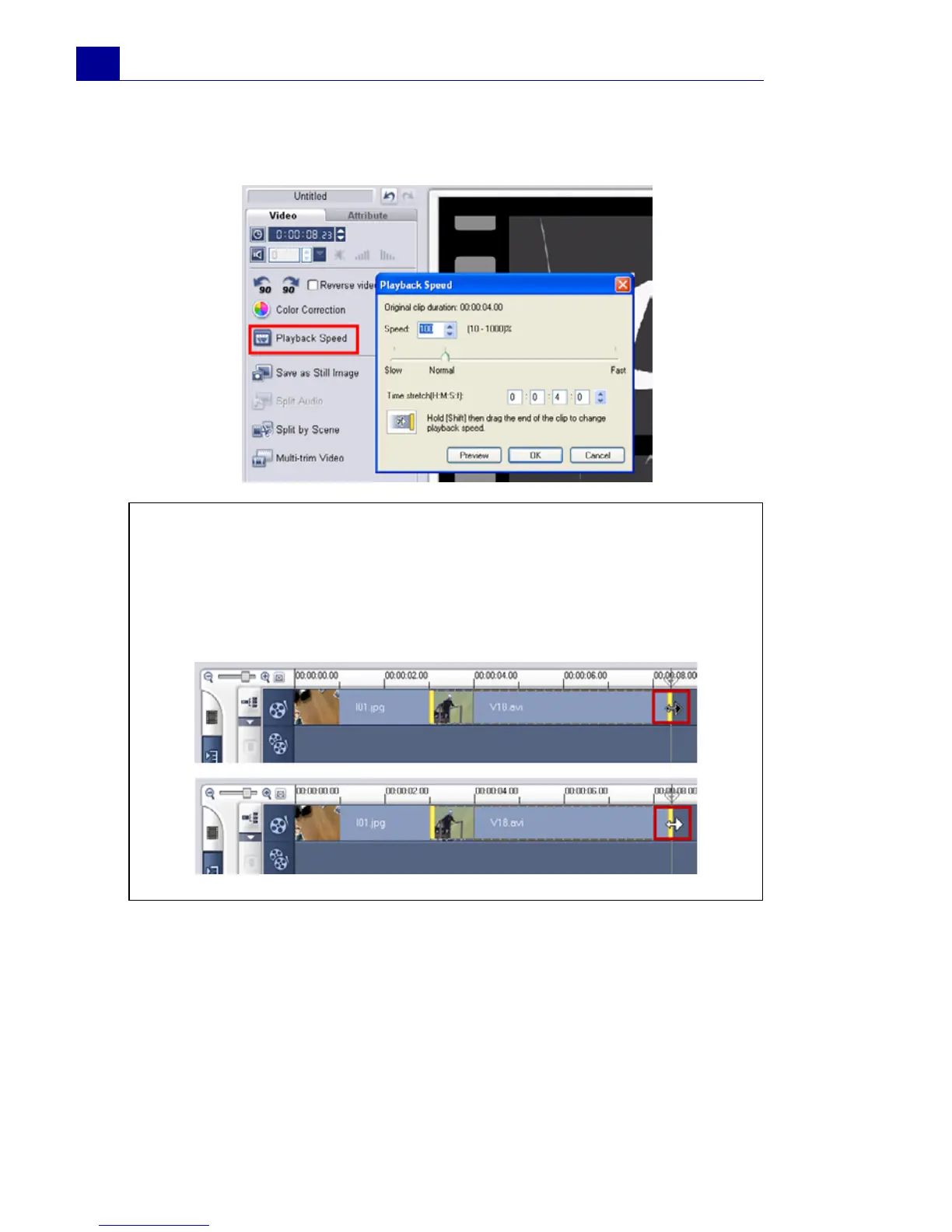
duration for the clip in Time stretch. Click Preview to view the
results of your settings then click OK when finished.
Resizing and distorting clips
To resize or distort a clip:
1. Select a clip in the Timeline then select the Attribute tab under
the Options Panel.
2. Select Distort clip then drag any of the following handles:
Tips:
•Hold [Shift] then drag the end of the clip on the Timeline to
change the playback speed.
• The black arrow means you are trimming or extending the clip,
while the white arrow means that you are changing the playback
speed..



 To Next Page