ULEAD VIDEOSTUDIO USER GUIDE
140
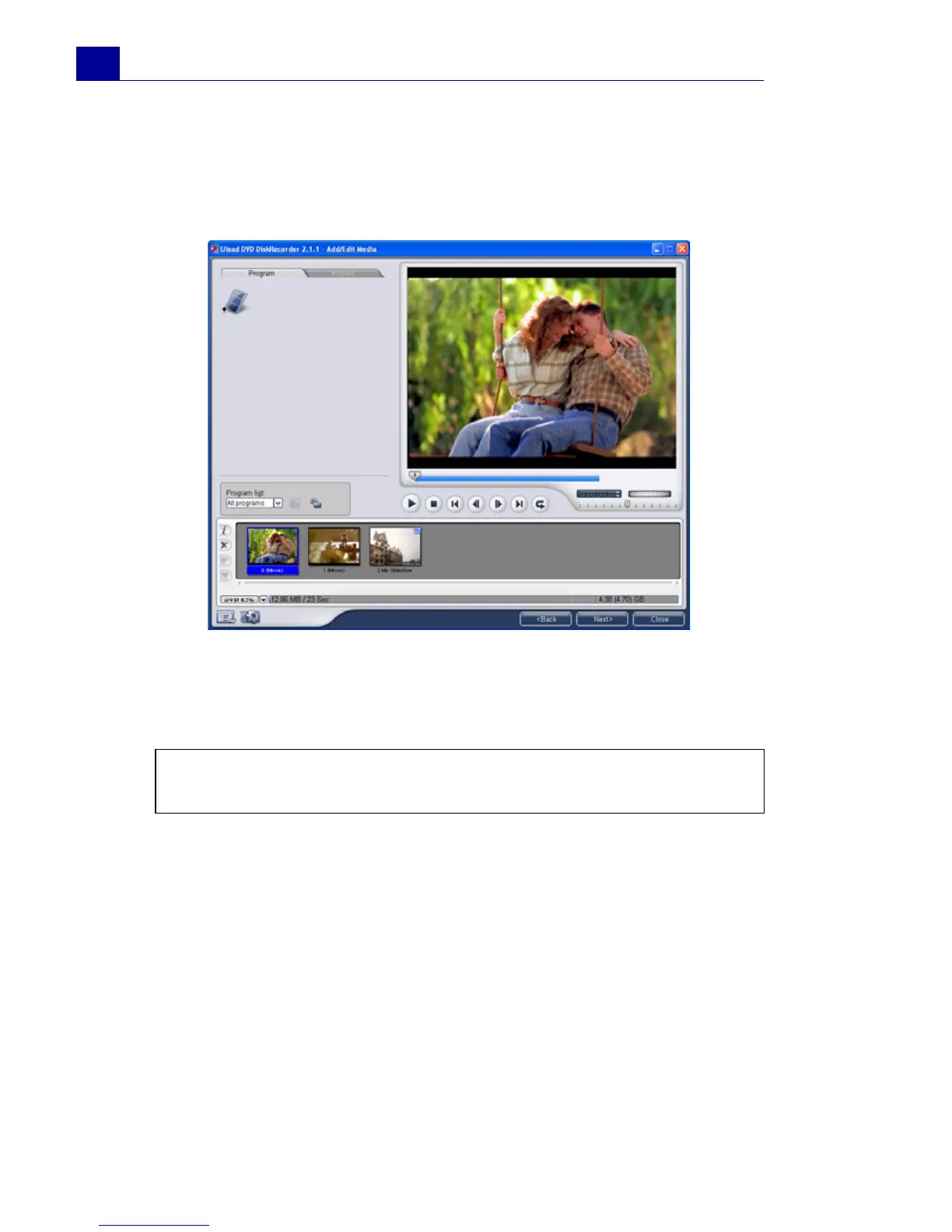
3. Select a program from the Program list. (You can also add or
delete a list as needed.) If you select All programs, all video
clips are arranged in its original chronological order. Once you're
done, click Next.
4. In Step 3, if you select All programs you can select multiple
neighboring clips to combine, or divide a clip. You can also select
any clip to preview its content. Once you're done, click Next.
Note: Program list shows different sets of programs recorded in
chronological order.



 To Next Page