ULEAD VIDEOSTUDIO USER GUIDE
49
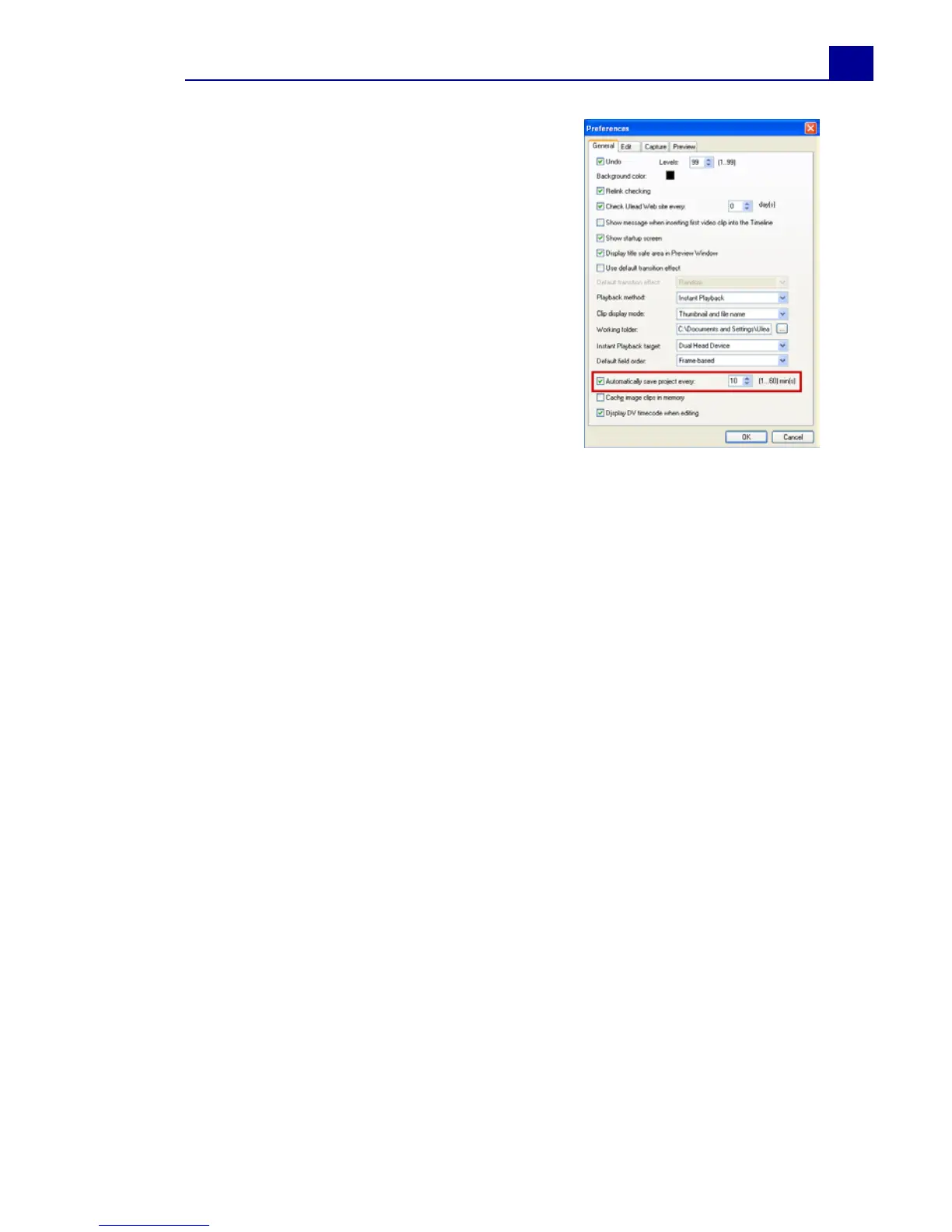
To automatically save your work,
select File: Preferences then select
Auto save duration and specify the
time interval between saves.
To open an existing project, select
File: Open Project [Ctrl + O]. To
create a new project again, select File:
New Project [Ctrl + N].



 To Next Page