ULEAD VIDEOSTUDIO USER GUIDE
73
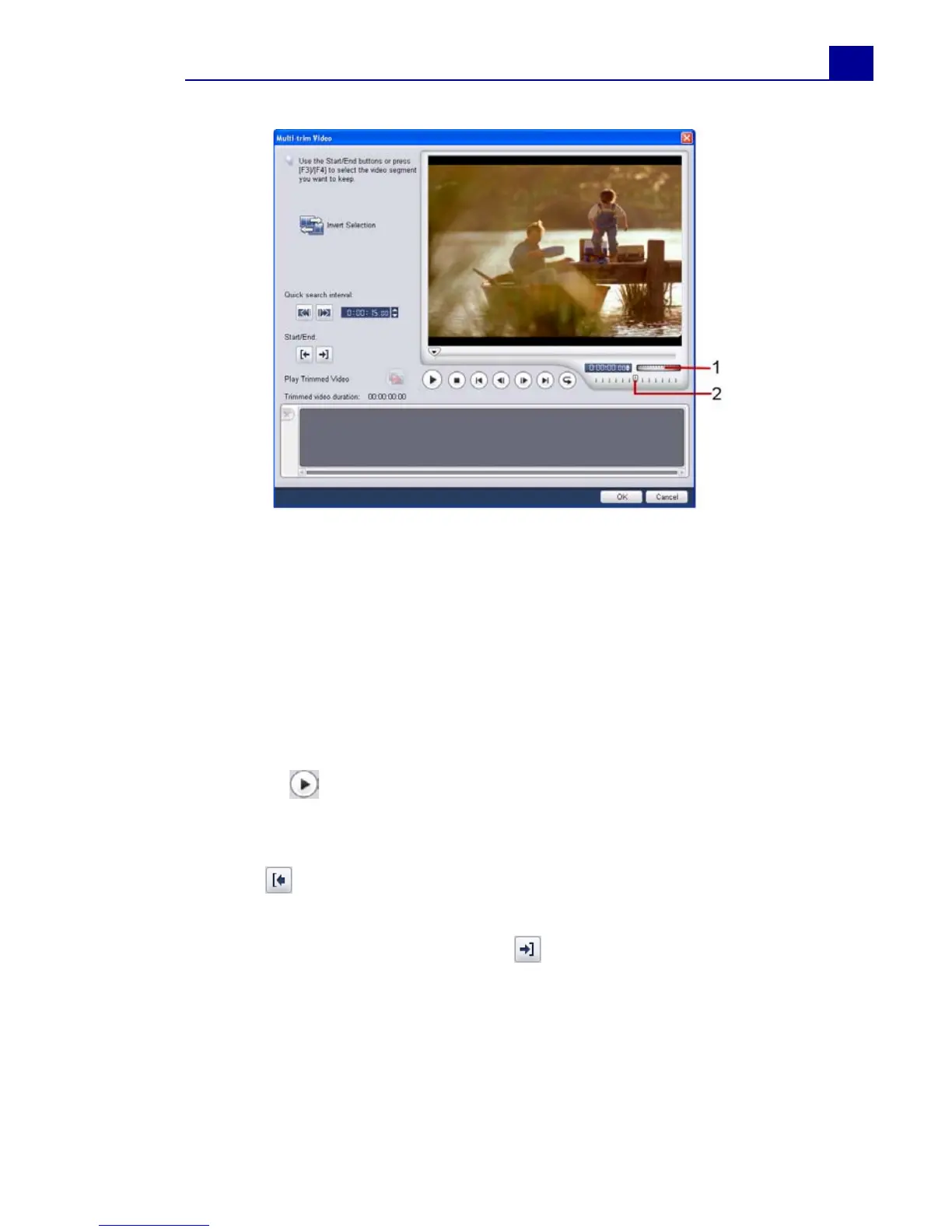
To trim a video file into multiple clips:
1. Go to the Edit Step and click Multi-trim Video in the Options
Panel.
2. In the Multi-trim Video dialog box, view the whole clip first by
clicking to determine how you want to mark segments.
3. Drag the Jog Slider until you get to the part of the video that
you want to use as the beginning frame of the first segment.
Click Start.
4. Drag the Jog Slider again, this time, to the point where you
want the segment to end. Click End.
5. Do steps 3 and 4 repeatedly until you have marked all the
segments you want kept or removed.
1Jog Wheel
Use to scroll to different parts of
the clip.
2 Shuttle Slider
Preview the clip at different
playback speeds.



 To Next Page