ULEAD VIDEOSTUDIO USER GUIDE
90
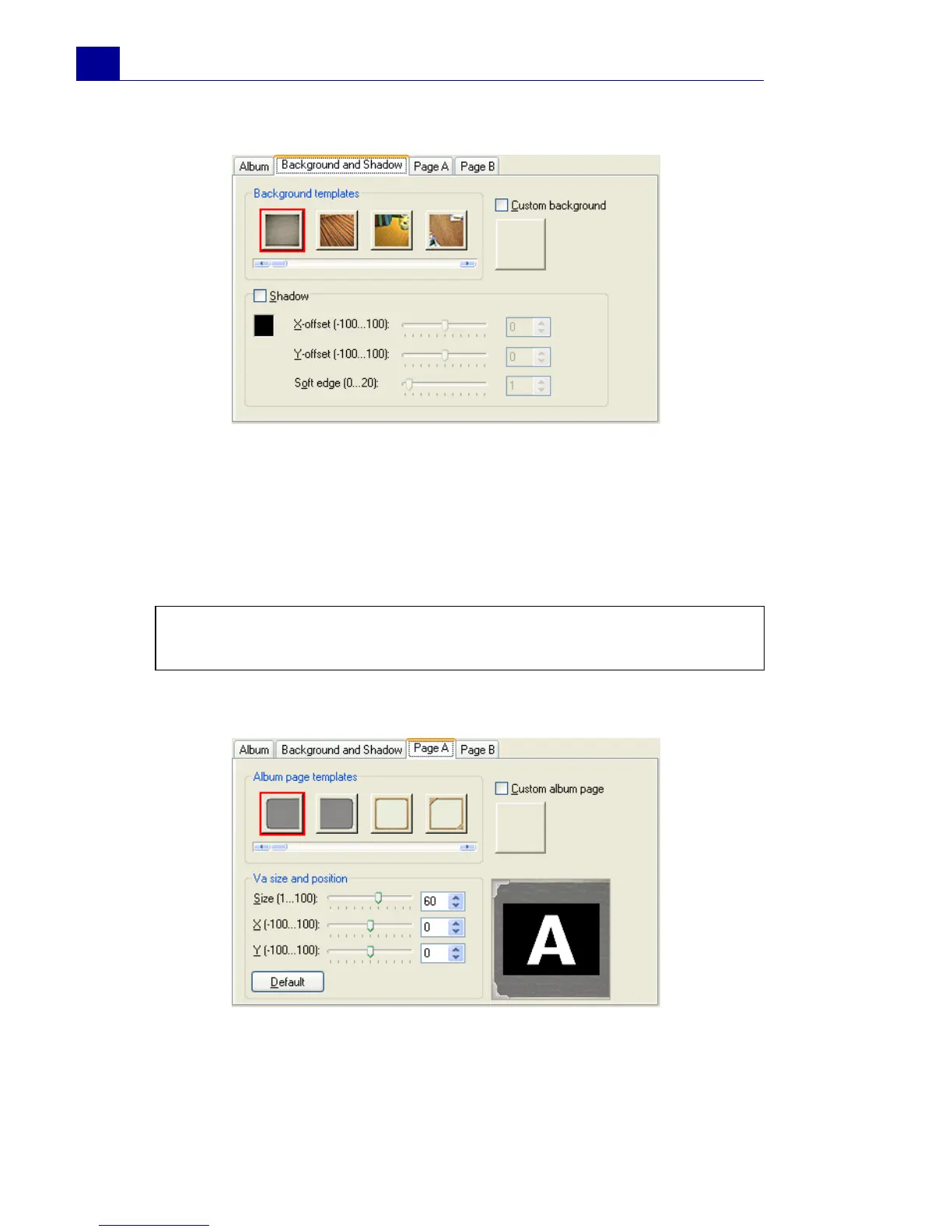
5. Click the Background and Shadow tab.
To change the background of the album, select a preset from
Background templates, or select Custom background then
import your own background image.
To add a shadow, select Shadow. Set the shadow position by
adjusting the X-offset and Y-offset values. To make the
shadow look softer, increase Soft edge.
6. Click the Page A tab. Customize the first page of the album.
To change the image on the page, select a preset from Album
page templates, or select Custom album page then import
your own image.
Note: To change the shadow color, click the color box and choose
the desired color.



 To Next Page