Step 2: Mounting the limit switches Assembling the frame 15
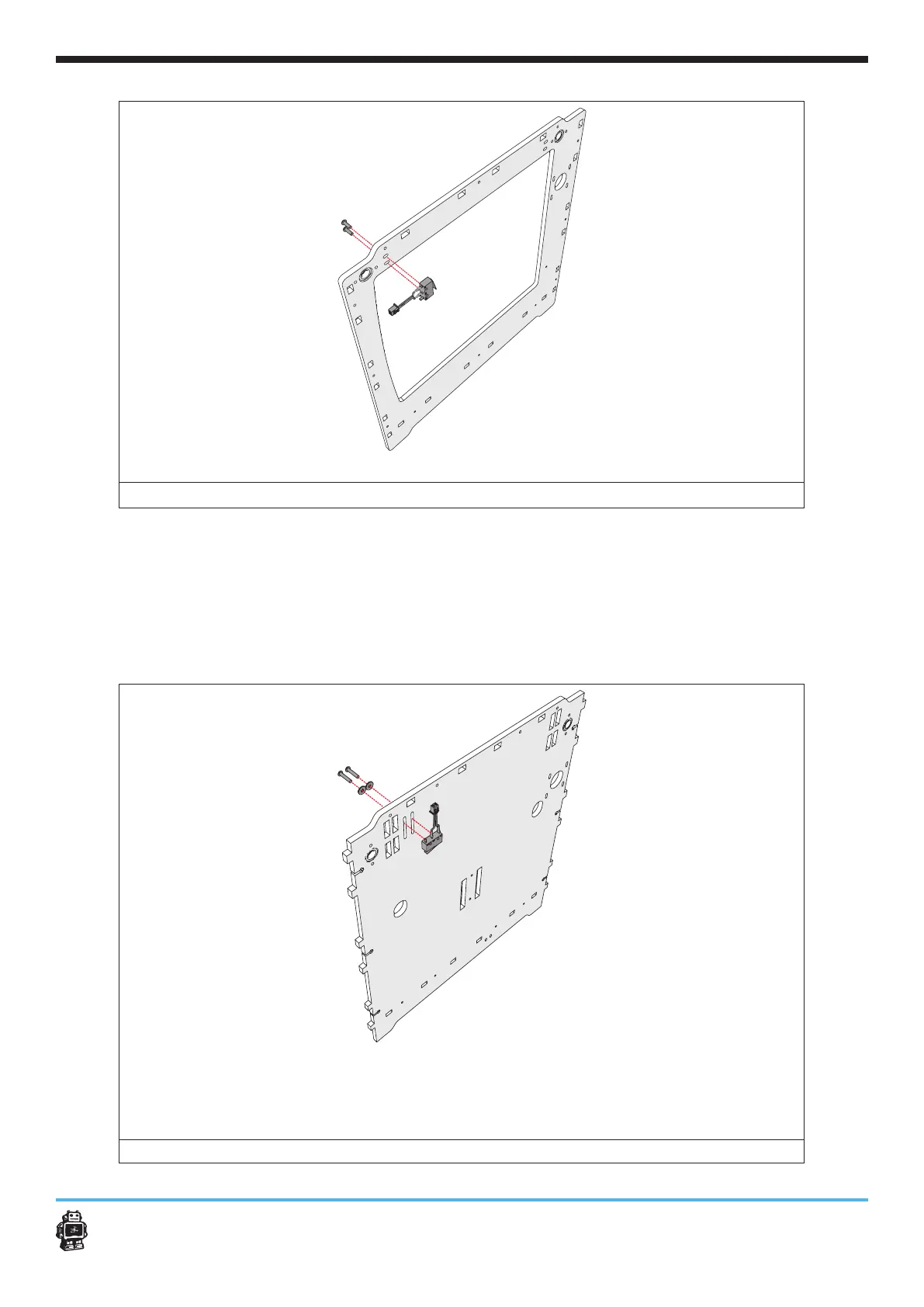
image 6: attaching the BLUE wired limit switch
To attach the BLACK limit switch with LONG wires, perform the following
actions:
1. Attach the BLACK limit switch with LONG wires as shown in image 7.
Fine tuning the position will be described in another part of this
manual.
2. Attach the BLACK limit switch with LONG wires.
Use two bolts M3 x 16mm and two washers.
image 7: attaching the BLACK wired limit switch with LONG wires












 To Next Page