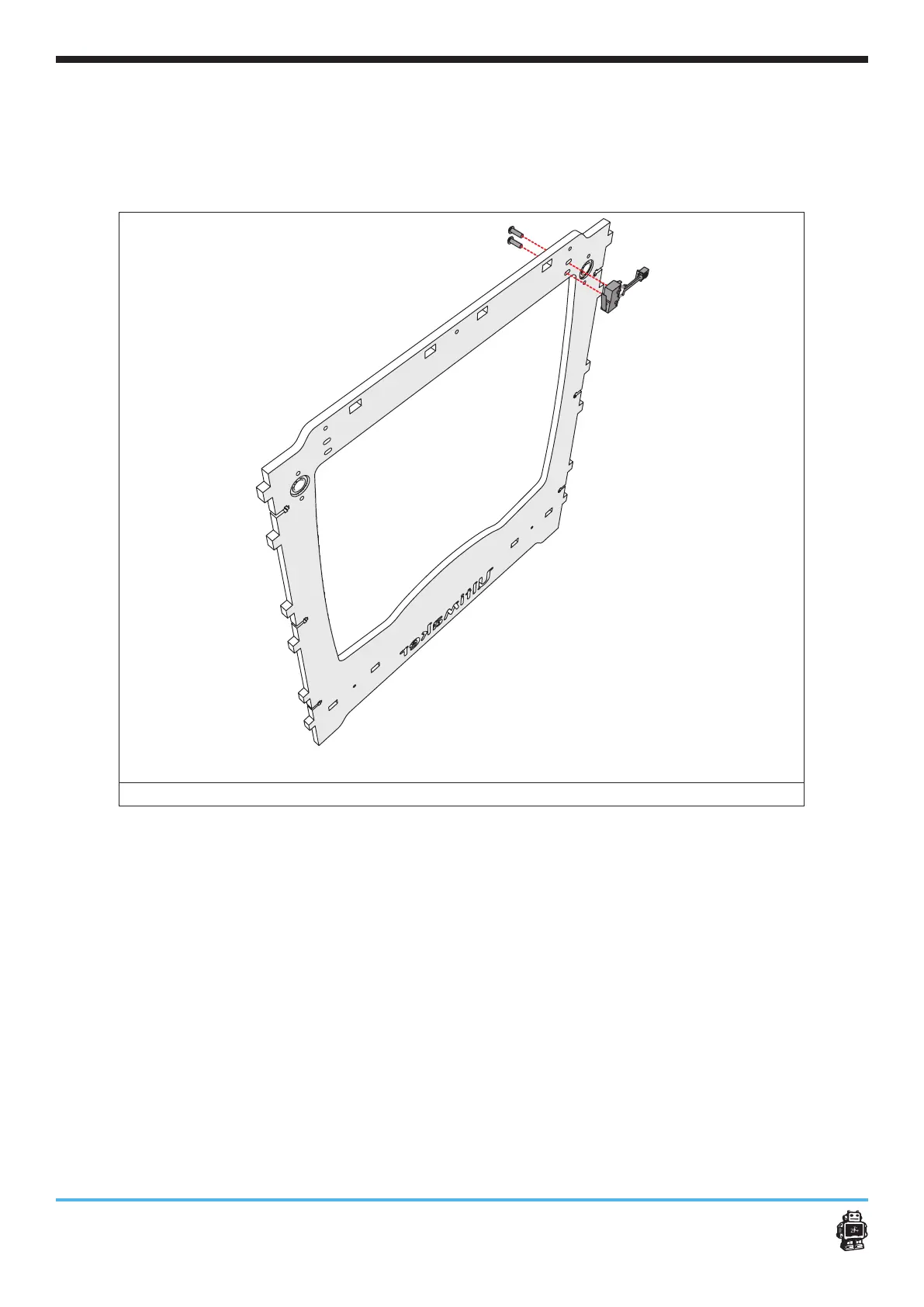
Step 2: Mounting the limit switches Assembling the frame 14
To mount the BLUEwired limit switches, perform the following actions:
1. Place the BLUE wired limit switch as shown in image 5.
2. Attach the BLUE wired limit switch with two bolts M3x12mm.
image 5: attaching the RED wired limit switches
To attach the RED wired limit switch, perform the following actions:
1. Attach the REDwired limit switch as shown in image 6.
2. Attach the RED wired limit switch with two bolts M3 x 12mm.












 To Next Page