EN UltiMaker S7 Installation and user manual 18
Connect via Ethernet
You can set up a wired network connection after completing the welcome setup by performing the following steps:
1. Connect one end of an Ethernet cable to the Ethernet port at the back of the printer.
2. Connect the other end of the cable to a network source (router, modem, or switch).
3. Enable Ethernet in the network menu by navigating to Preferences → Network and toggle the Ethernet switch.
3.5 Firmware update
Aftercompletingthewelcomesetup,theUltiMakerS7willcheckifthelatestrmwareisinstalled.Ifan
olderversionisdetected,itwilldownloadthelatestrmwareandinstallit.Thisprocessmaytakeseveral
minutes to complete.
Youwillonlybepromptedtoinstallthelatestrmwareiftheprinterisconnectedtoanetworkandanolder
rmwareversionisdetected.Iftheprinterisnotconnectedtothenetwork,gotoultimaker.com/rmware to
check if an update is available.
3.6 Software
To make the most out of your new UltiMaker S7, it is recommended to register your printer and set up
your UltiMaker account. This allows you to make use of UltiMaker Essentials and UltiMaker Digital Factory
forastreamlined,cloud-basedworkow.FindmoreinformationaboutUltiMaker’ssoftwareplanson
the UltiMaker website.
Digital Factory
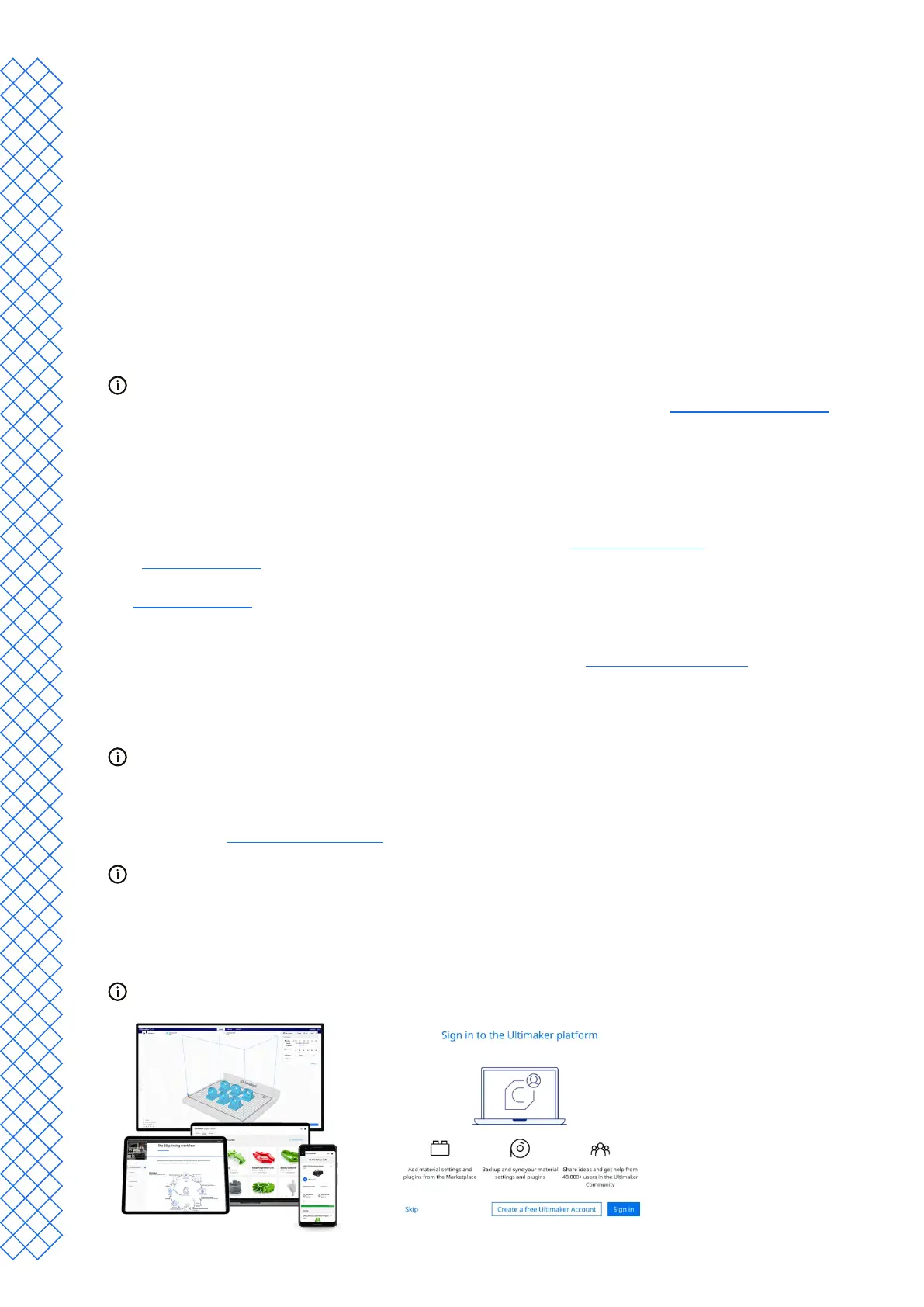
After setting up your UltiMaker Account, you can connect your printer to UltiMaker Digital Factory to gain access to
unique features in the UltiMaker Platform. In the Digital Factory, select Add printer. On the UltiMaker S7, navigate
to the Preferences → Network menu and select Digital Factory. Enter the 6-digit code from the UltiMaker S7 display to
establish a connection.
Ensure the UltiMaker S7 is connected to the network.
UltiMaker Cura
Finally, install UltiMaker Cura – UltiMaker’s free print preparation software – on your computer. You can download
UltiMaker Cura at ultimaker.com/software.
For more information about UltiMaker Cura and system requirements, please consult the
UltiMaker Cura support pages.
Sign in to your UltiMaker Account to add your printer from UltiMaker Digital Factory. Alternatively, you can select
your UltiMaker S7 manually from the list of networked or non-networked printers.
For the best printing results, always use the latest version of UltiMaker Cura.


 To Next Page