Operation
4-2 ULVAC CRYOGENICS INCORPORATED
4.2 Parameter Settings .2 Parameter Settings
Follow the instructions below to change the parameter settings. Refer to Figure4-1 and
Table4-2 for details.
Follow the instructions below to change the parameter settings. Refer to Figure4-1 and
Table4-2 for details.
1. Press ENT key for more than one to move to the parameter settings screen. (TEMP
display flashes at this time.)
1. Press ENT key for more than one to move to the parameter settings screen. (TEMP
display flashes at this time.)
TEMP display : displays items TEMP display : displays items
COLD HEAD display: displays set value COLD HEAD display: displays set value
2. Select the item with UP or DN key and press ENT key. (COLD HEAD display flashes at
this time.)
2. Select the item with UP or DN key and press ENT key. (COLD HEAD display flashes at
this time.)
3. Modify the set value with UP or DN key. 3. Modify the set value with UP or DN key.
4. Press ENT key to set the value. (TEMP display flashes at this time.) 4. Press ENT key to set the value. (TEMP display flashes at this time.)
5. Press ENT key for more than one second to close the parameter setting screen. 5. Press ENT key for more than one second to close the parameter setting screen.
navaila
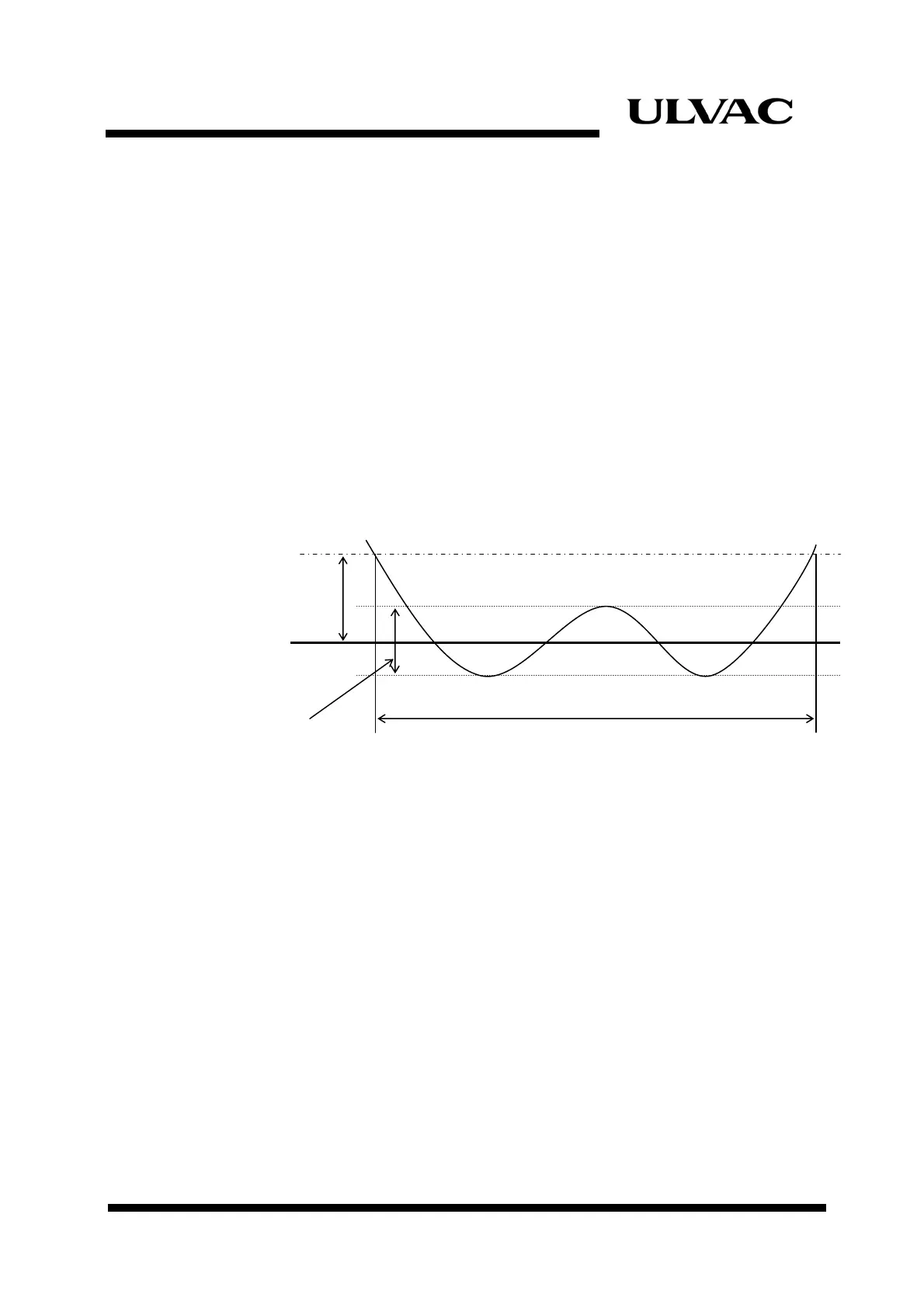
Figure 4-1
Refrigerator Operation
Figure 4-1
Refrigerator Operation
The temperatures in brackets are default values. The temperatures in brackets are default values.
When the parameter No.1 is set to CP mode, C s u ble and CH8 is ated to
the cryopump operation. (Temperature control operat in Figure4-1 is
ina
When the parameter No.1 is set to CP mode, CH7 is unavailable and CH8 is dedicated to
the cryopump operation. (Temperature control operation showed in Figure4-1 is
inapplicable).
H7 i dedic
ion showed
pplicable).
READY ON
Temperature Control
Range (1K)
ON
OFF
1
ON
OFF
ON
143K
123K
123.5K
22.5K
Ultimate Cooling-down
Temperature (123K)
Ultimate Cooling-down
Temperature (123K)
+ READY Temperature Range (20K)



 To Next Page