DC Power Supply [DPG-30R & DPG-MC60R, DPG-MC120R, DPG-MC240R]
39
4) Output value setting method (during LOCAL only)
Only during LOCAL, you can set the output values by pressing and holding the DSP SW.
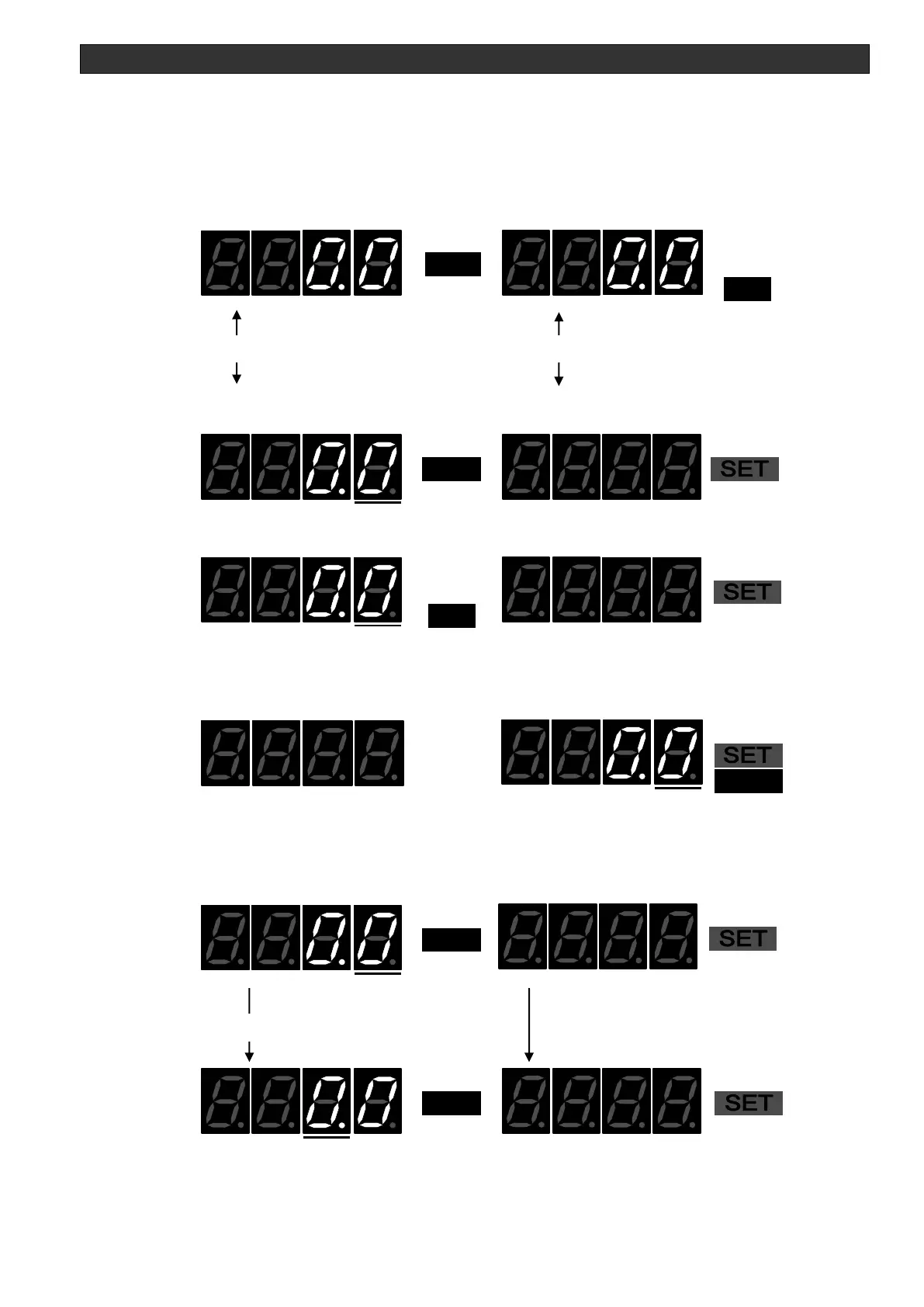
The display changes to (Initial) kW monitor & V monitor ->
kW monitor or A monitor or V monitor (control mode currently used) & SETPOINT monitor.
The SET LED starts flashing at the same time as the display changes.
Ex: When not performing output
Power monitor Voltage monitor
Changes with the control mode currently used.
PSEL P control
Flashing
]
VSEL V control
Flashing
The location with the flashing number is the digit that can currently be configured.
Please change the setting digit by the FUNC SW and change the setting value by the △ or ▽
SW. It determines by ENT SW.
Ex: During P control, set to 3 kW



 To Next Page