User manual for NERO / NERO INSTANT
Page 43Version 3.2 / December 2017
ТМ
4.1.4 Menu item ‘‘1.4 CASH REGISTER’’
Menu item “1.4 Cash register” is not used for vending machine of type “NERO”.
4.1.3 Menu item ‘‘1.3 TIME INTERVALS’’
Menu item “1.3 Time intervals” determines time intervals during which a product can be sold through
the vending machine at a discount, be available for sale or blocked as per the parameters (discounted
products, blocking of cell) presented in clause “1.6 Price”.
The Machine can handle 7 time intervals. each interval has its own end time.
The start time of an interval coincides with the end time of the previous interval.
The start time for an interval is set at the ned of the previous interval or at 00:00:00.
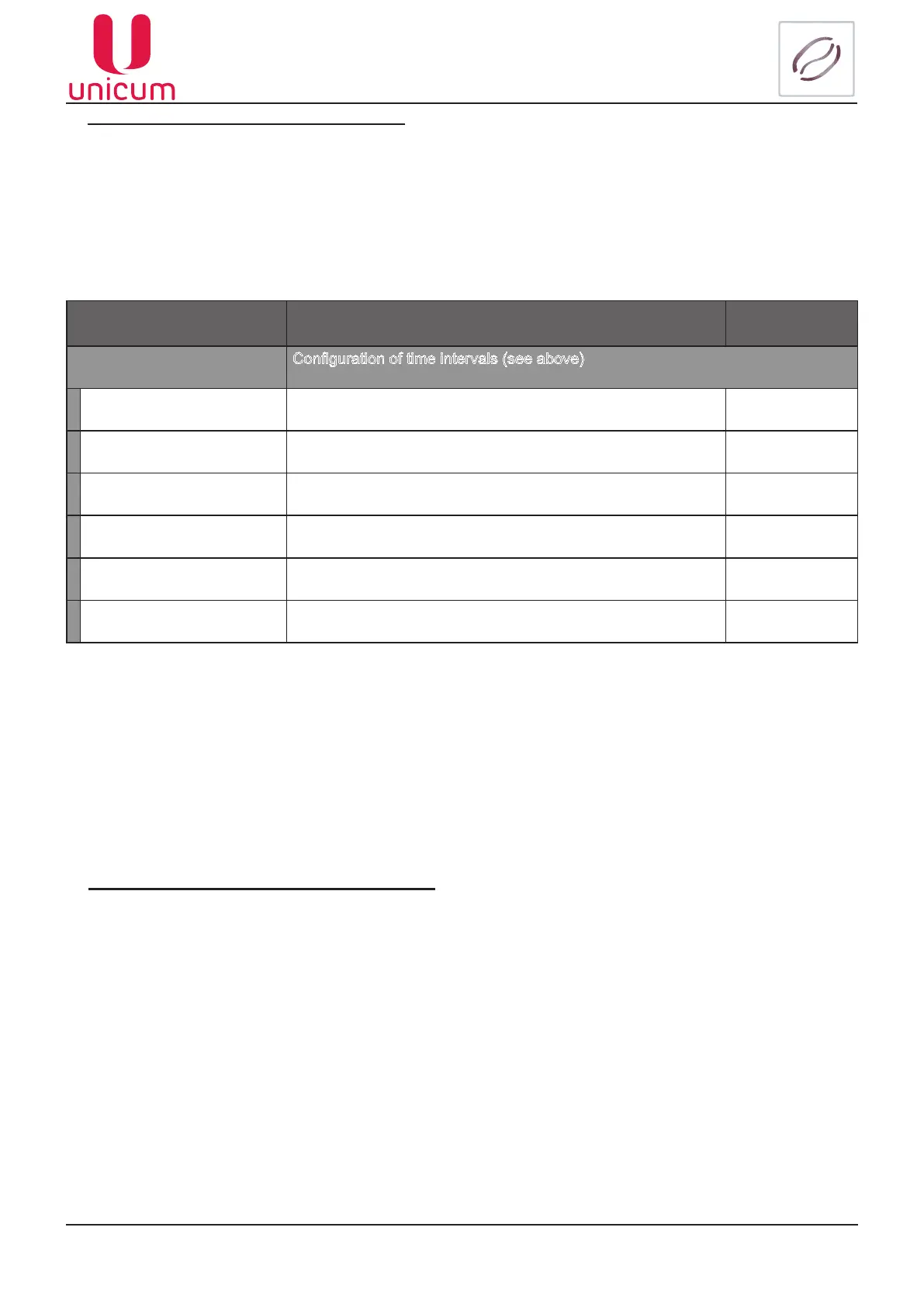
Sub-menu Description Value
1.3 Time zones
Conguration of time intervals (see above)
1.3.1 Time zone 1
Conguration of time for interval 1 Enter time
1.3.2 Time zone 2 Conguration of time for interval 2 Enter time
1.3.3 Time zone 3 Conguration of time for interval 3 Enter time
1.3.4 Time zone 4 Conguration of time for interval 4 Enter time
1.3.5 Time zone 5
Conguration of time for interval 5 Enter time
1.3.6 Time zone 6 Conguration of time for interval 6 Enter time
Example:
Interval 1 - 10:00:00
Interval 2 - 18:30:00
Intervals 3,4,5,6 - 00:00:00
The machine will function during three time intervals from 00:00:00 to 10:00:00 – interval 1, then from 10:00:01 till
18:30:00 – interval 2 and Interval 3 from 18:30:01 to 00:00:00.



 To Next Page