User manual for NERO / NERO INSTANT
Page 56Version 3.2 / December 2017
ТМ
4.2 Operator’s menu - version 0.49
This menu provides access to functional features of the Machine during periodic servicing. These fea-
tures include event logs, information regarding equipment functioning and errors, access to congure
information about drinks and browse through sales statistics. The menu item numbers include the digit “2”,
which helps clearly mark the type of maintenance menu as – Operator’s menu.
4.2.1 Menu item ‘‘2.1 STATUS’’
This menu item provides a look into Machine’s operational errors. Most of the errors are nulli-
edafteryouexitthemaintenancemenu.Someoftheerrorsneedtobeliquidatedmanuallyand
shift to menu item 2.1.2.
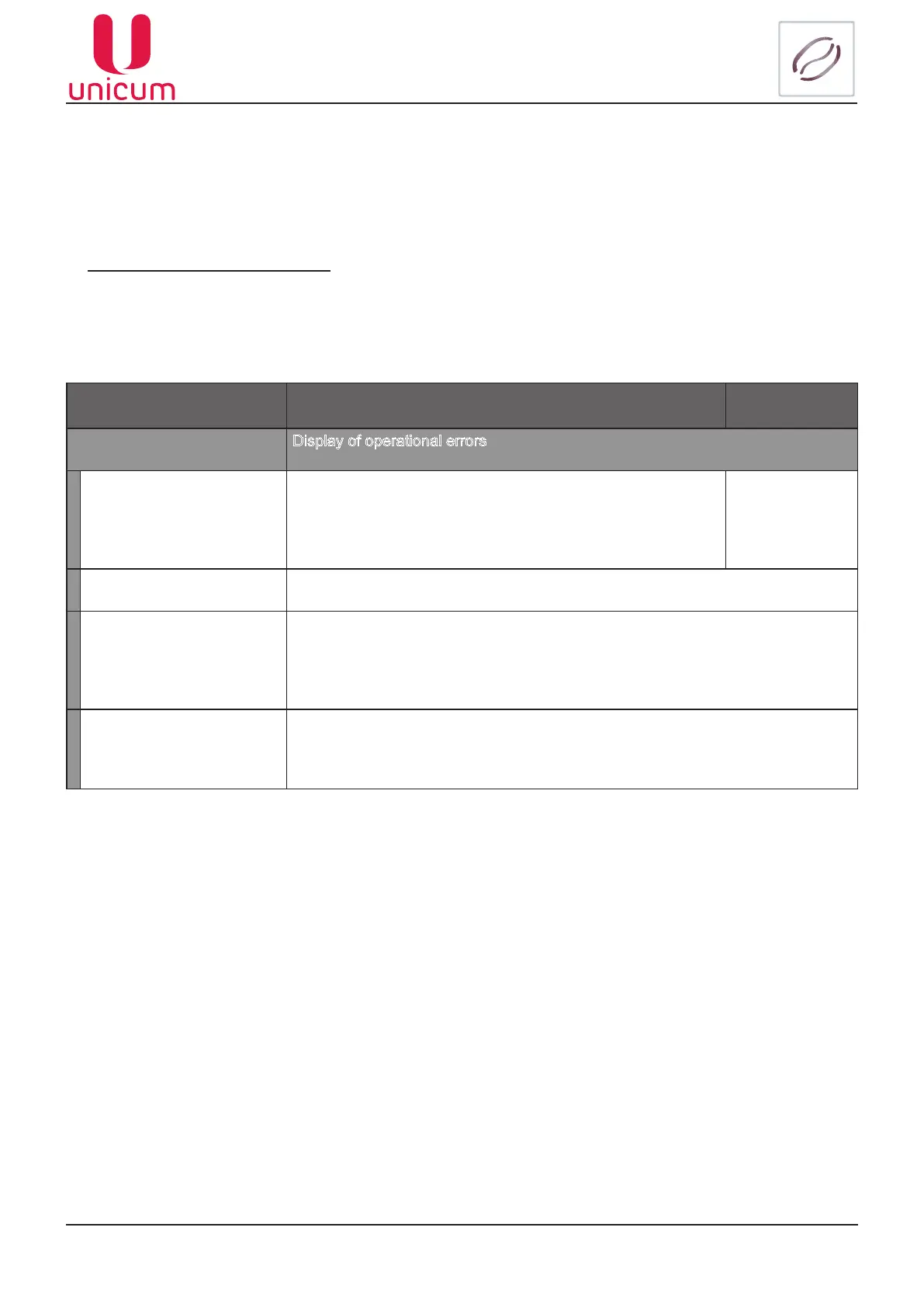
Sub-menu Description Value
2.1 Status Display of operational errors
2.1.1 Show error Shows a list of errors (current and previous) upon entry to the
menu item, indicating the type of equipment, number of fail-
ures, date and the time of last error, as well as the current state
of error (active or not)
List of errors
2.1.2 Reset error Resets errors upon entry
2.1.3 Temperature
Shows the temperature of two temperature sensors of SVM-1, which was tted
with a new Regulator.
This menu item is hidden if the number of snacks is 0 or if there is no temperature
sensor connected to keypad 021 of SVM-1
2.1.4 Voltage DC Shows the DC voltage on main board (regular reading, when fed from a 220V
source is 32.6V).
This menu item is hidden if the rst version of main board is installed



 To Next Page