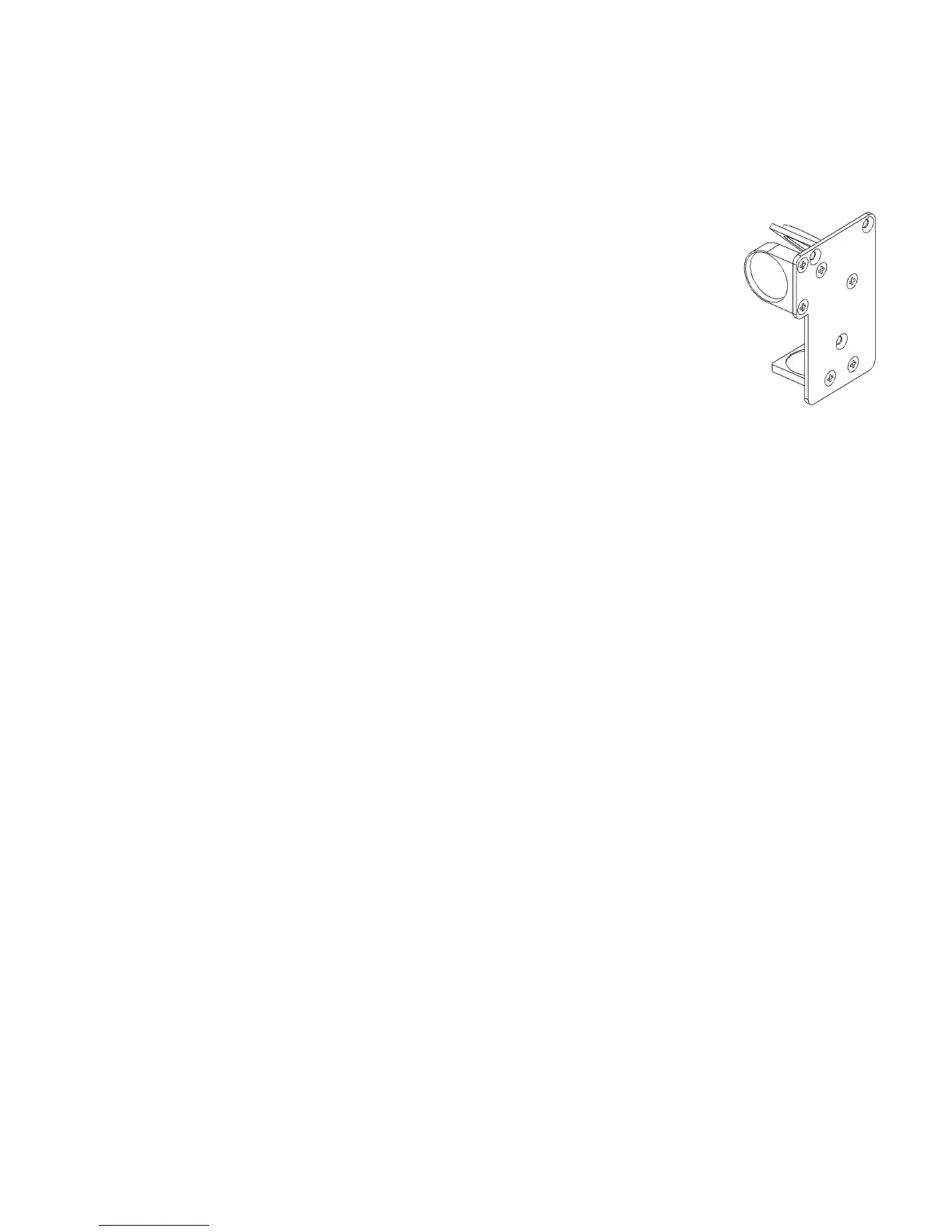
Removal
Remove the Dual Head Option by reversing the order of the steps used for installation. If you have the Air
Assist option, remember to put the black thumbscrews back into the original holes in the primary carriage to
prevent air leaks. Also, be sure to uncheck the “Dual Head” option in the printer driver.
HPDFO
High Power Density Focusing Optics (HPDFO) has a smaller focal spot size than a standard
2.0” inch lens. Depending on the type of material being processed, the effective spot size
produced by the HPDFO can be as small as 1/4th the size of a standard 2.0” focusing lens. .
With a smaller spot size (higher power density), depending on your material, you can engrave
smaller text, produce sharper graphics and photographs and vector mark and cut thinner lines
with the same laser power. With the HPDFO it is also possible to scribe and/or etch some
uncoated metals, such as stainless steel, directly with a CO
2
laser without the assistance of
chemicals or coatings.
The HPDFO replaces the standard lens kit in the carriage and comes with its own calibrated focal tool which
should always be used when focusing with the HPDFO.
Installation
1. Turn off the laser system.
2. Bring the X-Arm forward by hand.
3. Remove the three thumbscrews that hold the lens kit in place and slide the lens kit out.
4. Replace the standard lens kit with the HPDFO lens kit.
5. Before running a file, select HPDFO from the lens size list on the UCP’s System Tab.
95



 To Next Page