Page 9
Radial 8 & 88 Operation Reference Manual 49379902 Rev. G
This Document Supports IM-UPS 5.0 and Higher
WARNING
Use needle nose pliers to manually remove or insert misinserted parts
in printed circuit boards (auto repair - deactivated), do not use fingers.
Refer to the Error Recovery module of the Radial 8 Machine Operation
Guide for recovery details.
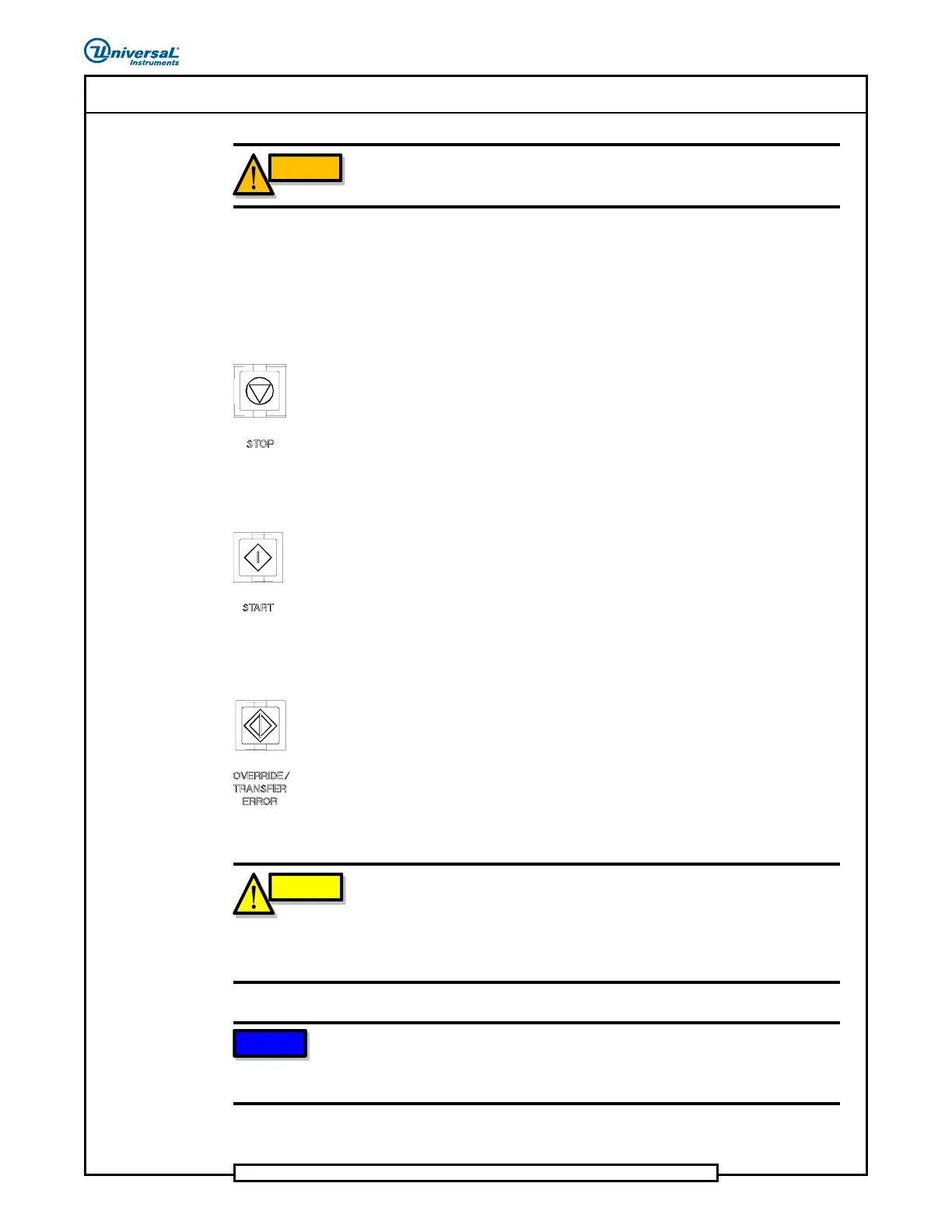
STOP Push Button
Use the STOP push button to initiate an operator stop of the machine. This
means that the machine stops when the current insertion cycle is complete.
Recover from an operator stop by pushing the START push button. When
the machine is in stop mode, the STOP indicator is illuminated.
START Push Button
Use the START push button to initiate the production mode from the stop
mode. The START push button is illuminated when it is active and can be
used to start the machine.
OVERRIDE / TRANSFER ERROR Push Button/
Indicator
The OVERRIDE/TRANSFER ERROR non-latching push button allows the
machine to begin the next product without stopping at the park coordinates.
This eliminates waiting for the START push button to be pushed.
(OVERRIDE can not be activated when in MAINTENANCE mode.)
When the OVERRIDE/TRANSFER ERROR push button is pushed, it
remains illuminated until the end of the product.
CAUTION
Use OVERRIDE/TRANSFER ERROR only with multi-window workboard
holders. Using OVERRIDE/TRANSFER ERROR with a single window
workboard holder causes the machine to insert components into the
populated PCB. Failure to observe this caution may damage the
insertion tooling, the components, and the PCB.
NOTE
For additional information on the functionality of the OVERRIDE/
TRANSFER ERROR push button, refer to the board handling system
(BHS) Operator Manual shipped with this machine.


 To Next Page