Page 11
Radial 8 & 88 Operation Reference Manual 49379902 Rev. G
This Document Supports IM-UPS 5.0 and Higher
WARNING
Operating the machine when the OPERATING MODE key switch is in the
MAINTENANCE position may be hazardous. The OPERATING MODE key
must be removed before resuming normal operation.
NOTE
Lifting the safety covers when the OPERATING MODE switch is set to
the MAINTENANCE position, activates the maintenance mode timer.
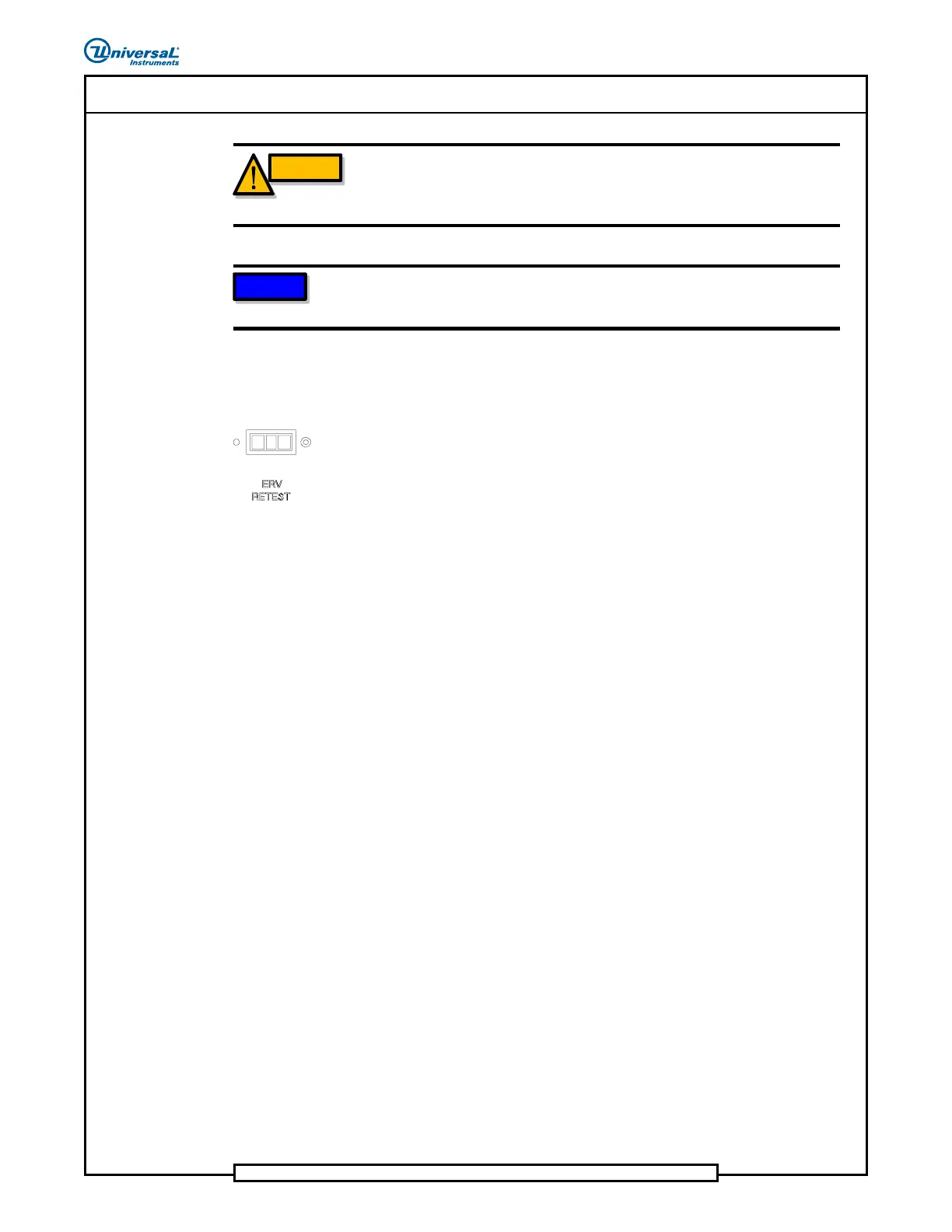
Expanded Range Verifier (ERV) Test Port
The ERV test port is used to check a component that replaces an ERV failed
component.
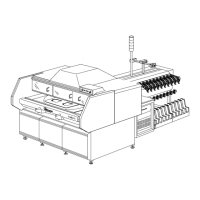
Machine Light Tower
The machine light tower is used to signal the operator of machine conditions.
Each color can be configured to illuminate when a machine event occurs
using the Event Configuration Editor in the System Setup application of IM-
UPS. The sounder duty cycle can also be configured. Refer to the Event
Configuration module in the IM-UPS Reference Manual for details.
The machine light tower includes a volume control for the audible alarm. As
needed, rotate the control at the bottom of the light tower to adjust the
audible alarm volume.
The default configuration for the machine light tower is as follows.
• Solid Red indicates a severe machine error has stopped the machine.
• Solid Yellow indicates that a machine problem or operator action
has stopped the machine or will stop the machine soon.
• Solid Green indicates the machine is functioning normally during
machine production.
• Solid Blue and audible Sounder Beep indicates low parts at the
dispensing head.
• Solid Blue indicates a sequencer error.


 To Next Page