Page 16
49379902 Rev. G Radial 8 & 88 Operation Reference Manual
This Document Supports IM-UPS 5.0 and Higher
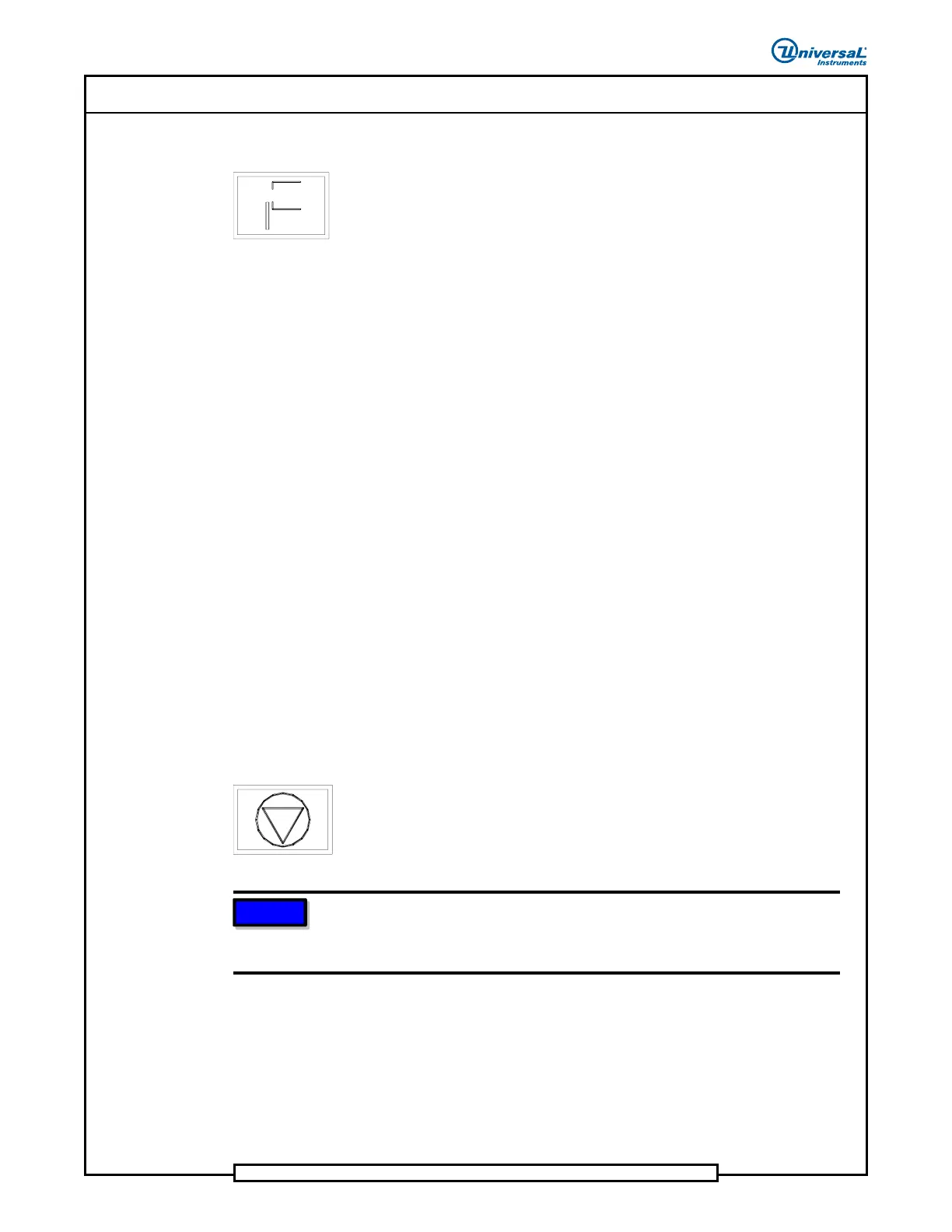
INTERLOCK
The INTERLOCK push button indicator illuminates when a safety cover is
opened while the OPERATING MODE key switch is off. It also illuminates
after recovery from a palm switch interrupt. If an interlock violation occurs,
electrical power is removed from all motors except clinch vertical and clinch
theta. Power is also removed from all solenoids except for clinch cutters.
If a machine interlock is actuated while the machine is in any operating mode
other than production mode, perform the following to return to normal
operation.
1. Close the safety cover.
2. Push the INTERLOCK push button to restore electrical power to the
motors and solenoids.
3. Zero the machine.
4. Push the START push button.
If a machine interlock is actuated while the machine is in production mode,
perform the following to return to normal operation.
1. Close the safety cover.
2. Push the INTERLOCK push button to restore electrical power to the
motors and solenoids.
3. Push the START push button.
STOP Push Button
Use the STOP push button to initiate an operator stop of the machine. This
means that the machine stops when the current insertion cycle is complete.
Recover from an operator stop by pushing the START push button. When
the machine is in stop mode, the STOP indicator is illuminated.
NOTE
Push the E-Stop switch to the stop position before setting the MAIN
BREAKER to the off position or damage to cutter tooling may result
when machine is powered up.


 To Next Page