UP3D TECH CO.,LTD
22
The order server IP of computer B,C and D are set as IP of computer A by ‘CAD Configuration’.
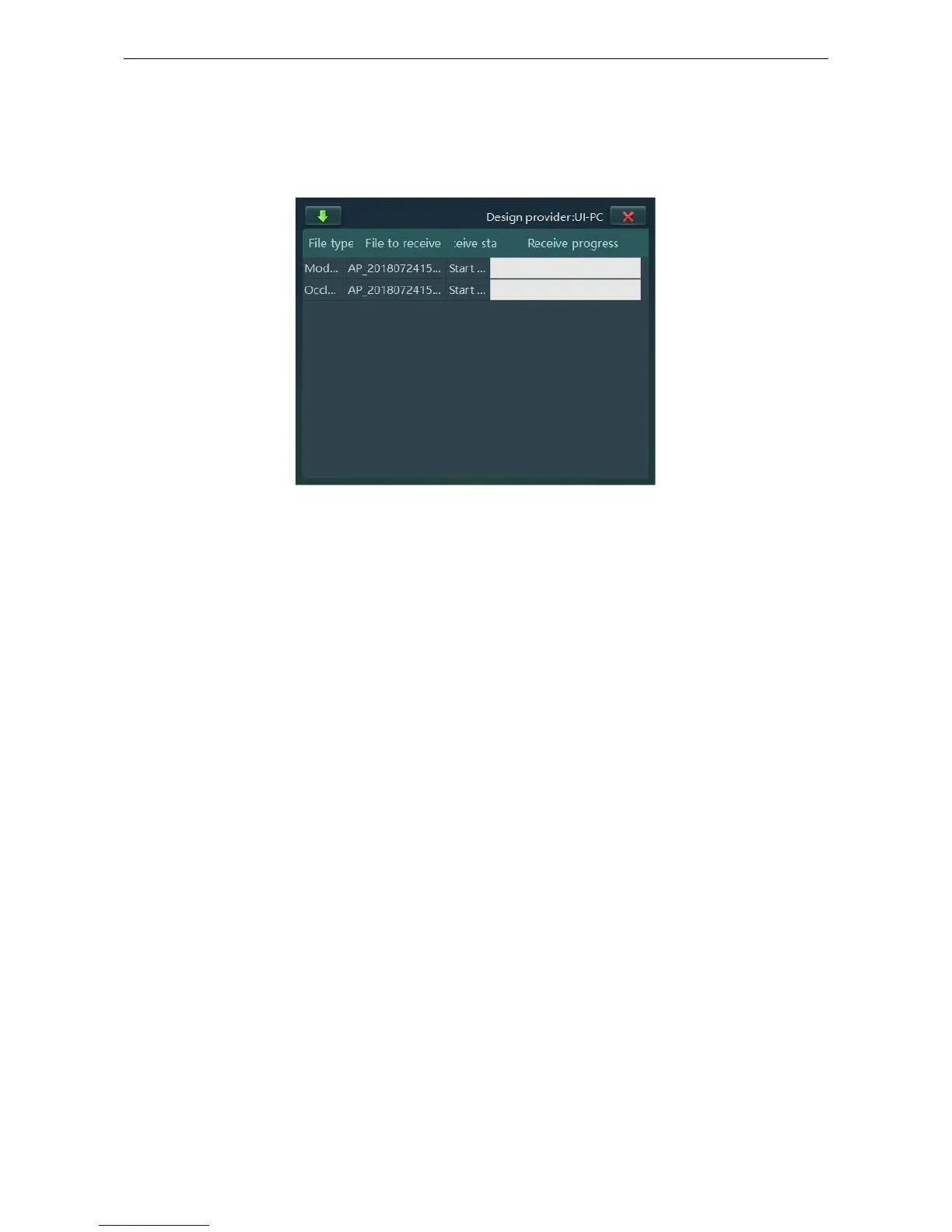
When opening UPDentalManager in the Computer B, C and D, it will display all created orders by
computer A. Double-click the order, it will download model files automatically from computer A to
current computer for designing.
Figure 2-7



 To Next Page