20
Complete Control
MX-4000
Owner’s Manual
Table of Contents
Voice Assistant Setup (cont’d)
Amazon Alexa Voice Assistant setup (cont’d)
Voice Assistant Settings
After setup, the Voice Assistance menu oers a few features to
customize how the remote interacts with Alexa.
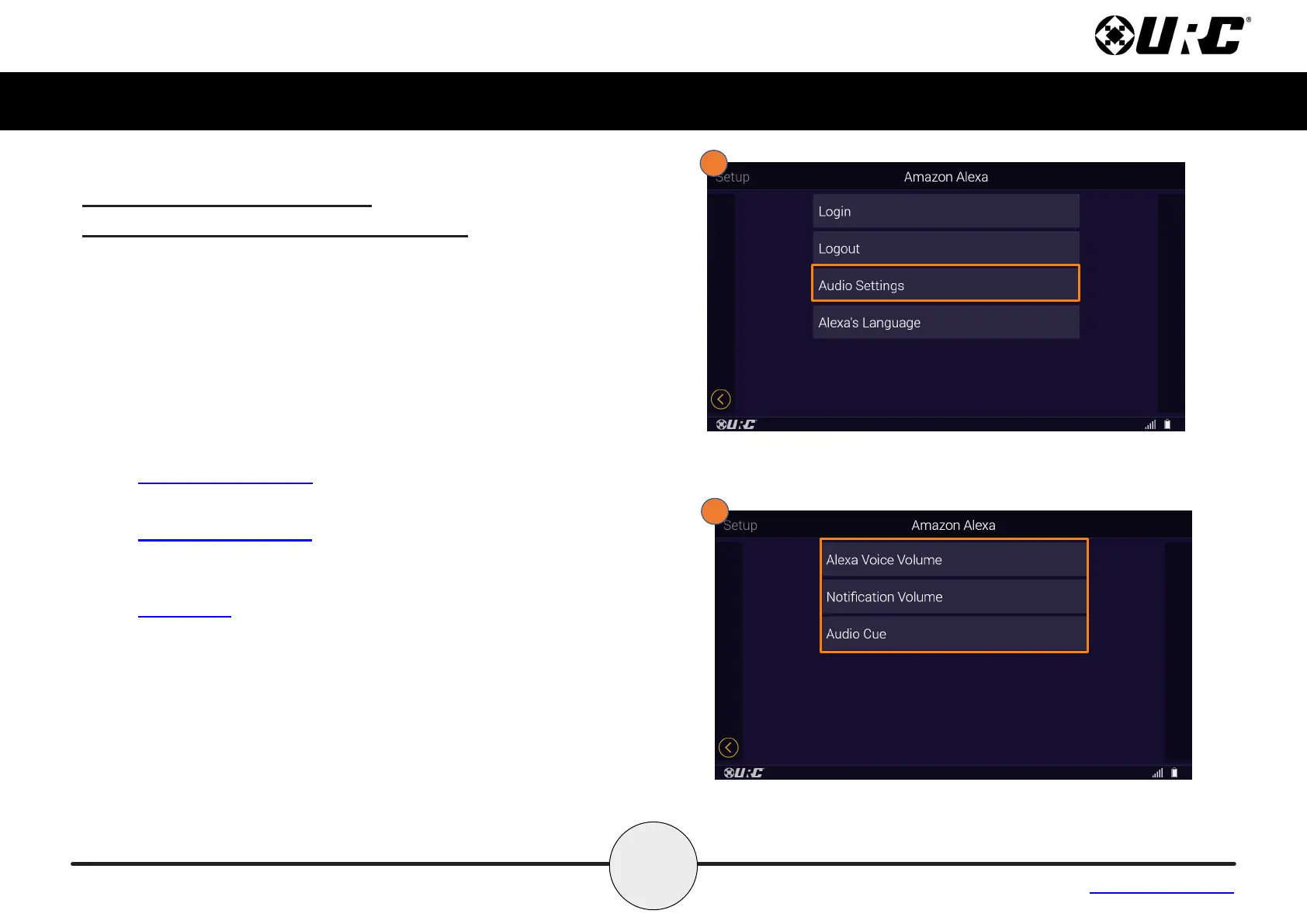
Audio Settings
1. Selecting Audio Settings allows for Voice Volume, Notication
Volume and the Audio Cue levels to be adjusted.
2. The Audio Settings menu give the following options:
• Alexa Voice Volume: Selecting Alexa Voice Volume allows
the user to set the the volume level of the Alexa voice output.
• Notication Volume: Selecting Notication Volume allows the
user to set the volume level for Amazon Alexa notications
through the URC system.
• Audio Cue: Using the Audio Cue option enables the Alexa
audio tone that occurs when the microphone button is pressed
on the URC client device.



 To Next Page