40
Complete Control
MX-4000
Owner’s Manual
Table of Contents
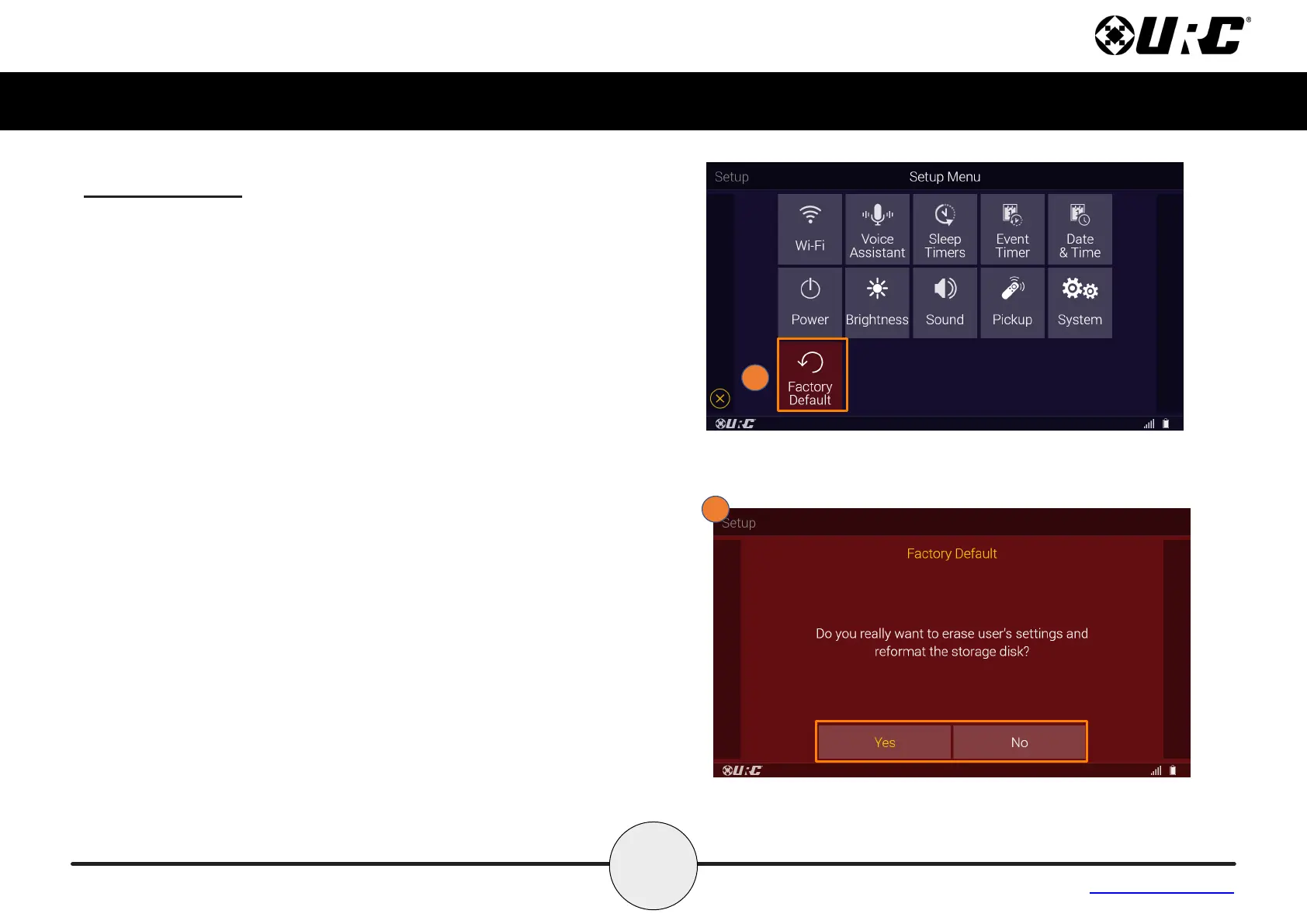
Factory Default
Resets the memory of the MX-4000 to the factory settings. All existing
programming is erased. The device requires reconguration by your
certied URC integrator.
WARNING! Only use this button when instructed by URC’s
Technical Support team.
1. From the Setup Menu, select Factory Default (For 5 Seconds).
2. Select Yes or No when prompted “Do you really want o erase
user’s settings and reformat the storage disk?”



 To Next Page