35
Complete Control
MX-4000
Owner’s Manual
Table of Contents
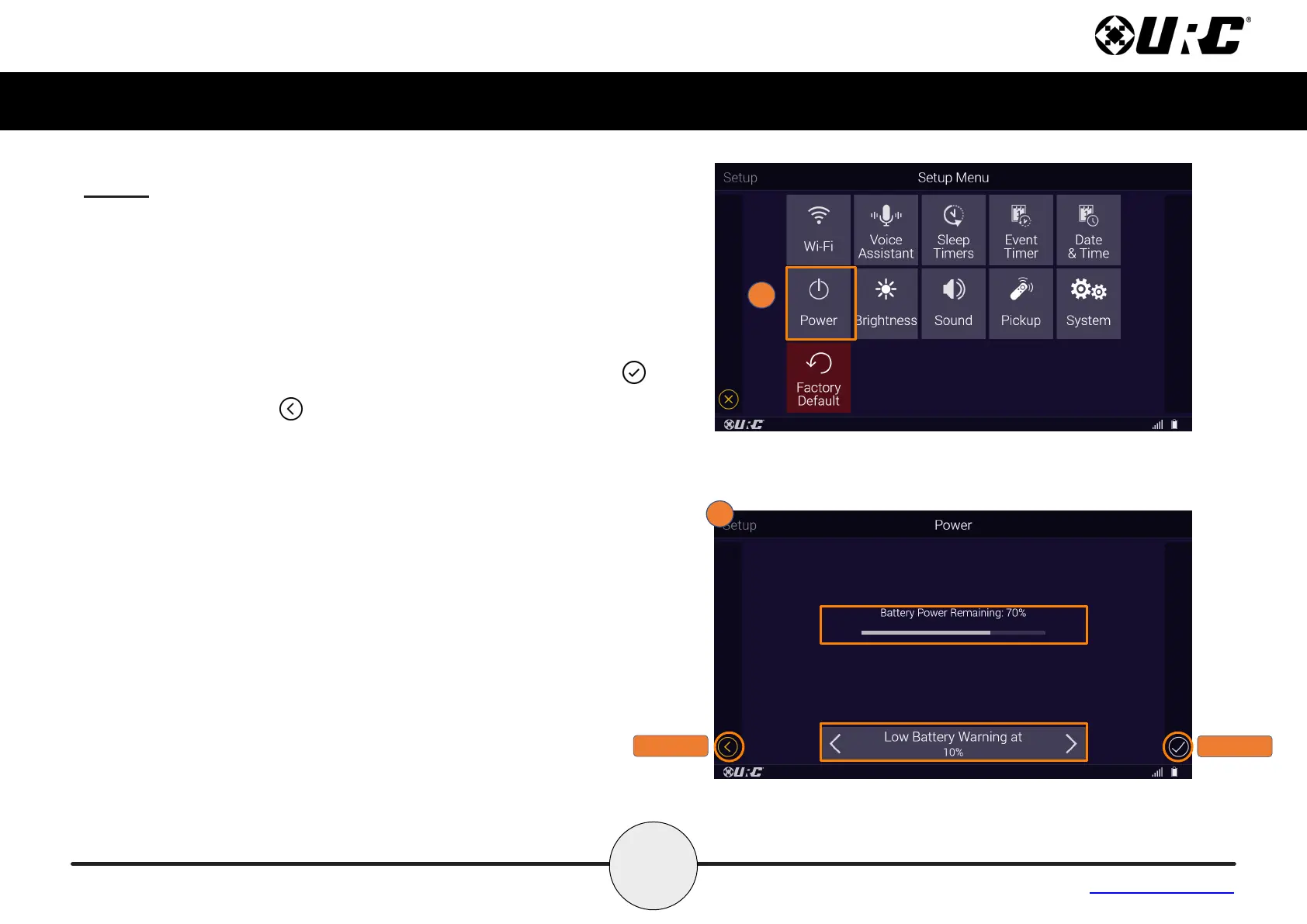
Power
Displays the remote’s remaining battery level. Adjust when the “Low
Battery” warning screen appears.
1. From the Setup Menu, select Power.
2. View the amount of Batter Power Remaining and adjust the
Low Battery Warning level to 10%, 20%, 30%, 40% or 50%.
Once the power has been adjusted, press the Save button .
Pressing Cancel reverts the device to the last saved setting.
CANCEL
SAVE



 To Next Page