2
D.
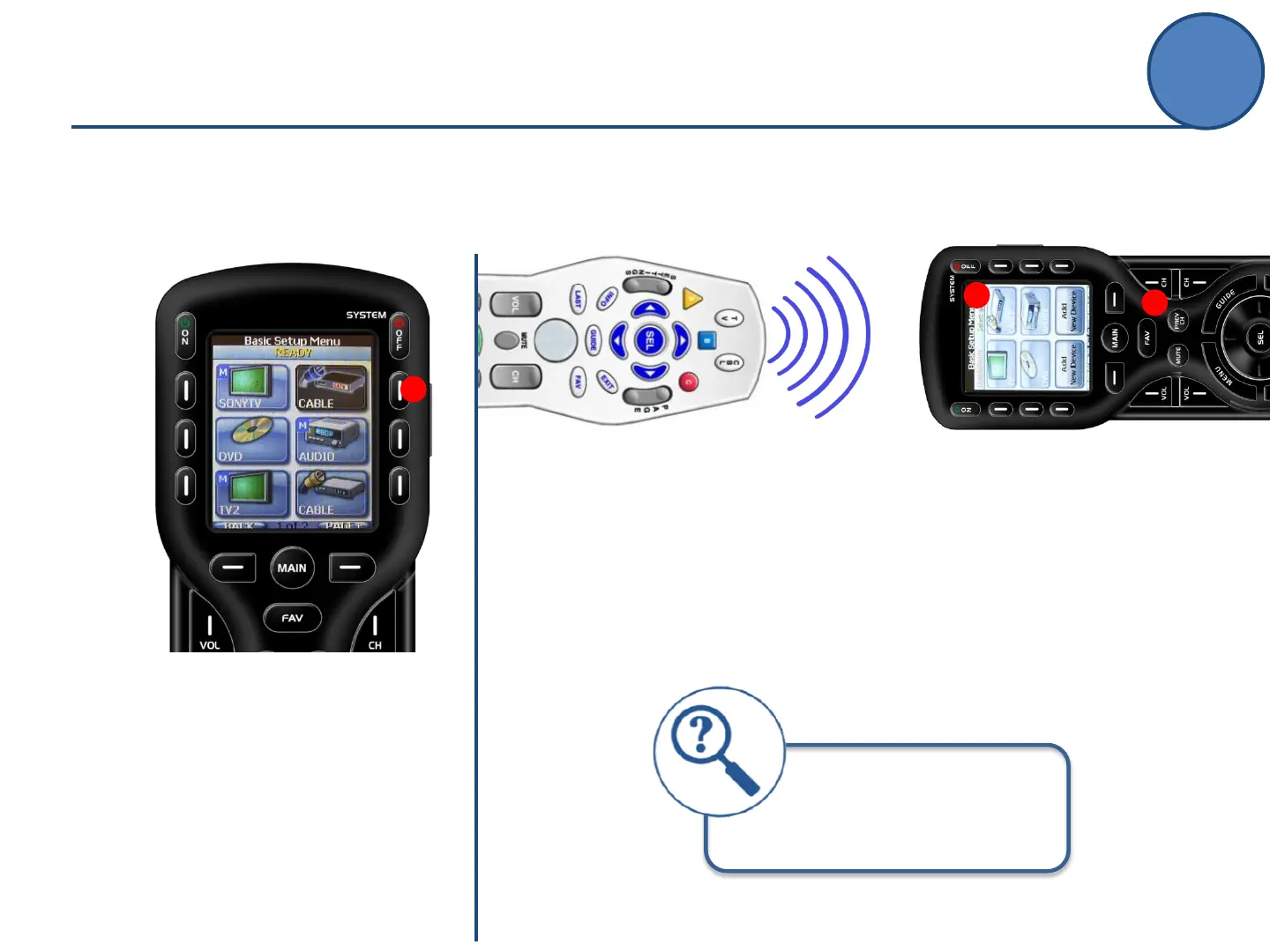
Screen will show READY,
indicating it is prepared to learn a
command.
Note: if the button is an on-
screen button, it will also appear
darkened in its “ready” state.
D
2
Place the remotes 2”-5” apart
from one another while learning.
If unsuccessful, try lowering the
lights in the room
F.
After the command is learned, the remote
indicates either:
SAVED: blue progress bar indicates saving
RETRY: command did not translate, try
again.
E
E.
Press the button on the original
remote that you would like to
“teach” to the MX-450.
F
LEARN
Basic Setup



 To Next Page