Tour
Navigating the MX-450
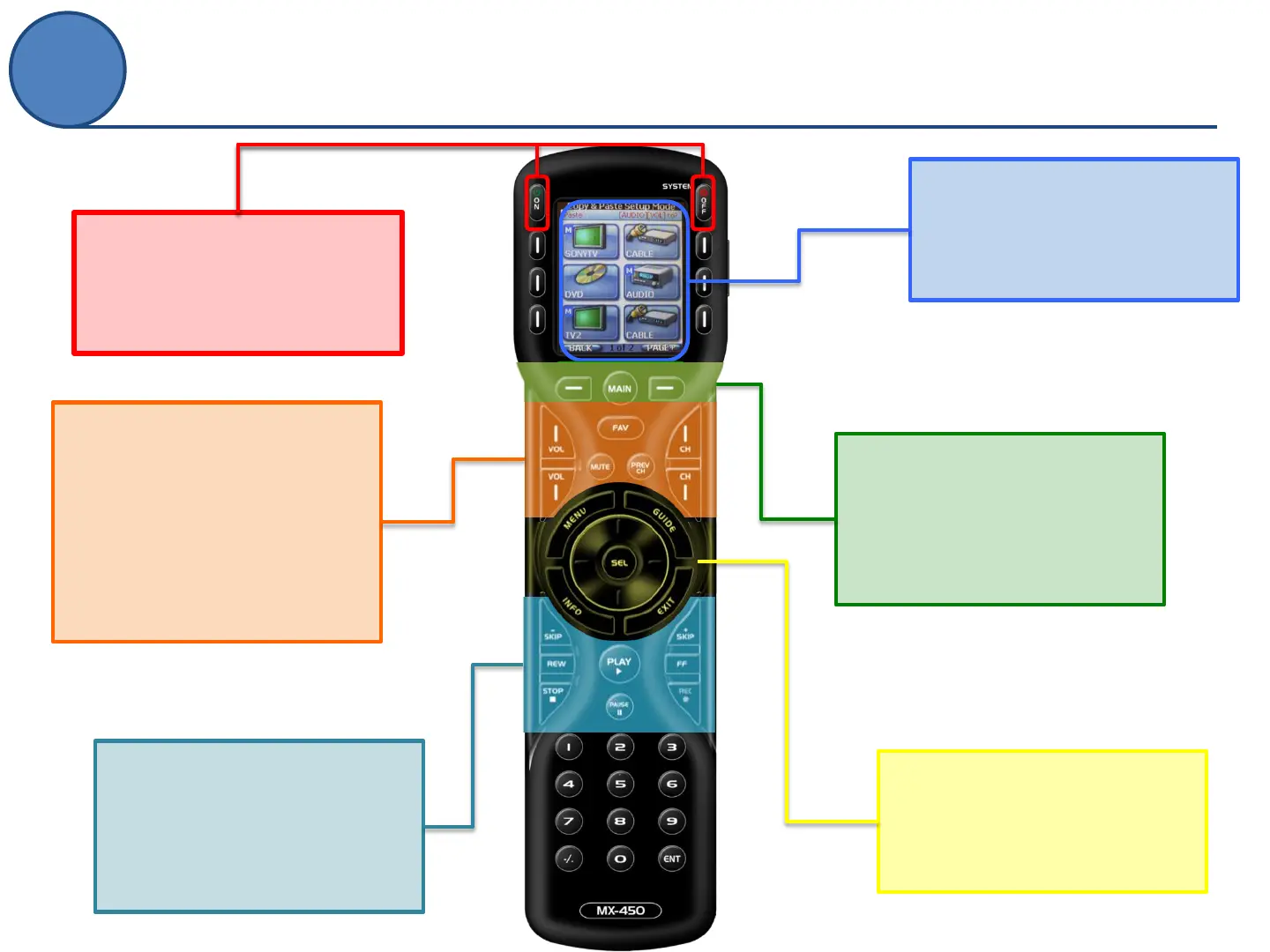
LCD Buttons
These on-screen icons are
accessed by using the
adjoining button
On/Off Buttons
By default, these will send an
On/Off command to the
device that is displayed
LCD Navigation
These will help you to
navigate between pages
(PAGE+, PAGE-) or return to
the main menu (MAIN)
5-Way Cursor
Easy navigation for your
device (Up, Down, Left, Right
& Select)
Transport Controls
All of the commonly used
commands for controlling
DVRs, DVDs and other
recording devices
Volume & Channel
Controls
Convenient volume access
and easily scroll through
channels with Up, Down,
Previous or see a list of
Favorites.



 To Next Page