8
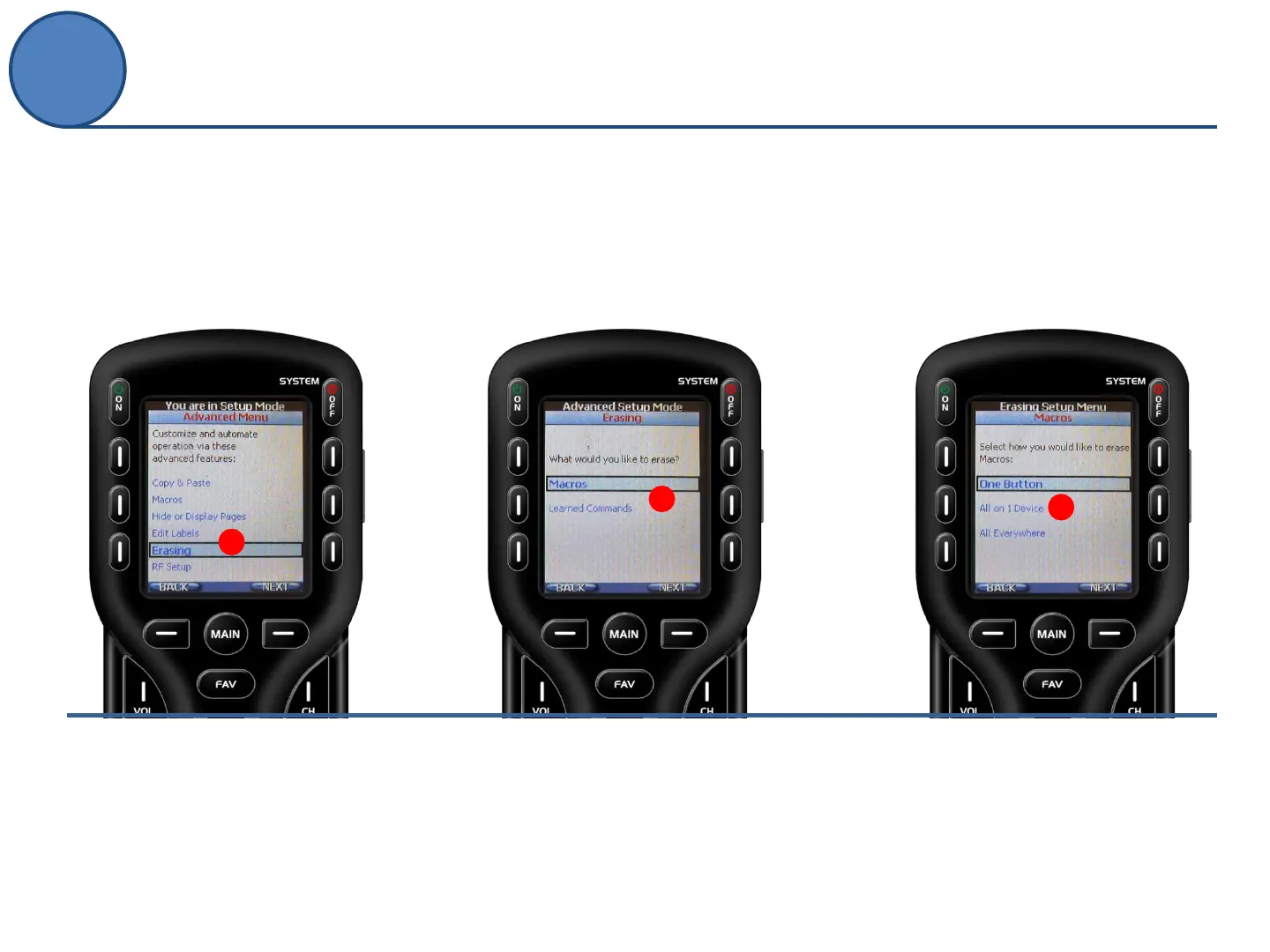
Quickly erase unwanted activities (macros) and
learned commands anywhere on the remote.
A.
From the Advanced Setup screen
use the 5-way cursor to select
Erasing.
A
B.
Decide whether you want to
erase Macros or Learned
Commands.
B
C.
Select how you would like to
erase : One Button, All on 1
Device or All Everywhere.
C
Advanced Setup
Erasing



 To Next Page