4
Ever wish you could lower the volume or better yet change
your television input without having to switch your audio
receiver or television remote? Now you can.
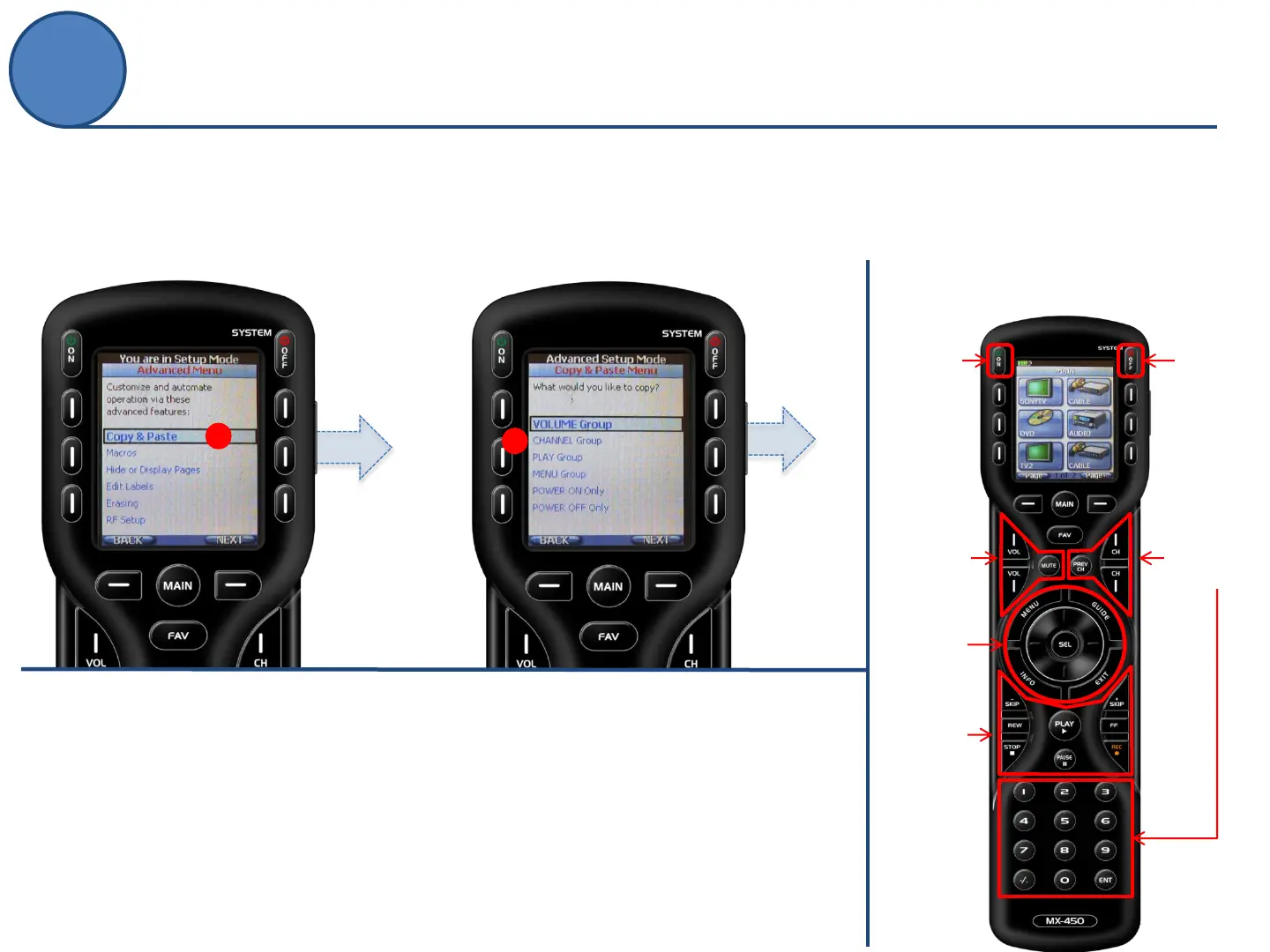
A.
From the Advanced Setup
screen, use the 5-way cursor to
select Copy & Paste.
A
B.
Select a group of commands to copy:
Volume, Channel, Play, Menu,
Power ON or Power OFF groups.
(in this example: Volume Group)
B
Groups
Power
OFF
only
Channel
Group
Play
Group
Volume
Group
Menu
Group
Power
ON
only
Copy & Paste
Advanced Setup



 To Next Page