8
D.
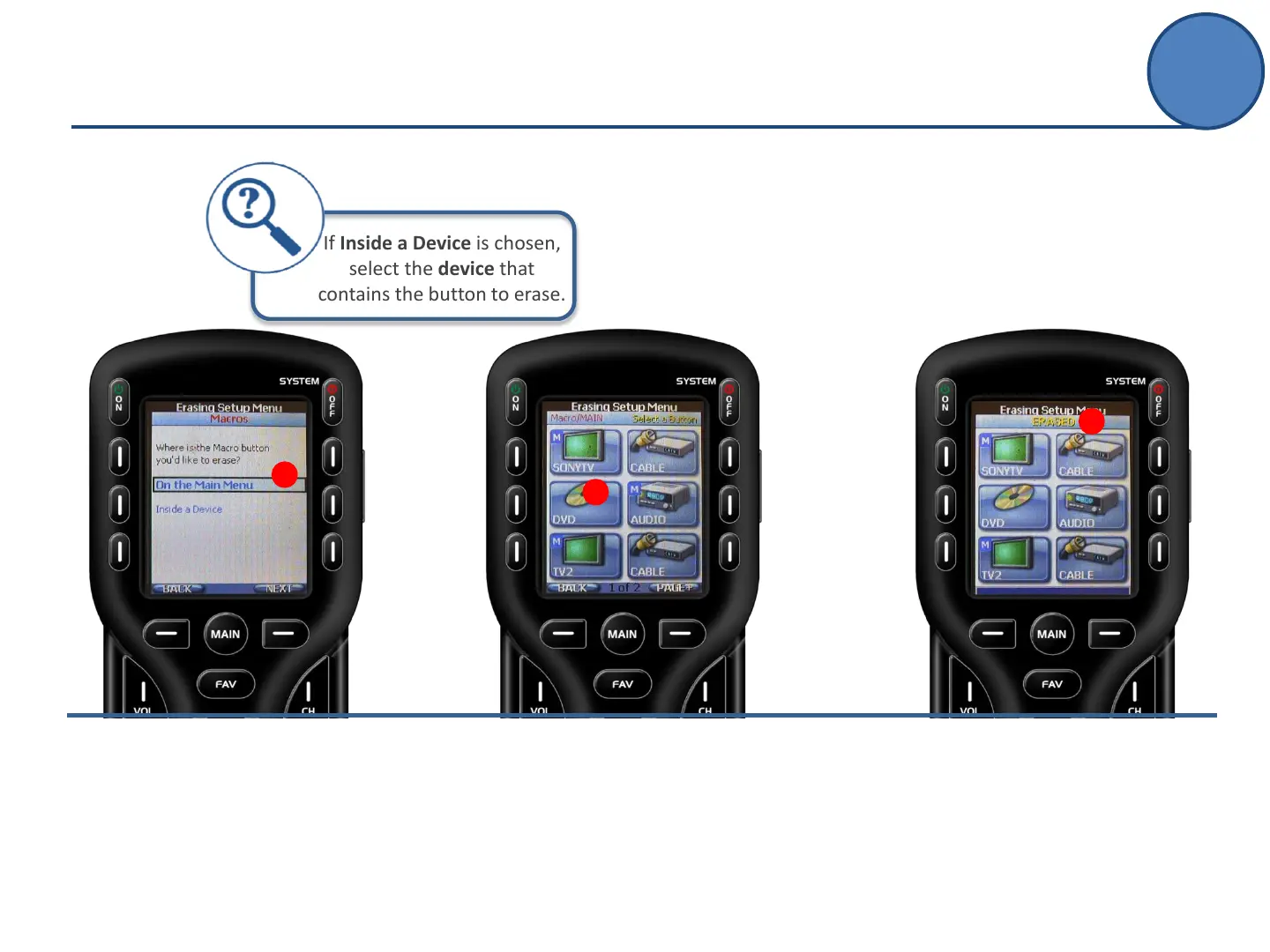
Choose whether the location of
the button is On the Main Menu
or Inside a Device.
D
E.
Press a hard or soft button to
erase.
E
F.
An Erased confirmation will
indicate the macro or learned
command is no longer
programmed in the remote.
F
If Inside a Device is chosen,
select the device that
contains the button to erase.
Advanced Setup
Erasing



 To Next Page