- 21 -
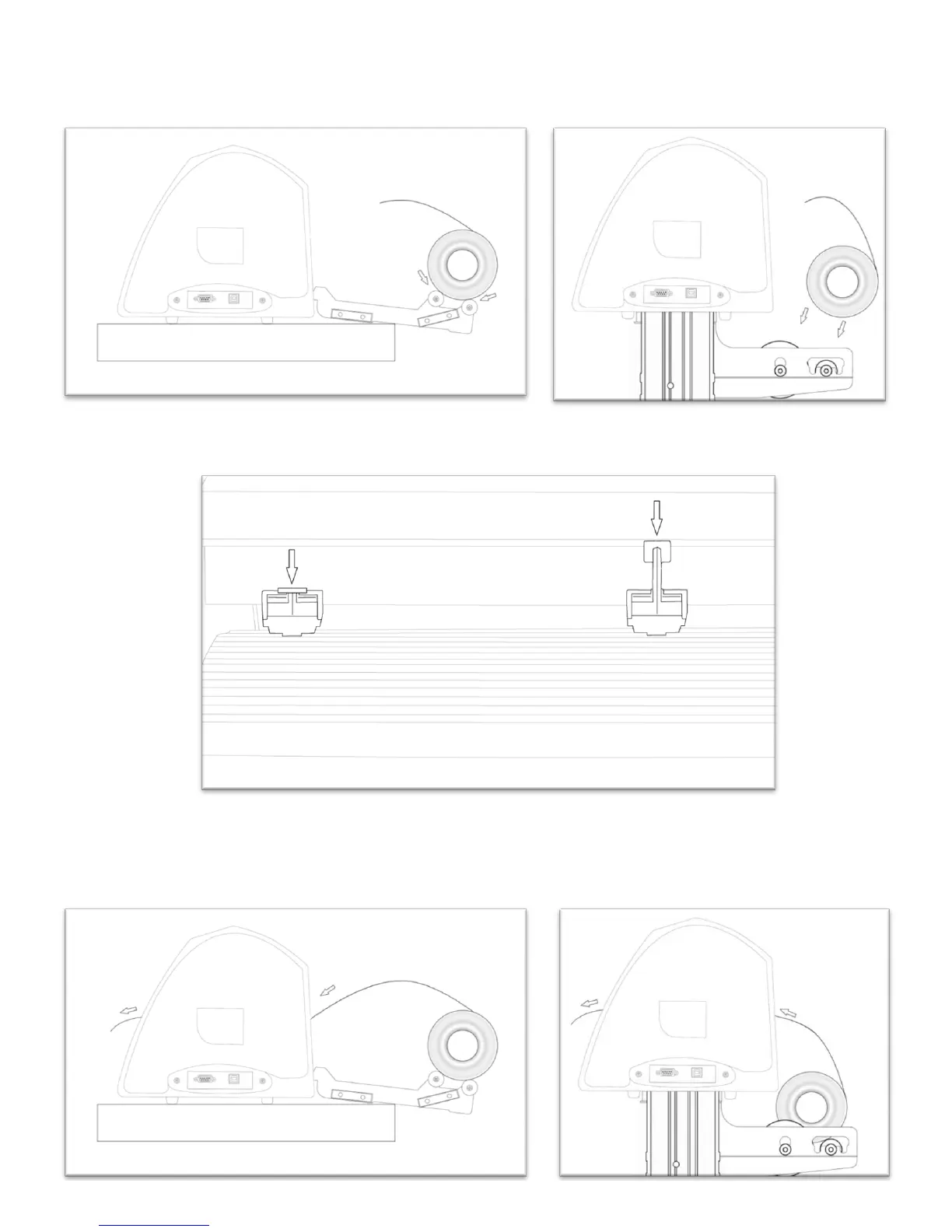
Place the roll on top of the rollers (either the table top rollers: left image, or the stand rollers: right image) If using
the stand, you can move the roller caps up against either side of the vinyl roll to keep the roll from shifting
right or left during cutting.
Release the Pinch Rollers by pressing down on the Pinch Roller Release Levers.
Feed the vinyl underneath the pinch rollers (if working from a single sheet instead of a roll the vinyl can also be
feed from the front).



 To Next Page