- 36 -
We can now convert one of the images to a vector graphic while leaving the original image, with fine
detail, unedited.
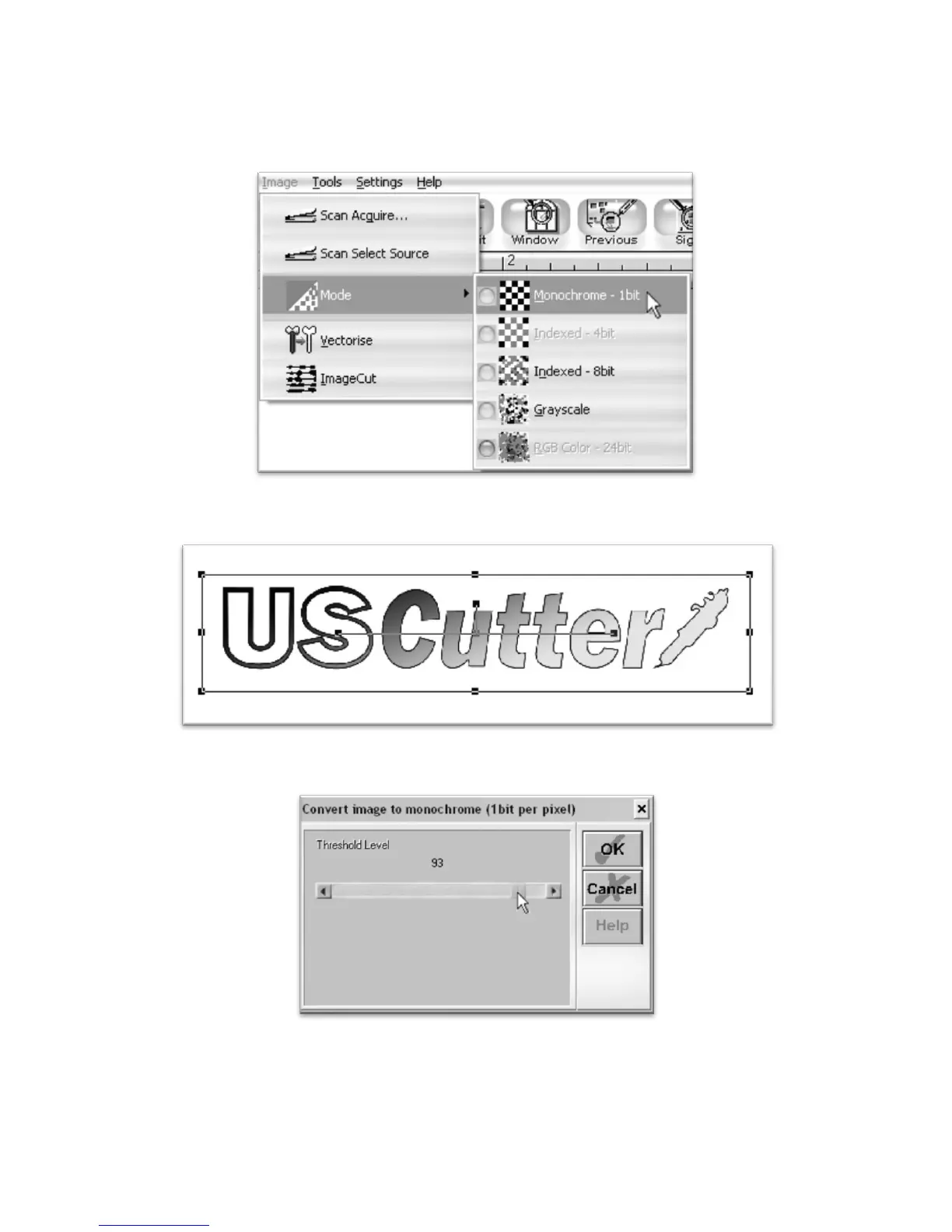
Making sure that you have one of the duplicate images selected, choose “Monochrome – 1bit” from the
Mode section of the Image drop down menu.
Since there are many light areas in this image that we want to be included in the vector image…
We will need to adjust the Threshold slider…
Until our entire image shows up filled in. (Anything that shows filled in here will be included in the cut. Since we
want a cut to go around the entire logo, we want to make sure that the entire logo shows up here filled in).



 To Next Page