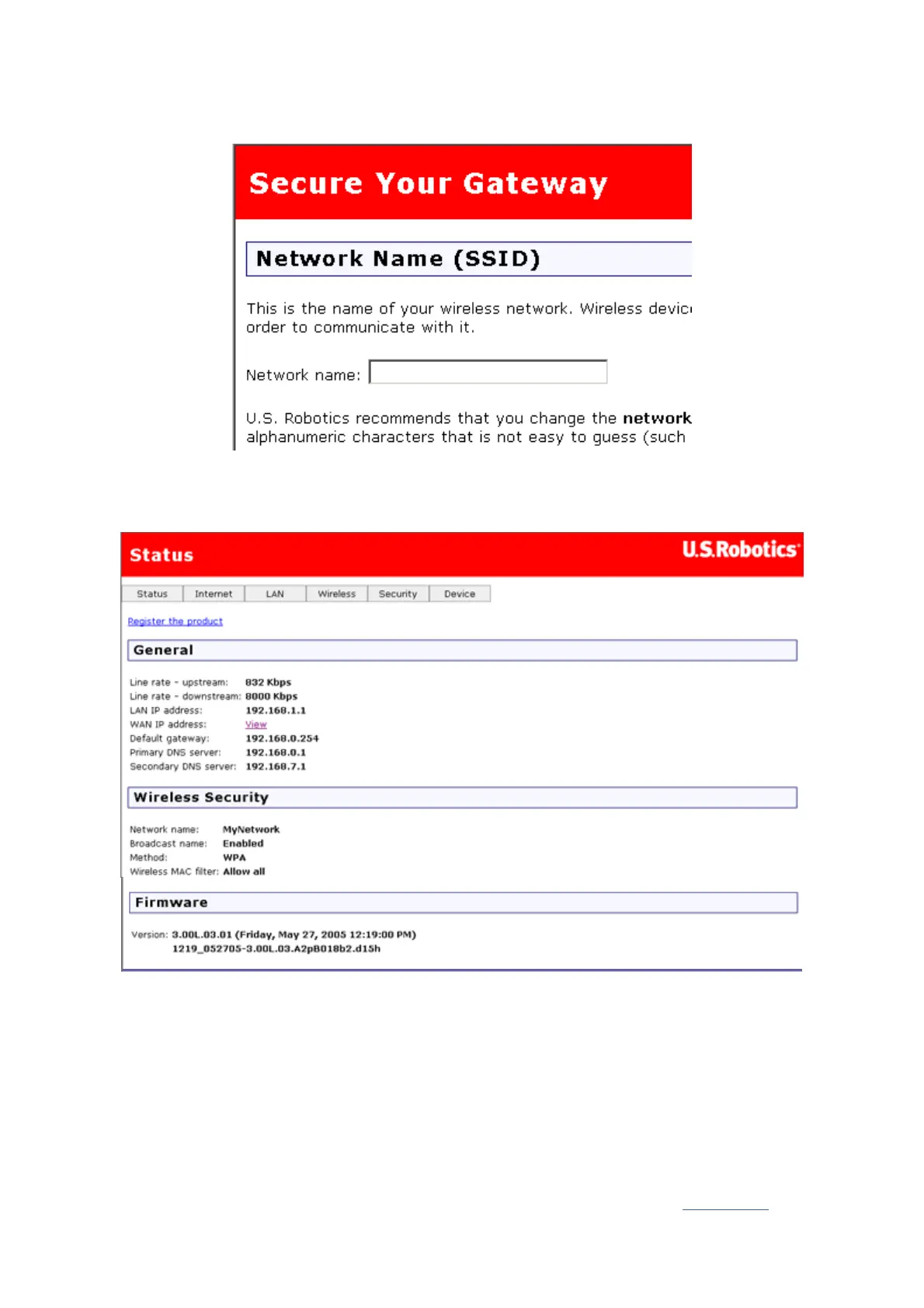
setting up security on your wireless network. U.S. Robotics strongly recommends that you
secure your network as directed on this page.
Follow the on-screen instructions to configure security, and click Apply when done. The
status page of the gateway's Web user interface automatically appears after you do this.
Your wireless network is now secure. You may close EasyConfigurator and the Web user
interface.
You can now start up a Web browser. We suggest that you test your connection by
registering your product on the following Web page:
www.usr.com/productreg
You can use the gateway Web user interface (WUI) to enable or disable wireless
communications and to set the network name, broadcast status, and security options. The
Web user interface is the main tool for configuring and using the gateway. Click here
to find
第 6 頁,共 7 頁U.S. Robotics Wireless MAXg ADSL Gateway User Guide
2005/7/4file://C:\Documents%20and%20Settings\ivonne\Local%20Settings\Temp\Rar$EX48.000\insta...



 To Next Page