selections. Click Apply to continue.
3. EasyConfigurator now configures your gateway based on your ISP selection or
manually-entered settings.
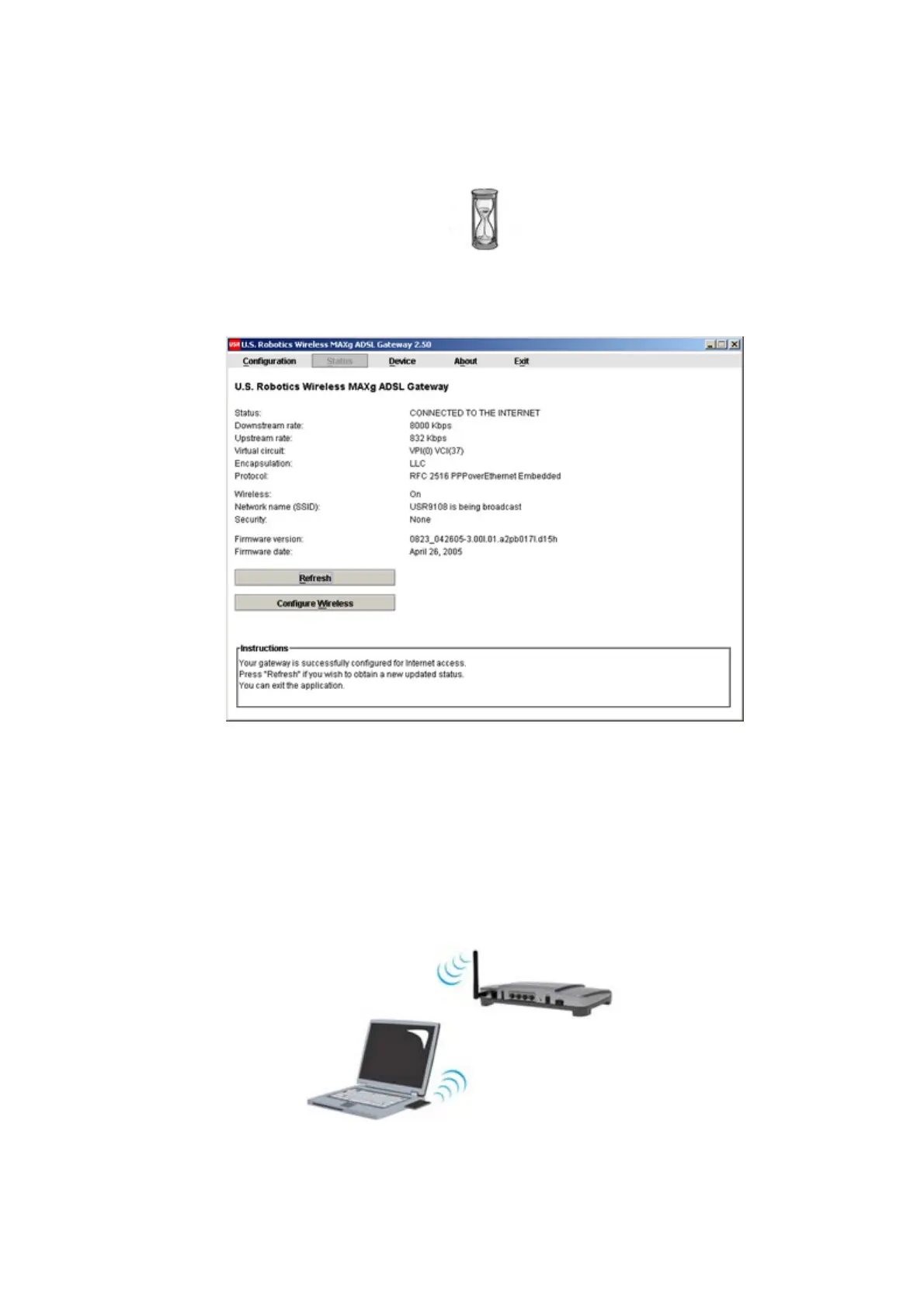
At this point, the system attempts to access the Internet. This may take a few minutes,
until the following status page appears.
If the status is CONNECTED TO THE INTERNET, you have successfully configured
your Internet connection. If it does not say CONNECTED TO THE INTERNET, go to
the Troubleshooting section of this installation guide.
Step 5. Set Up the Wireless Configuration
In wireless communications, devices communicate with each other via radio waves rather
than cables. The gateway can communicate wirelessly with any device that has a wireless
network adapter that meets wireless networking standards.
To set up wireless communications, click Status at the top of the EasyConfigurator screen (if
it is not already open). Then click Configure Wireless. Log in if the software asks you to
(use admin as the user name and password). This opens your Web browser to a page for
第 5 頁,共 7 頁U.S. Robotics Wireless MAXg ADSL Gateway User Guide
2005/7/4file://C:\Documents%20and%20Settings\ivonne\Local%20Settings\Temp\Rar$EX48.000\insta...



 To Next Page