18
Topping up online is easy-peasy!
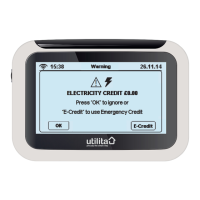
To check that your money has been credited to your electricity meter, view
your in-home display default screen, or press the ‘Electricity’
button on the ‘Main Menu’ screen.
Top-up online
1. Go to www.utilita.co.uk/top-up
2. Select the supply you wish to top-up
3. Click on the top-up card that looks like yours
4. Enter the amount you wish to top-up
5. Enter your payment card details
6. Your payment will then be sent automatically to your meter and a
receipt will be sent to you via email or text message, however you
prefer!
Topping-up


 To Next Page