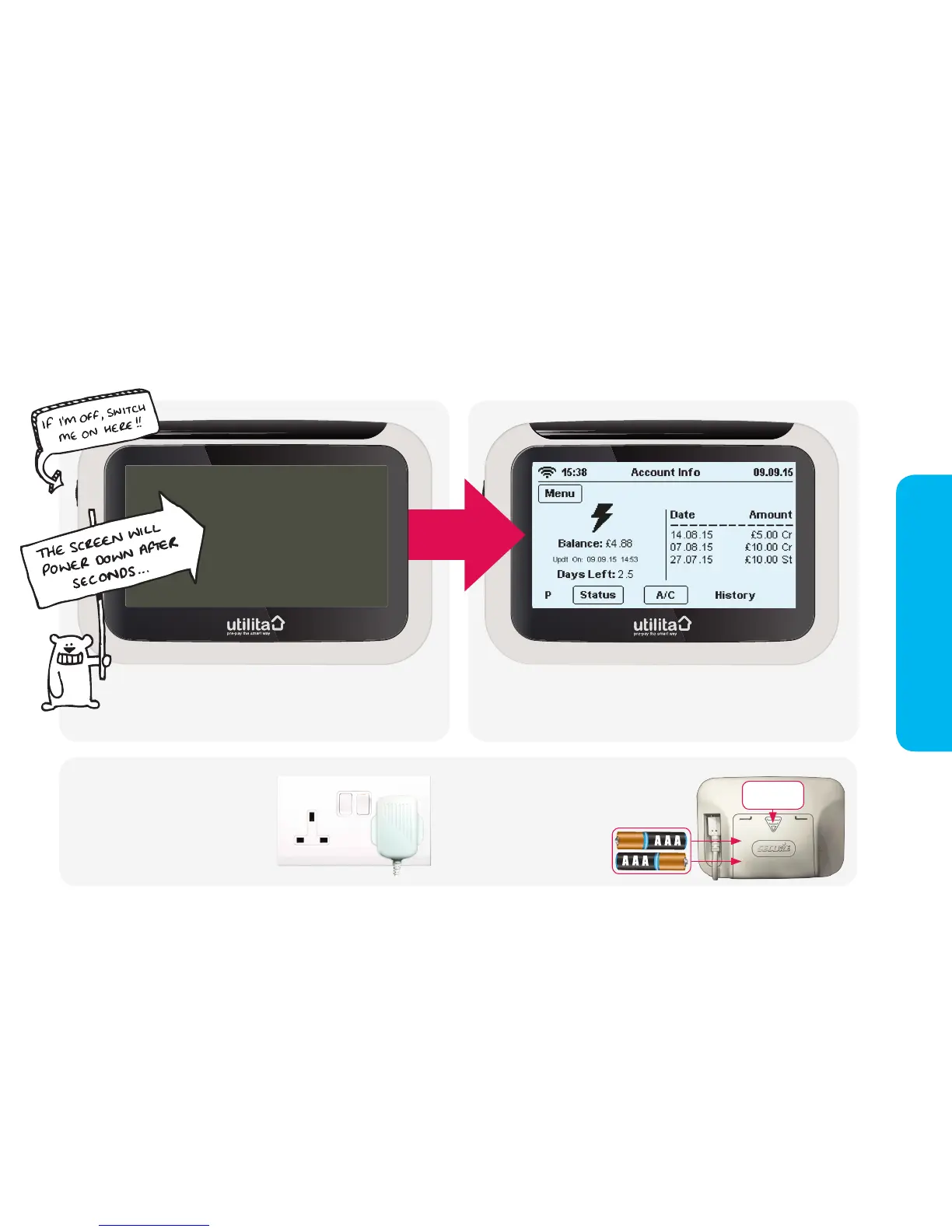
The in-home display works with a standard mini-usb
power lead. It can also run on 2 x AAA batteries (thats's
the small ones!), if you are without power.
Keep me plugged in!
slide panel
downwards
Always keep your in-home display
plugged in to the mains so it stays in
constant communication with your
meter and displays accurate information.
It uses so little energy, it costs less than
20p a year to leave it on all the time.
The in-home display takes batteries so it can still
be used even if your power is off. We recommend
not to leave them in when the
power is on as it may drain them
over time - instead keep them to
hand should you need them.
Powering your in-home display
This is the 'Account Info' screen, which will show by default after
60 seconds of inactivity or after power down.


 To Next Page