MM147 - D4 Hot Melt Unit Section 5 - Setup
85
Initialization Instructions
Navigating the Setup Wizard
Upon restoring the control to factory settings, the control will launch a wizard that will guide you through a series of
control configuration steps. You can navigate the wizard settings using the left and right arrow buttons, and edit the
settings using the + and – buttons.
CAUTION! It is important the control is configured with the correct unit settings. Failure to configure the
control correctly may result in damage to the equipment.
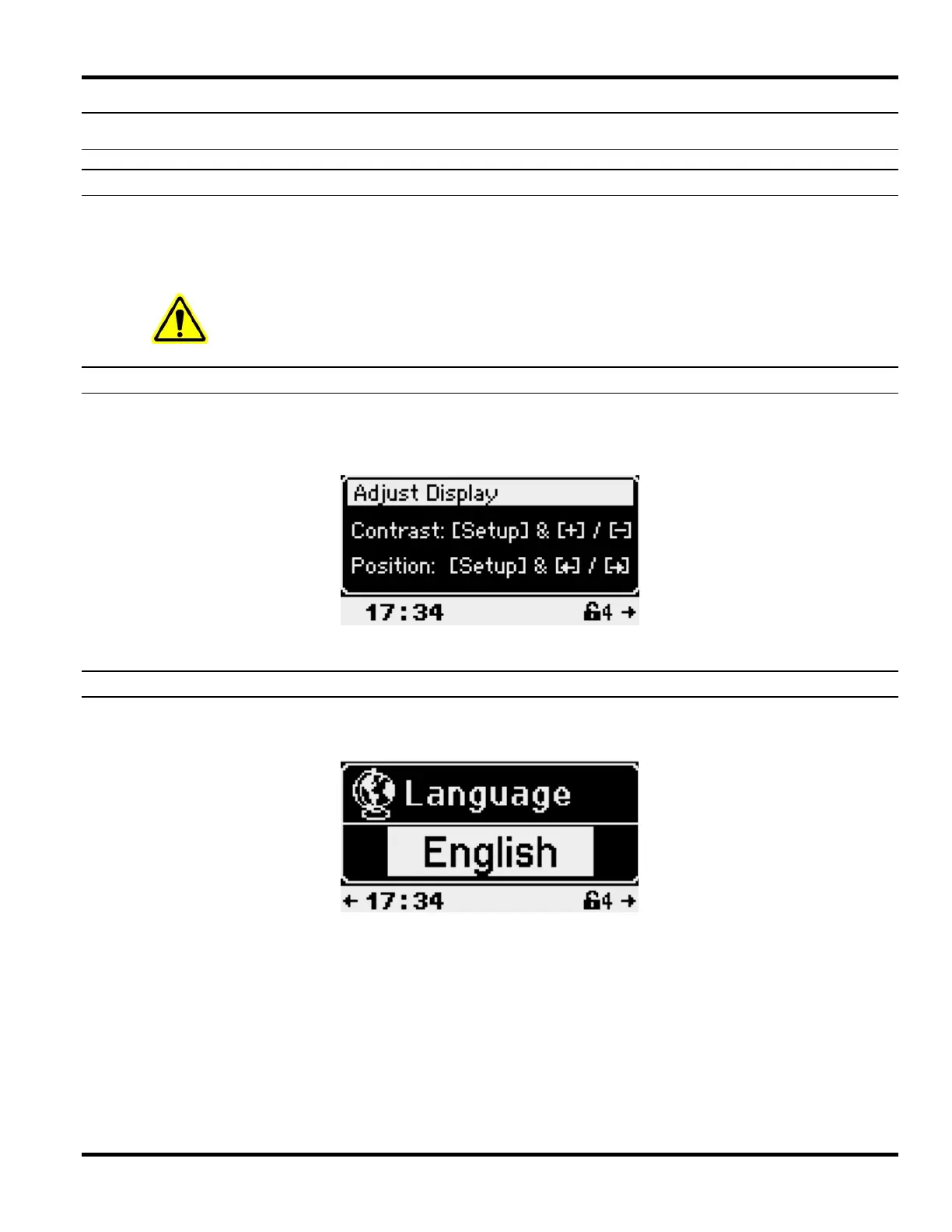
Adjusting the Display
The display contrast can be adjusted by pressing the + or – buttons, while holding the setup button.
The display position can be adjusted by pressing the left or right arrow buttons, while holding the display button.
After adjusting the display, press the right arrow button to continue.
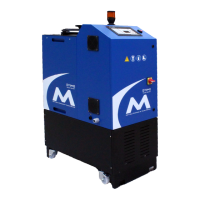
Selecting the Language
1. Use the + and – buttons to select your language from the list of available languages.
2. After selecting a language, press the right arrow button to continue.



 To Next Page