TideMaster - Operating Manual: MANUAL-1094978189-1 | issue: 1.1
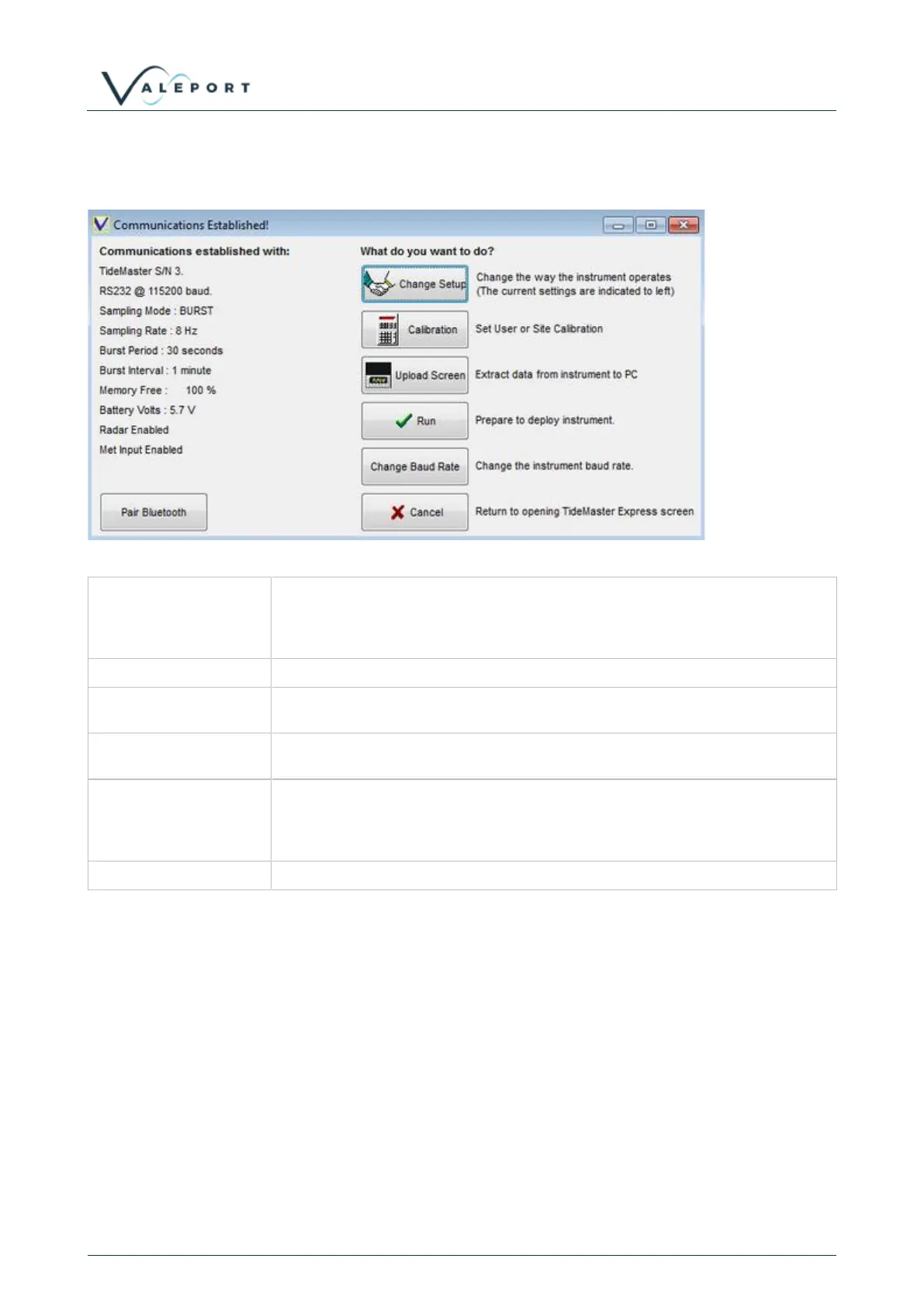
Having established communications, you are presented the current instrument status on the left and with 6
options on the right:
Click this button to change the way that the instrument samples data, and to
adjust basic parameters such as the date and time. If you are not sure how the
device has been set up, you should use this function to check it before
deployment.
Allows a user or site calibration to be carried out.
If you have just deployed the device and wish to recover the data it has logged,
use the Upload Screen button. This also allows you to erase the memory.
This button will set the device into Run mode using the current settings. It will
begin to log and output data according to the sampling scenario you have set.
Having established communications at a particular baud rate, you may wish to
change this to suit your particular requirements. For example, a higher baud
rate may be suitable for extracting large amounts of data, or a lower rate for
using longer cable lengths.
This button will close communications and return you to the opening screen.
6.3.2 Sampling Set Up
TideMaster is intended to be operated with burst type sampling. In burst modes the data will be collected for
a fixed period, e.g. 40 seconds, the data will be averaged and then the TideMaster will return to a sleep
mode for a defined interval, e.g. 6 minutes, until the next burst.
The TideMaster can also be operated in a continuous mode. If fitted with a pressure sensor, a reading will
be recorded every two seconds. No averaging is applied to the reading. If fitted with a radar sensor, a
reading will be output every ten seconds. This reading is an average of 5s of samples.



 To Next Page