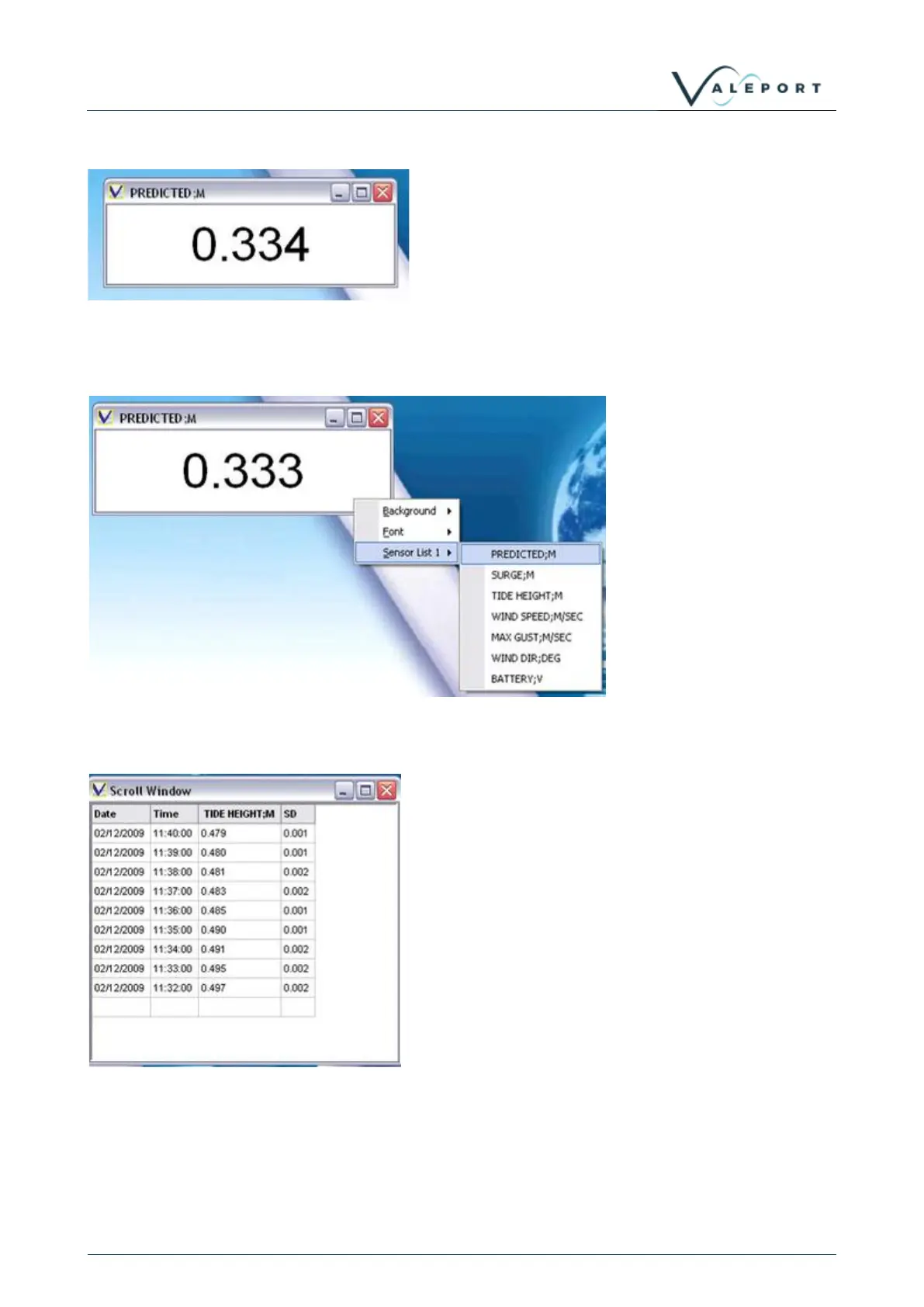
8.3.1 Simple Display
This display type gives a numerical reading of any single
chosen parameter, and indicates the last value received for
that parameter.
Right-click the display to
show an Options menu.
Simply choose the required
sensor – Predicted Tide in
this example.
The Simple Display will
immediately indicate the last
received reading for that
parameter.
This display type gives a sequential list of data points from
all available parameters.
When opened, the display appears as indicated, showing
the date and time of each measurement, the measured
value, and the Standard Deviation of the data in the
measurement burst. This is a useful indication of the
quality of the measurement.
Right-click the display to show an Options menu. Simply
choose the required sensor and it will be added to the
scroll window.



 To Next Page