VAMP 135 Over-, under-, residual voltage and
frequency relay
Operation and configuration
VAMP Ltd
6
VAMP 24h support phone : +358 (0)20 753 3264
VM135.EN008
2. User interface
2.1. General
The VAMP 135 relay can be controlled in three ways:
•
Locally with the push-buttons on the relay front panel
•
Locally with a PC connected to the serial port on the relay
front panel
•
Via the remote control port on the relay rear panel.
2.2. Local panel
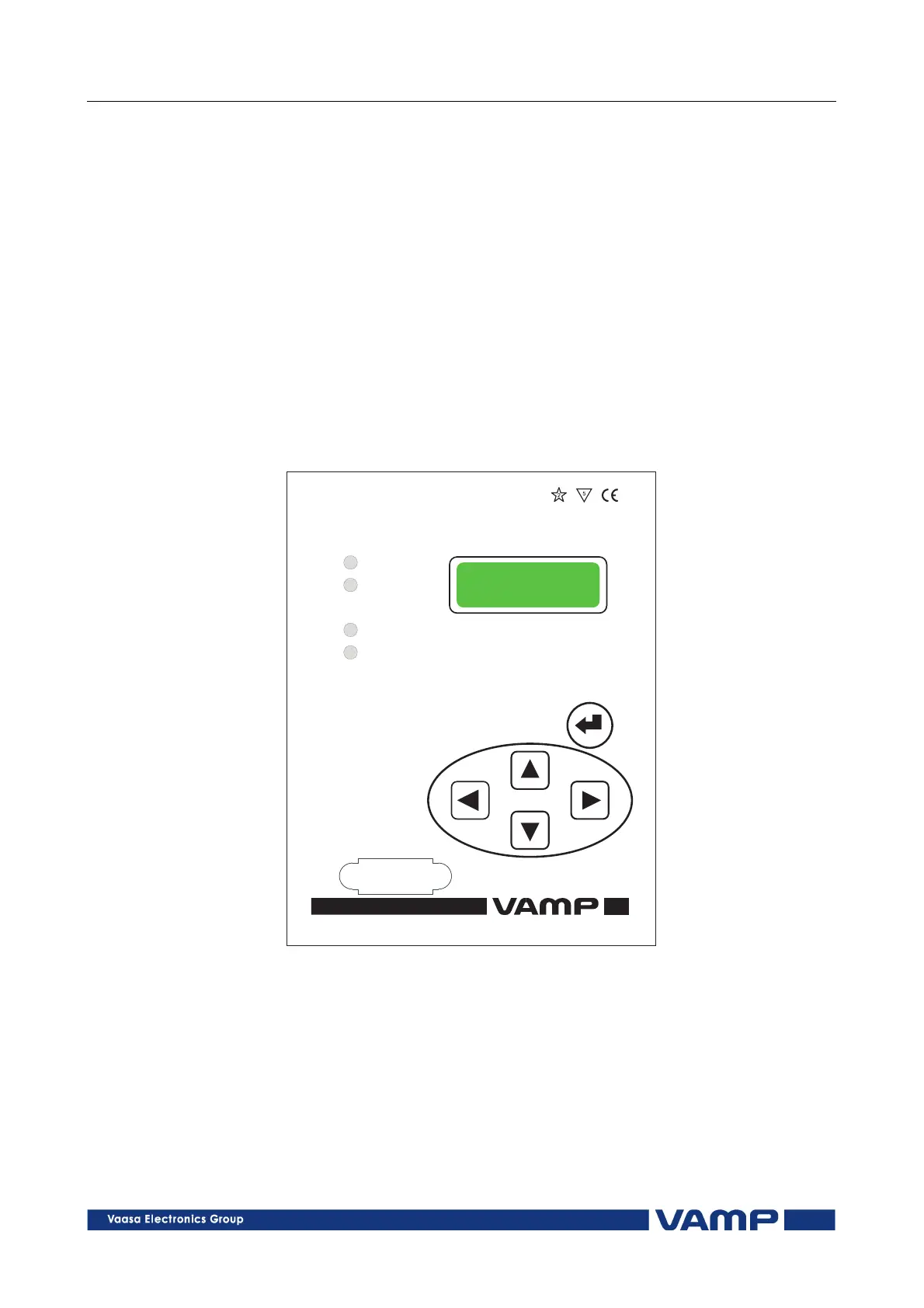
Figure 2.2-1 below shows the location of the components of the
local user interface on the front panel of the relay.
Power
Error
Alarm
Trip
VY 058A
Over-andUndervoltageRelay
3
1
2
4
VAMP135
Figure 2.2-1. Relay front panel.
1. Alpha-numerical LED display
2. Key pad
3. LED indicators
4. RS 232 serial communication port for a PC



 To Next Page