Installation
IQ SERIES OWNERS MANUAL - 23 -
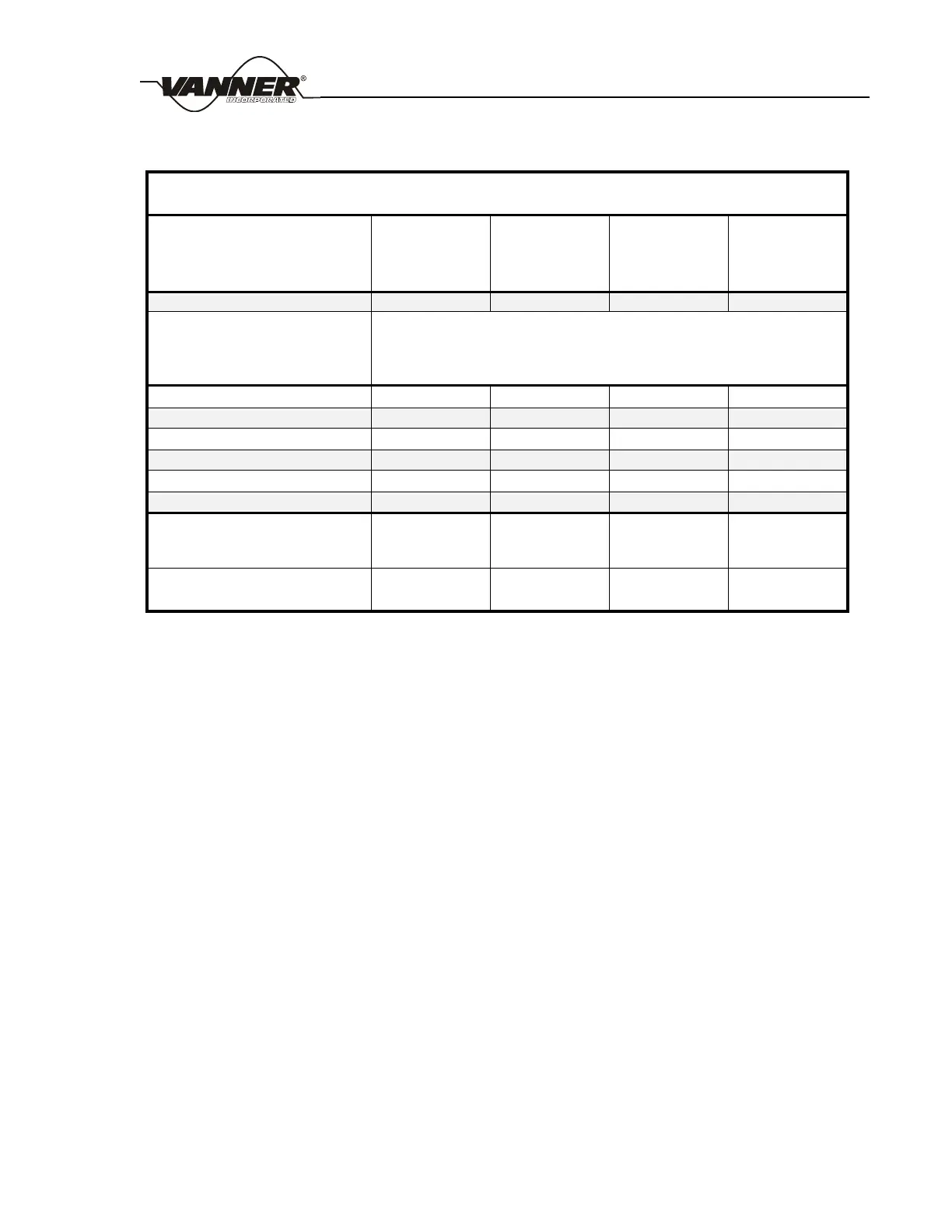
Figure 4 DC Cable and Fuse Sizing Chart
IQ SERIES DC Cable and Fuse Sizing Chart
Distance from battery to inverter in feet
(Length of cable needed is 2 times the distance.)
Fuse
Bussman Fuse
Vanner P/N
Bussman Fuse Holder
Vanner P/N
3.4 DC Wiring Installation Procedure
Steps
1. Turn the inverter OFF and disconnect power to the wiring harness. Make sure power to the
inverter is disconnected. Verify that the inverter is turned OFF (the ON-OFF/RESET Inverter
switch is in the OFF-RESET position).
2. Select a location for the unit. An ideal installation location has the following characteristics:
a. Close to the battery (usually within six feet).
b. Protected from the weather.
c. Well ventilated.
3. Remove the cover plate on the DC cable compartment ( #20 ) exposing the positive and negative
terminal studs.
4. Prepare DC cable end with appropriate terminals (crimped or compression lugs), verify battery
positive cable is disconnected from battery, and insert DC cable through strain relief openings
leading to DC cable compartment. Tighten DC cable stud nuts to 119-158 in. lbs. of torque.
Tighten the two strain relief cable clamps.
5. After installation of DC cables, inspect the DC cable compartment to ensure that no foreign
particles (copper wire fragments) are present.
6. Replace the cover plate over the DC cable compartment.
7. Tighten DC cable stud nuts to 119-158 lbs of torque.
8. Route the negative and positive DC input cables from the inverter to the battery but do not
connect to battery at this time. Protect cables with grommets or other appropriate means where
they may contact hard, sharp edges throughout the installation path.



 To Next Page