4. Operation
24 EzRay Air Wall (VEX-S300W) User Manual
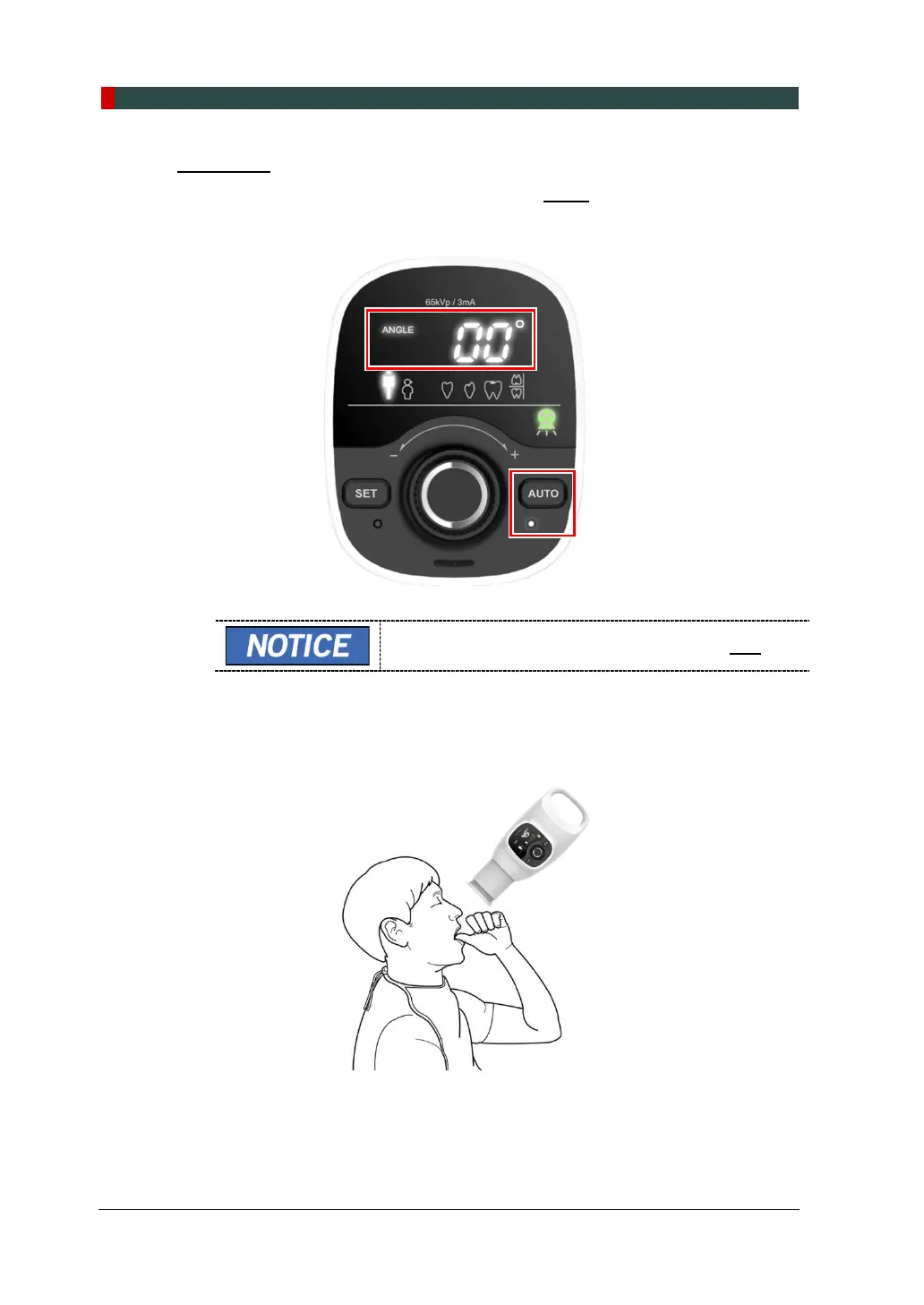
Auto Mode
1. When the Auto Mode is turned on by pressing AUTO, the default angle is
displayed, as shown in the following figure.
To set the starting point during exposure, press SET.
2. Position the system to the teeth to perform exposure. To see how to perform the
patient positioning, refer to Section 4.3 Positioning. (The following figure is an
example of the maxilla incisor.)













 To Next Page