4. Operation
EzRay Air Wall (VEX-S300W) User Manual 35
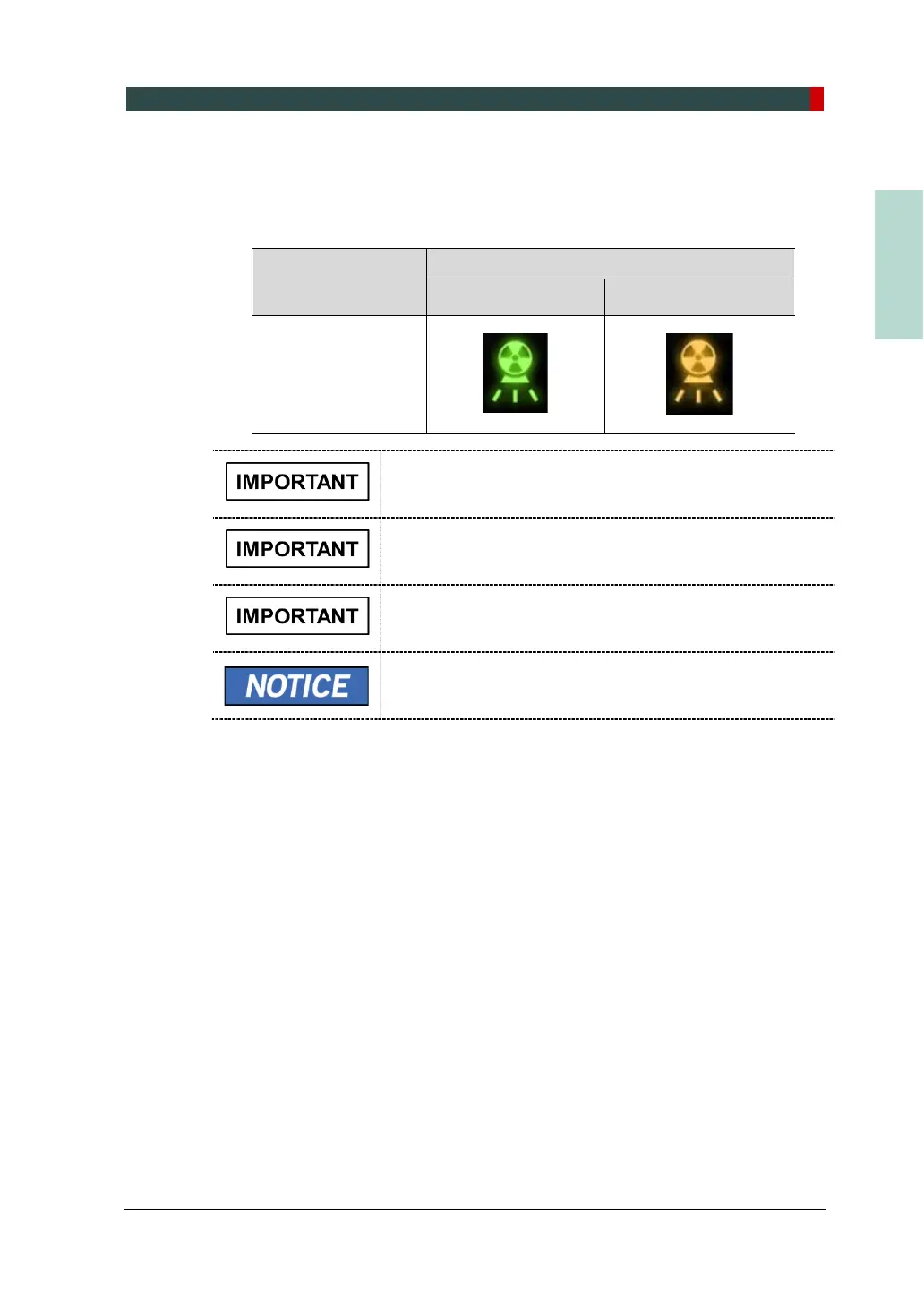
3. While X-ray is being exposed, the X-ray Exposure Indicators on the Control
Panel and the Remote Exposure Switch are turned on, and an audible sound is
produced. Keep pressing until the X-ray Exposure Indicator lights are turned off,
and the audible sound stops.
the X-ray Exposure
Indicator
X-ray Exposure Indicator’s Status
Green: Ready Yellow: X-ray ON
Control Panel
The Remote Exposure Switch is detachable. Ensure that
the Remote Exposure Switch cable is not detached out
from the unit accidentally during the operation.
Keep vocal/visual contact with the patient during exposure. If
any problem occurs during exposure, release the Remote
Exposure Switch immediately.
If the Door Interlock Switch (option) has been installed, X-
ray exposure will be stopped once the door of the X-ray
room is opened.
As described in steps 2 and 3 above, the X-ray Exposure
Indicator is included both on the Control Panel and the
Remote Exposure Switch.













 To Next Page