7. Acquiring PANO Images
70 Green Smart User Manual
Finishing Patient Positioning
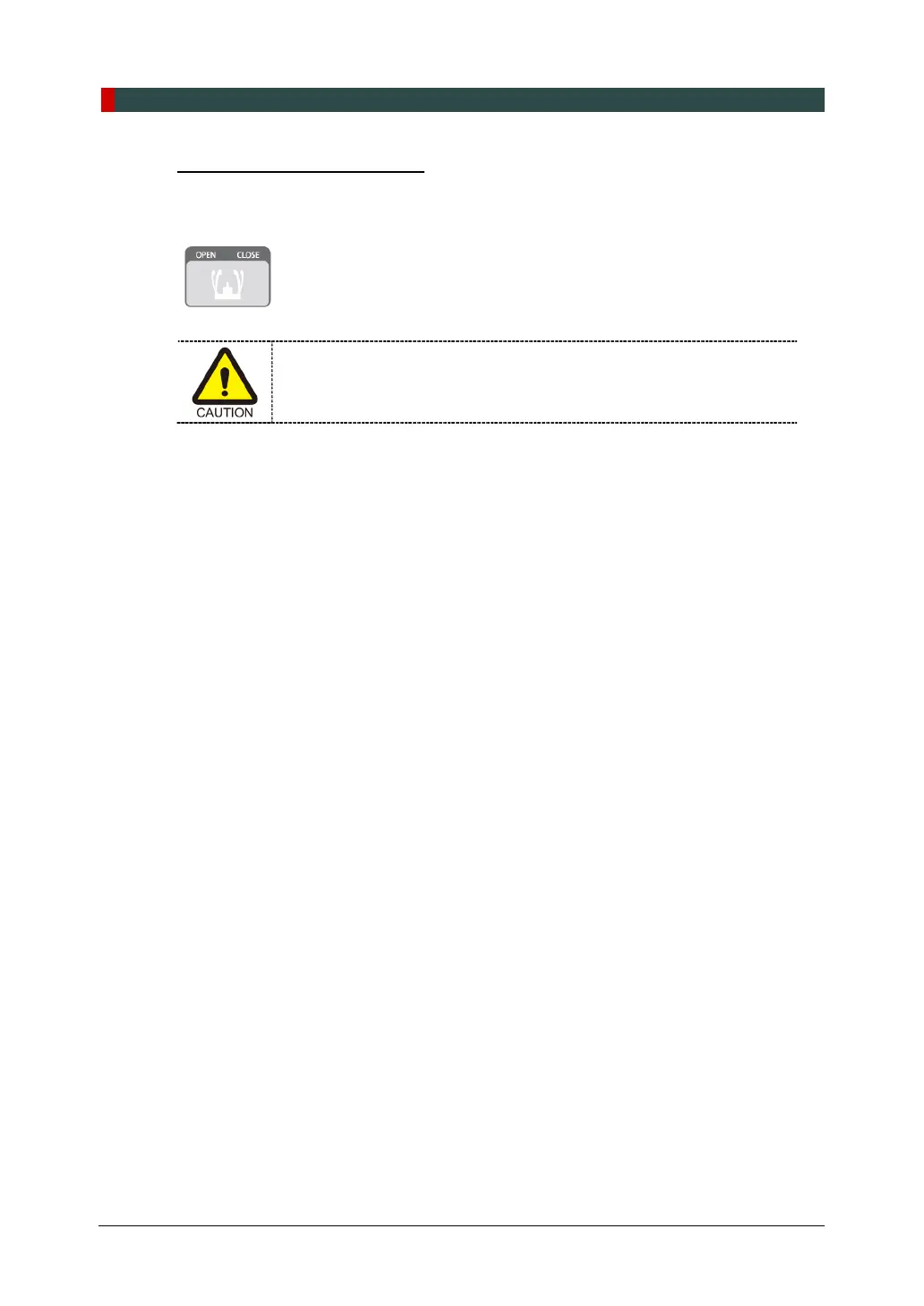
1. After checking the positions of the patient and the laser beam, click the Temple Supports
OPEN/CLOSE button on the control panel to prevent the patient's head from moving.
Make sure that the Temple Supports are in CLOSE position before
clicking the READY button.
2. Click the READY button. The X-ray exposure has not started yet.
3. Now go to 7.4 X-ray Exposure to start the exposure.














 To Next Page