9. Installing Software
112 vatech A9 (Model:PHT-30CSS) Installation Manual
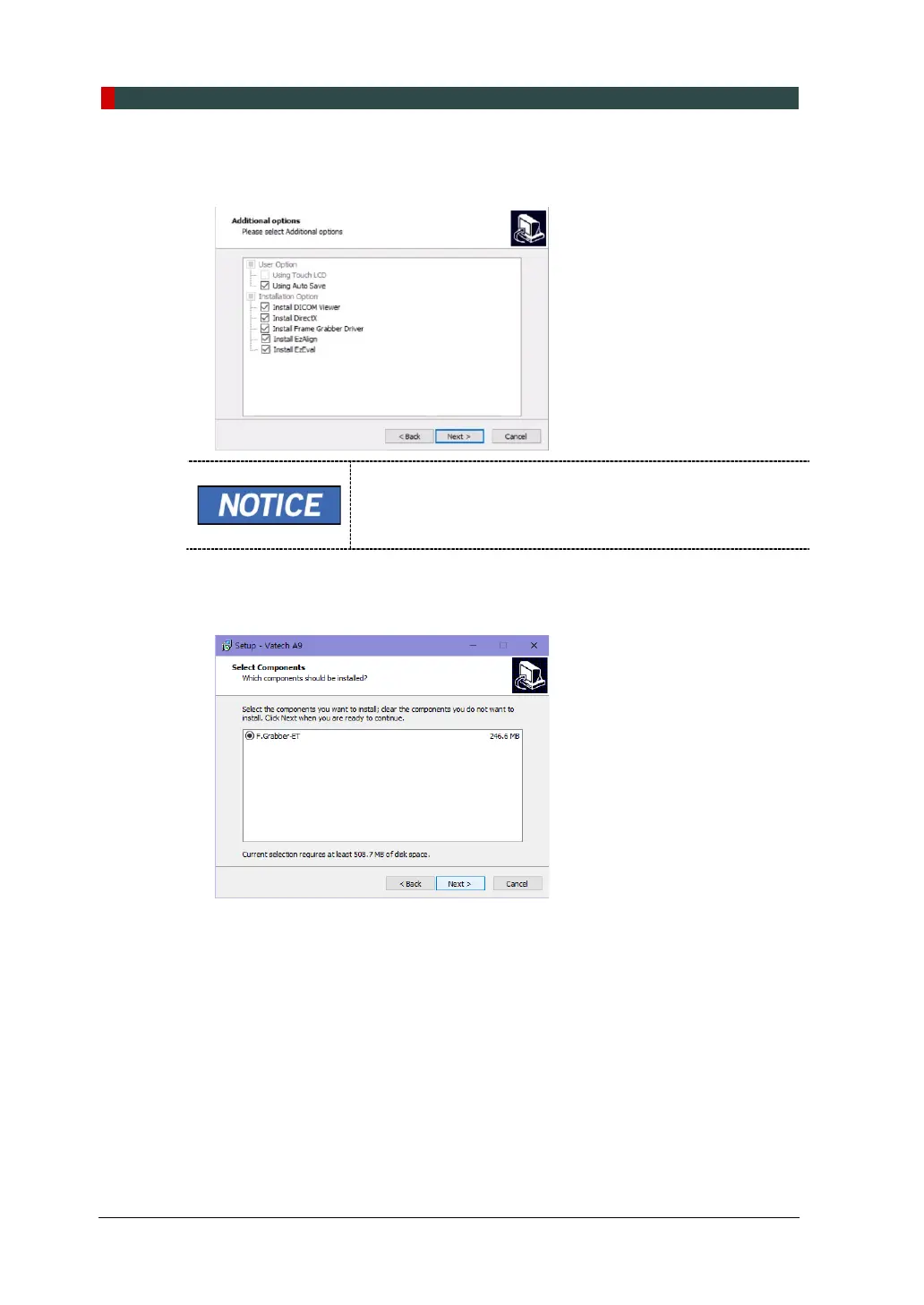
12. Confirm that your User Option and Installation Option are selected as the
image below. For the first-time installation, check all installation options provided.
When the AutoSave is checked, the system saves the image
data automatically.
13. Check F.Grabber-ET on the window and click NEXT.














 To Next Page