© Continental Automotive GmbH 11
Removing the charts
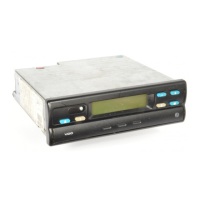
Remove your chart from the MTCO 1324
• in case of a change of driver or vehicle,
• at the end of the working time
• or after 24 hours at the latest.
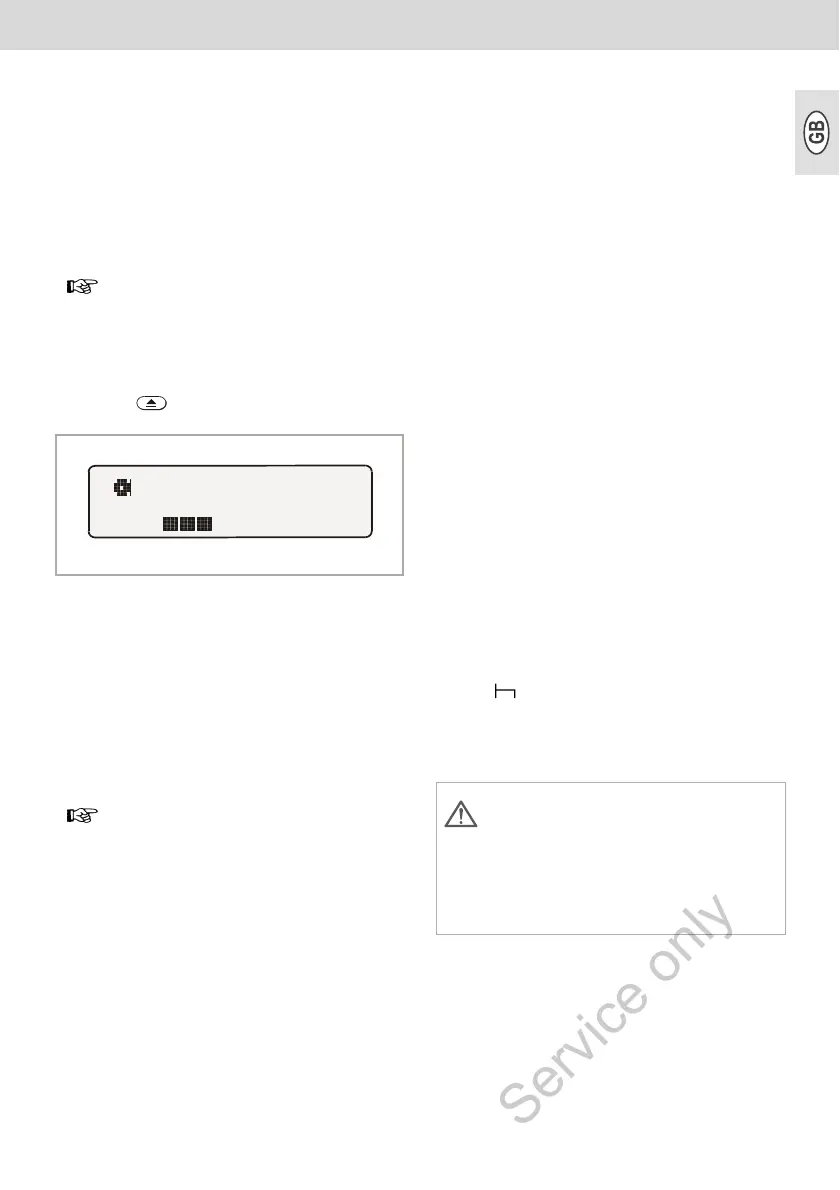
1. Press key.
¾ The "Ejection active"symbol is shown
in the display. A process indicator
signals that the records on the charts
are being completed by the
MTCO 1324.
¾ Wait until the drawer has been
unlocked.
2. Pull out the blocked drawer to limit
stop, or, in addition, tip down the hinged
drawer.
3. Remove the charts and complete the
inscription in the centre field,
➥ see page 19.
4. Push in drawer until it locks into place.
Bring the hinged drawer into a hori-
zontal position beforehand.
Comment
In case you have, however, switched off the
ignition, it is possible that the drawer does
not properly lock after closing. In this case,
please proceed as follows:
1. Switch on the ignition.
¾ Wait until the ejection procedure has
been finished.
2. Then push in the drawer until it locks
into place.
3. Switch off the ignition again.
Automatic switching off of the time
group and the distance recording
In case the drawer remains closed with the
charts inserted for more than 25 hours, the
MTCO 1324 automatically records the time
group " " for driver 1 and 2. The MTCO
thus goes easy on the vehicle battery.
Notes on a standstill of the vehicle
The drawer may only be opened,
if ...
• the vehicle is at a standstill and
• the ignition is switched on.
Please do not switch off the
ignition while the "Ejection active"
symbol is shown on the display!
If the vehicle has not been used for
a long time, please make sure that
there is no chart in the MTCO 1324;
e.g. in case of maintenance or repair
work or immobilisation of the
vehicle.



 To Next Page